Quick answer
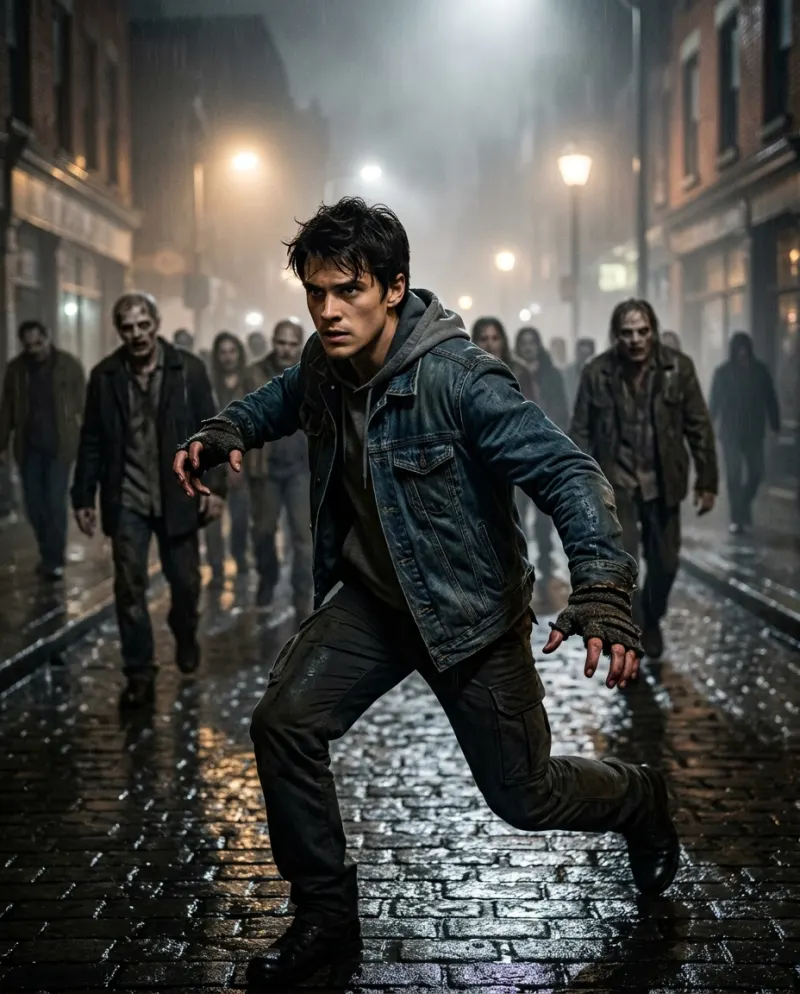
Open Thriller Dance AI, add one photo of just you (head to toe is best) and press make. A few minutes later you have a 10-second vertical clip: you on a foggy street at night, a zombie crowd rising behind you, then the head throw, the deep lunge and the claw-hand stomp toward the lens. It costs 100 credits and has no music, so the Thriller sound goes on when you post.
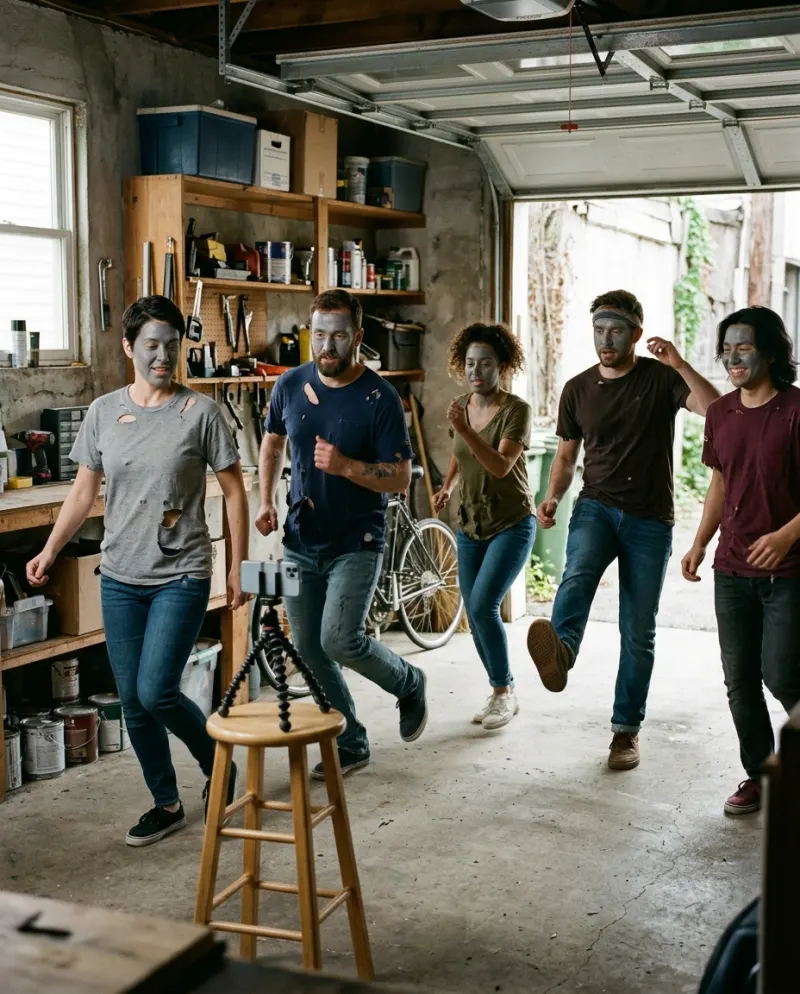
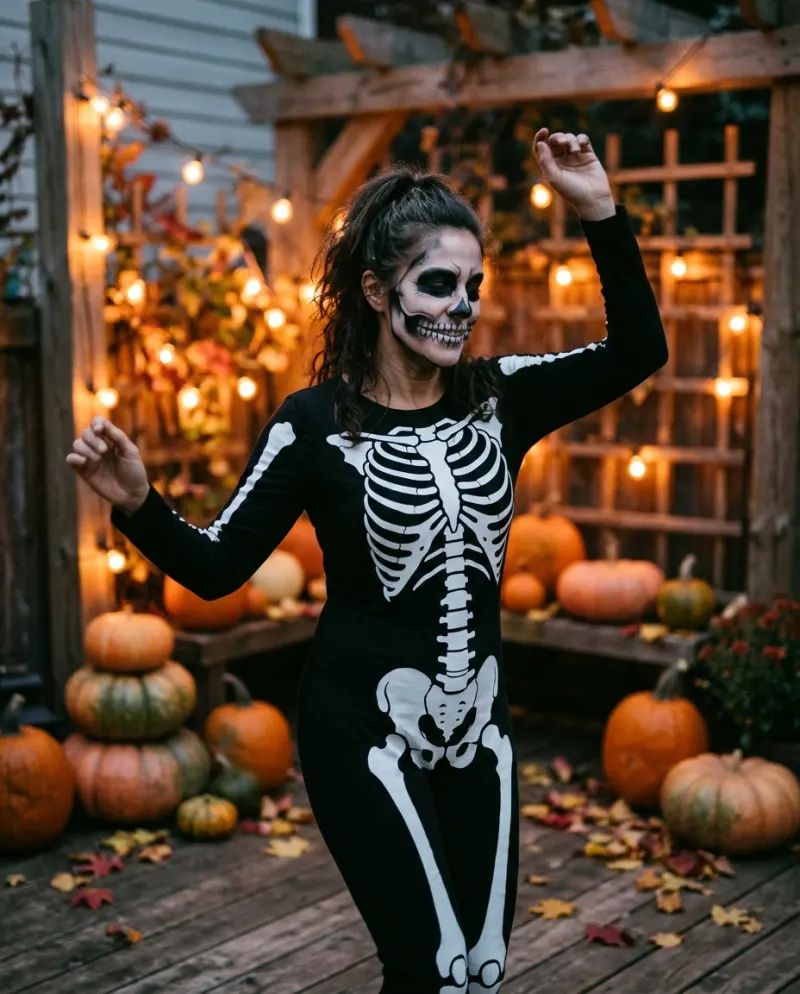
Every October the Thriller routine comes back: office flash mobs, dance-fitness classes, school talent shows, families in the driveway. The AI version skips the rehearsals and the face paint. You supply a photo, and the street, the fog, the undead backing dancers and the choreography are generated around you.
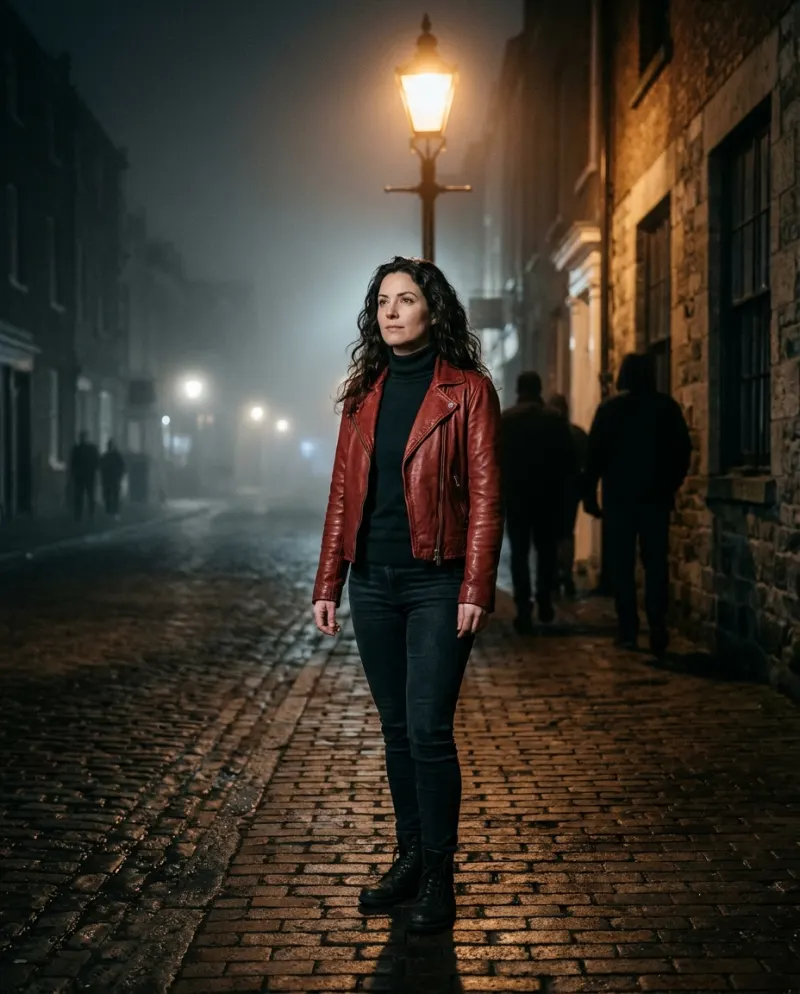
What surprises people is that you stay yourself. No grey make-up, no torn shirt: your own face, hair and outfit lead a crowd that is very much not alive. That mismatch is the joke, so it’s worth choosing the photo with it in mind.
The 10 seconds, beat by beat
- 1It opens tight on you, chest-up under a street lamp, with a flat, cold stare.
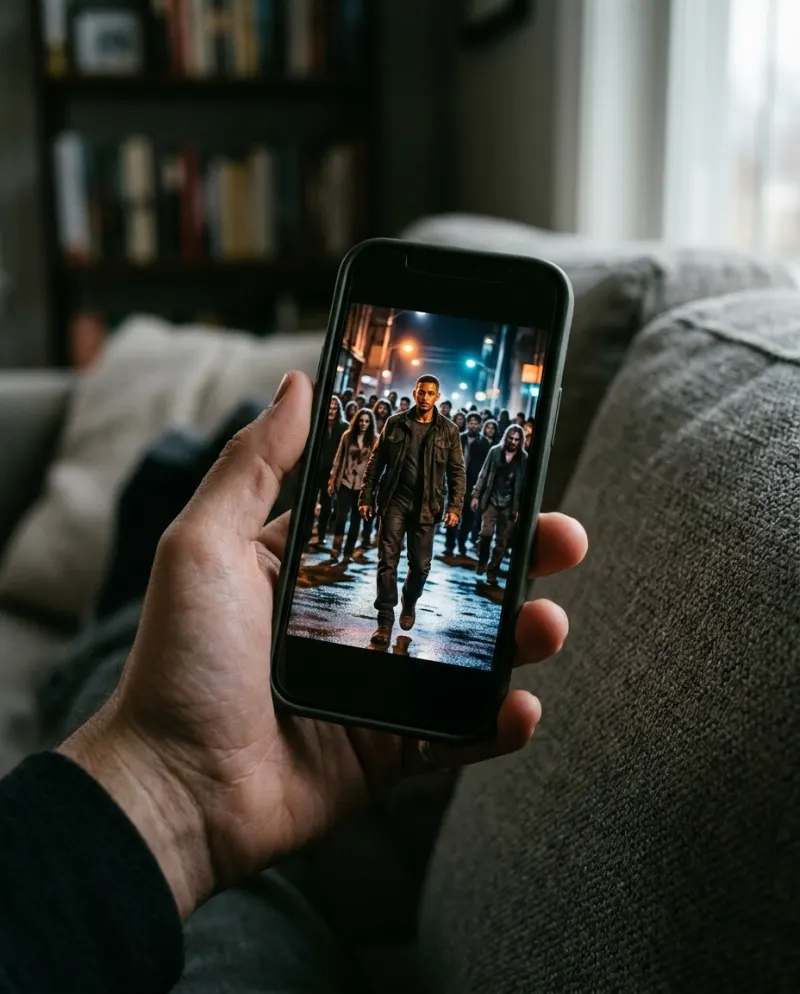
- 2The camera drifts back and the fog fills with pale figures in ragged 80s clothes, getting to their feet behind you.
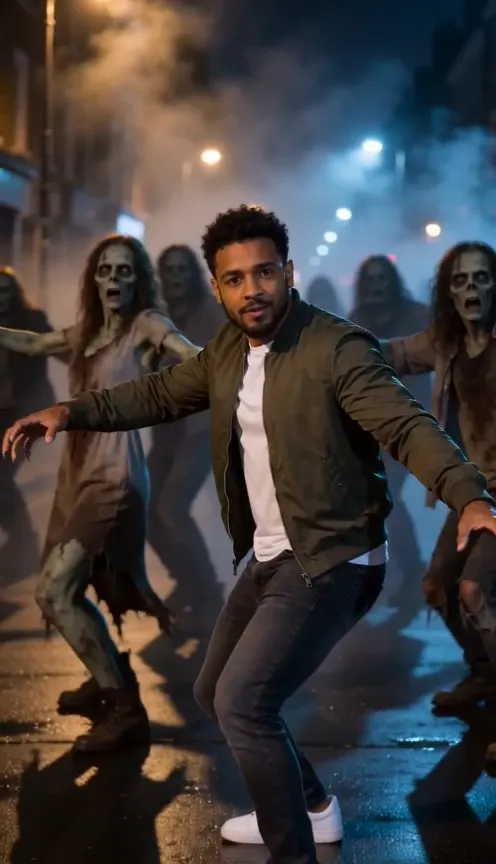
- 3Everyone snaps their head back at once, then drops into a wide, low lunge with the arms flung open.
- 4Hands curl into claws and the whole street stomps toward the camera, you leading.
The frame is 9:16, the shape TikTok, Reels and Shorts fill edge to edge, so there’s nothing to crop. The crowd is pale and grey-green with torn clothes but no blood or wounds, which keeps it fine for a feed your aunt follows.
Your photo is your costume
The template doesn’t dress you. Your clothes, shoes and hair come straight from the photo and stay that way through every move, the head throw included. So the outfit is a choice, not an accident:
Everyday clothes
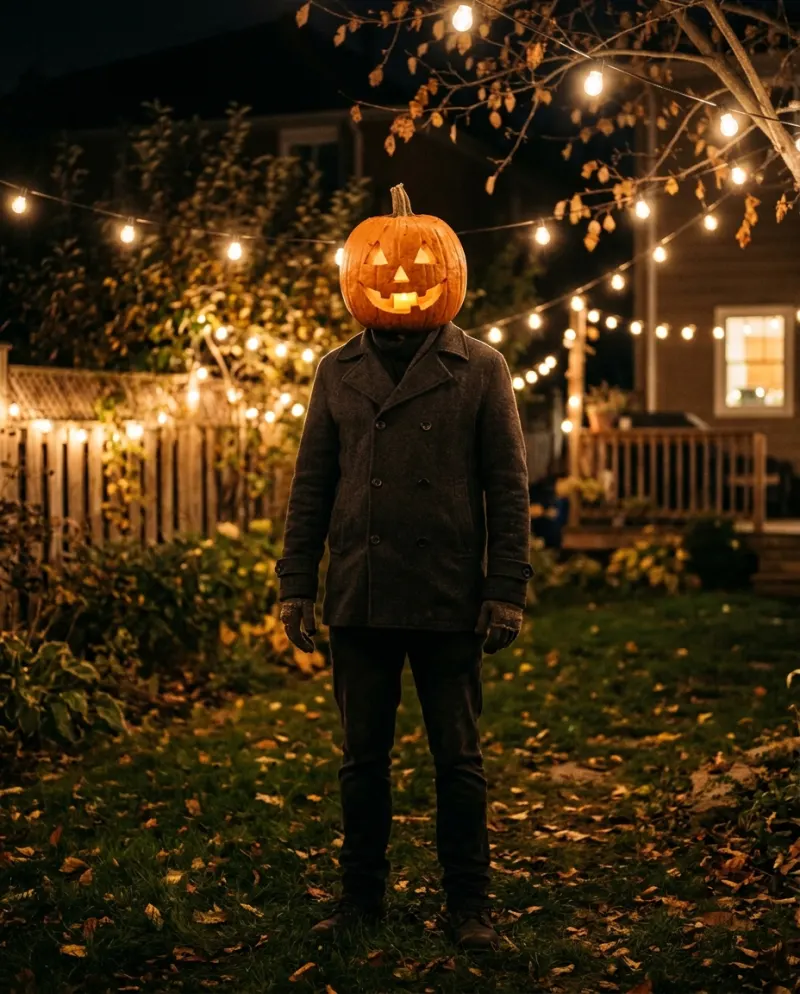
A hoodie or office shirt against a street of zombies plays up the contrast. It reads as “regular person, somehow in charge”.
Funniest
A red jacket
Want the 1983 look? Take the photo in a red jacket over a white tee. The clip keeps it, so you get the tribute without a costume filter.
Most recognizable
- Head to toe if you can: the lunge and the stomp show your legs and shoes, and a waist-up photo leaves the tool guessing.
- Only you in the frame. Crop out friends; the crowd is supplied.
- No mask, face paint or hat. The face needs to be clear, and a hat hides the hair the head throw is meant to show.
Which photos work best with AI shows good and weak photos side by side.
Making it
- 1Open the Thriller Dance AI page. It’s a solo trend: one person leads, and the crowd is generated.
- 2Add one photo of just you, head to toe if you have it. Whatever you wear in it is what you dance in.
- 3The button shows the price before anything runs: 100 credits for a 10-second vertical clip.
- 4Press make. It usually takes a few minutes, you can close the tab meanwhile, and a run that errors out returns its credits.
- 5Download the MP4 from Assets. The clip has no music, so add the Thriller sound in TikTok or Reels as you post and line the lunge up with a hit.
Adding the song and posting
The clip comes without the song on purpose: picking the sound inside TikTok or Reels lists your video with everyone else’s Thriller posts. Upload the MP4, tap Add sound, choose a Thriller sound from a post you like, and drag its start until the lunge lands on a hit. Then turn the clip’s own volume to zero.
- Keep the cold stare as your opening frame. A second of stillness makes people wait for the crowd.
- Caption it like you meant it: “I only asked for directions” or “my neighborhood watch”.
- Tag #thrillerdance and switch on the AI-generated label TikTok asks for on realistic AI video.
Export and upload settings are in how to post an AI video to TikTok.
Rather dance it for real?
- Learn the Thriller dance for free breaks a short version into four moves you can drill in an evening.
- The Thriller dance AI prompt is for other video generators, if you want a graveyard or an office instead of the street.
- CapCut or AI for Thriller covers editing a real group, or a crowd made of five takes of you.
Common problems
I wanted zombie make-up on me too
This one keeps the lead human on purpose. For a version where you become the undead, try Zombie AI.
My legs and shoes look made up
The photo stopped at the waist, so the tool invented the rest. Use a full-length photo and the lunge shows your real jeans and trainers.
The lunge doesn’t hit the beat
In TikTok, open the sound’s trim bar and slide the song, not the clip, until the drop lines up. It takes a couple of tries.
My friends want to be in it
It takes one lead. Each friend can make their own and you post them as replies to each other, or compare whose lunge goes lowest.
FAQ
Is this the Michael Jackson Thriller dance?
It’s modeled on the zombie routine from the 1983 Thriller video, using its best-known moves: the head throw, the low lunge with arms wide, the claw hands and the stomp. It’s a ten-second excerpt, not the whole routine.
Will I be turned into a zombie?
No. Your face, skin and clothes stay as they are in your photo. Only the crowd behind you is undead.
Does the clip include the Thriller song?
No music is included. Add the sound in TikTok or Reels when you post, which also lists your video under it.
What does it cost?
100 credits per clip. At the smallest pack’s rate (up to 2 videos for $9.90) that’s roughly $6.19, and larger packs bring it down. If the run fails, the credits come back.
Make your first one
Thriller Dance AI: Lead the zombie dance.
Try Thriller Dance AIYour photos are deleted 7 days after upload and never used to train AI.