Quick answer
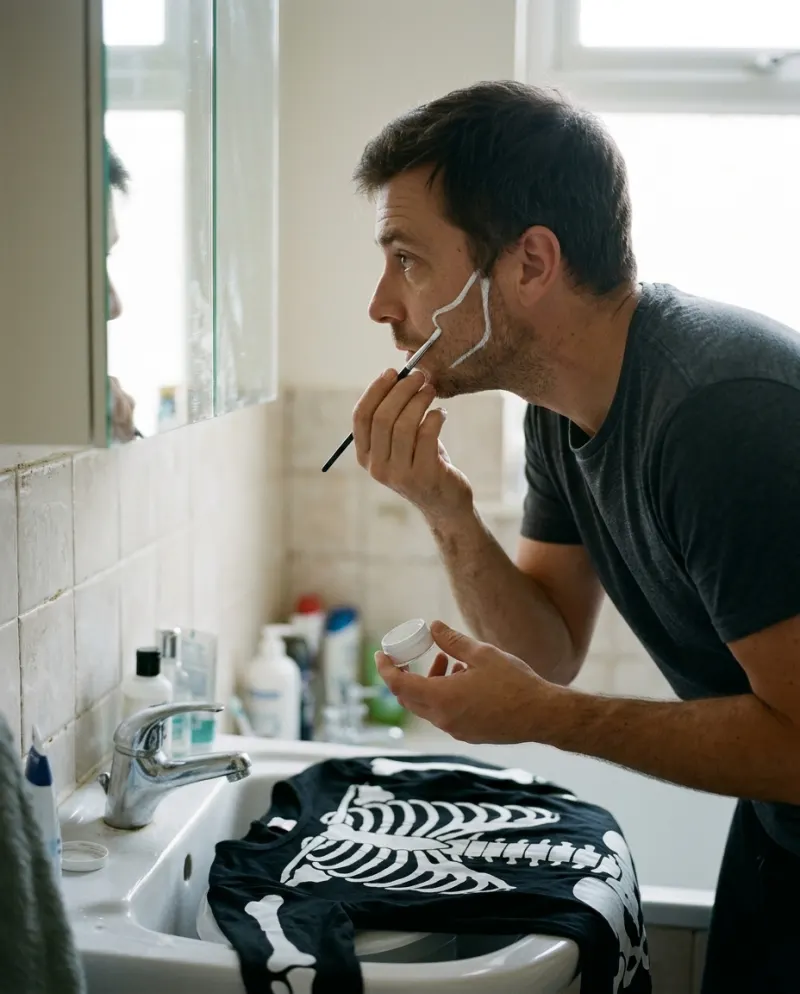
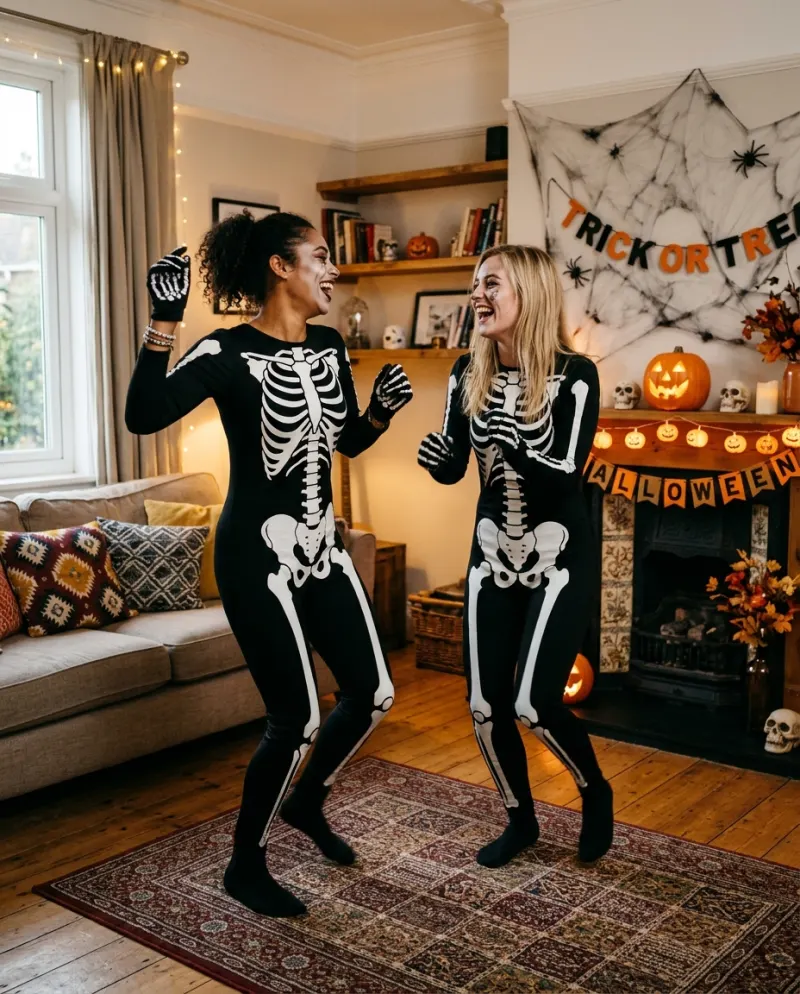
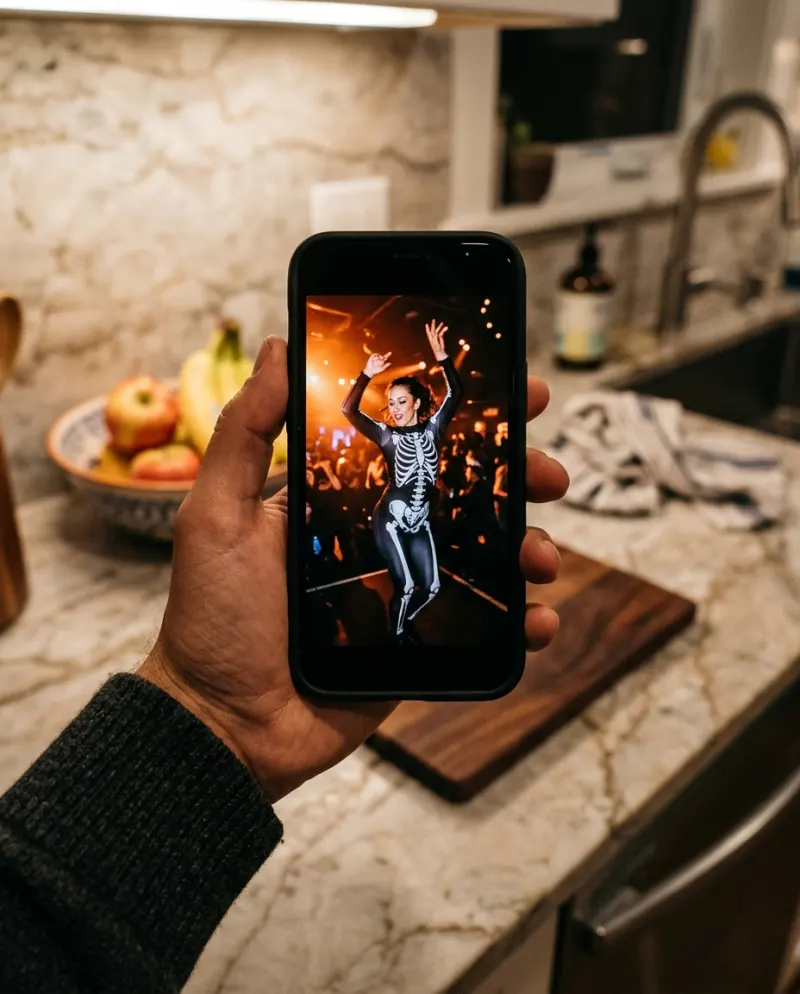
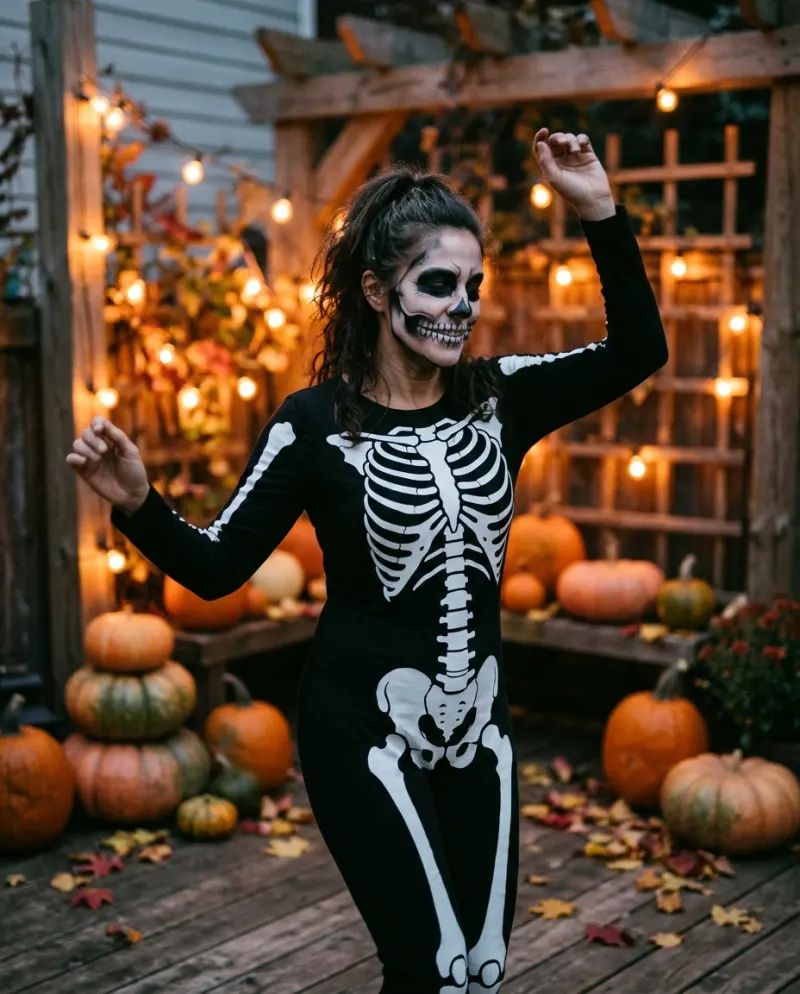
Open Skeleton Dance AI, add a clear photo of your face (or one each, for two of you) and press make. You get an 8-second vertical video with sound: you in a black skeleton-print bodysuit and bone face paint, dancing loose and floppy at a party lit with orange string lights. It’s 80 credits, about $4.95.
The skeleton dance is less a routine than a mood: someone in a bone costume jiggling every joint as if held together by string. It’s goofy rather than scary, which is why it turns up in party invites and couple posts every October.
Skeleton Dance AI on Reelfie dresses you for it. You don’t need the suit, the paint or a party; you need a face photo, and a second one if you want a partner.
What is the skeleton dance?
It goes back to “Spooky, Scary Skeletons”, a song by Andrew Gold released in 1996 on the album Halloween Howls. In 2010 a YouTube upload set it over Disney’s 1929 cartoon The Skeleton Dance and it became a meme, and in the run-up to Halloween 2019 it turned into a TikTok dance trend.
There isn’t one fixed set of steps. What people mean by the skeleton dance is the movement quality: rubbery knees, dangling arms, a head that bobs a beat late. Animated versions made by fans, like the ones tagged SFM or Miku, are usually made in 3D animation software, a separate thing from dancing it yourself.
What your clip looks like
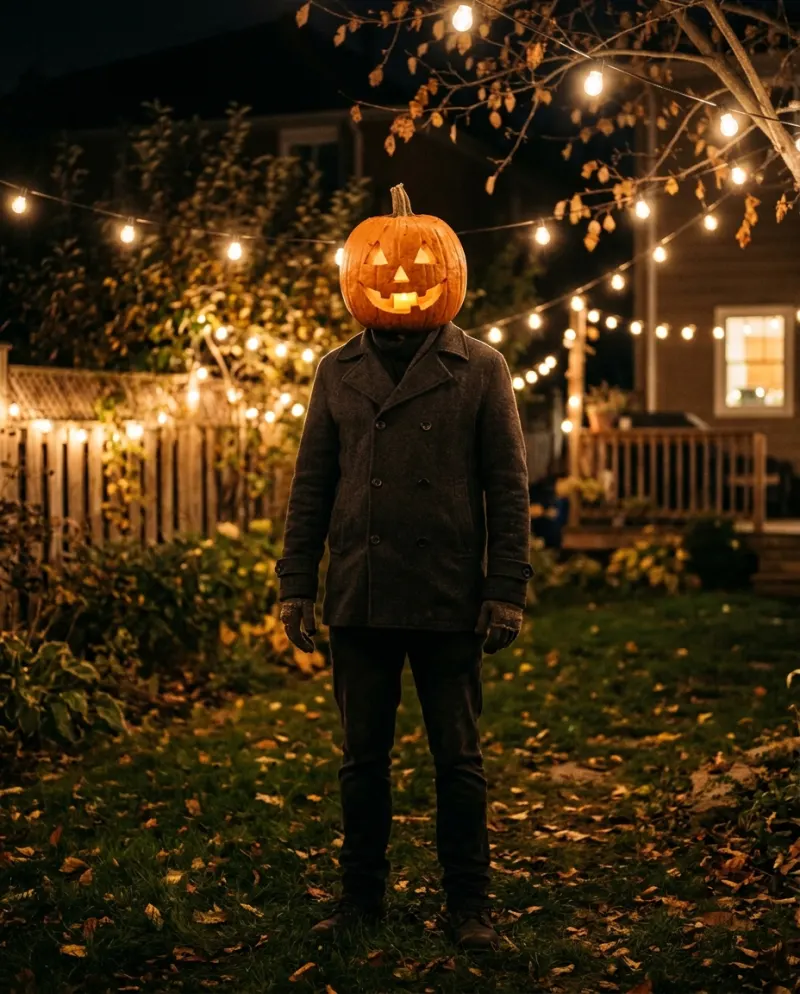
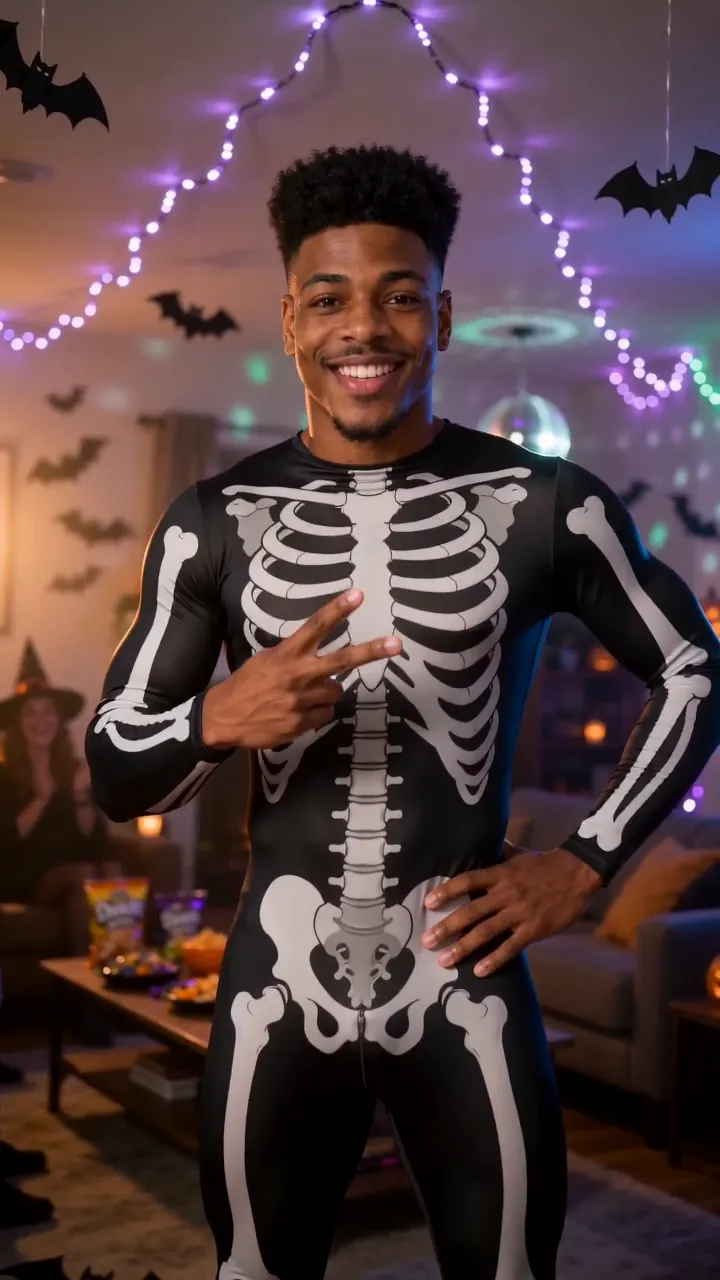
- You, in a black bodysuit printed with white bones, with skull paint around the eyes, nose and mouth.
- A house party behind you: orange string lights, carved pumpkins, warm glow.
- Loose, bouncy dancing for the whole clip, the floppier the better.
- With two photos, the pair of you dance side by side.
It’s 8 seconds and 9:16, so it fills the screen on TikTok, Shorts or a Story, and it comes with sound.
A face photo is enough
Unlike most dance trends, you don’t need a full-length shot. The costume and the body are generated; the photo’s job is to give the face under the paint something to go on. Bright, even light and a straight-on angle help more than anything else.
Gives a clear result
One person per photo, face toward the lens, daylight or a well-lit room.
Gets muddled
Last year’s party photo in the dark, sunglasses, a mask, or face paint you already have on: the template adds its own.
For the pair version, each dancer needs their own photo, and both should be adults who are happy to be in it.
Step by step
- 1Open the Skeleton Dance AI page and choose whether you dance alone or as two.
- 2Add one clear, front-facing photo per dancer. A face shot is enough: the bodysuit and the moves are generated.
- 3The button shows the cost first: 80 credits for an 8-second vertical video with sound.
- 4Press make and wait a few minutes. You don’t have to stay on the page, and a run that breaks gives the credits back.
- 5Download the MP4 from Assets. Post it as is, or pick a skeleton sound in TikTok and turn the clip’s own audio down.
Getting it seen
The clip has its own audio, so it can go up untouched. If you want it filed with the trend, pick a “Spooky, Scary Skeletons” sound inside TikTok and lower the original volume; the floppy moves suit almost any bouncy track.
- Use the first wobble as the cover frame, not a still pose.
- For the pair version, tag the other dancer so it lands on their profile as well.
- Sending a party invite? Put the date in the caption and let the clip set the dress code.
- Tag #skeletondance and switch on TikTok’s AI-generated label.
Common problems
I don’t look like me under the paint
Use a sharper photo with your face lit from the front and nothing on it. Paint over a blurry face drifts further than paint over a clear one.
I uploaded one photo with both of us in it
Crop it into two photos, one face each, and choose the pair option.
The song is longer than the clip
It’s 8 seconds, so pick the part of the sound with the hook, or let TikTok loop it; the dance loops cleanly.
FAQ
What song is the skeleton dance?
“Spooky, Scary Skeletons” by Andrew Gold, from 1996. It became a meme in 2010 and a TikTok dance in 2019.
Do I need a full-body photo?
No. A clear face photo is what matters; the bone suit and the dancing are created in the video.
Can two people dance in it?
Yes. Choose the pair option and add one photo per person. Bigger groups aren’t supported.
Is this the dancing skeleton for aquariums?
No, that’s an air-pump ornament for fish tanks. This is a video of you dancing in a skeleton costume.
How much is it?
80 credits for one clip, close to $4.95 on the entry pack (up to 2 videos for $9.90). A run that fails doesn’t cost anything.
Make your first one
Skeleton Dance AI: Rattle your bones.
Try Skeleton Dance AIYour photos are deleted 7 days after upload and never used to train AI.