Quick answer
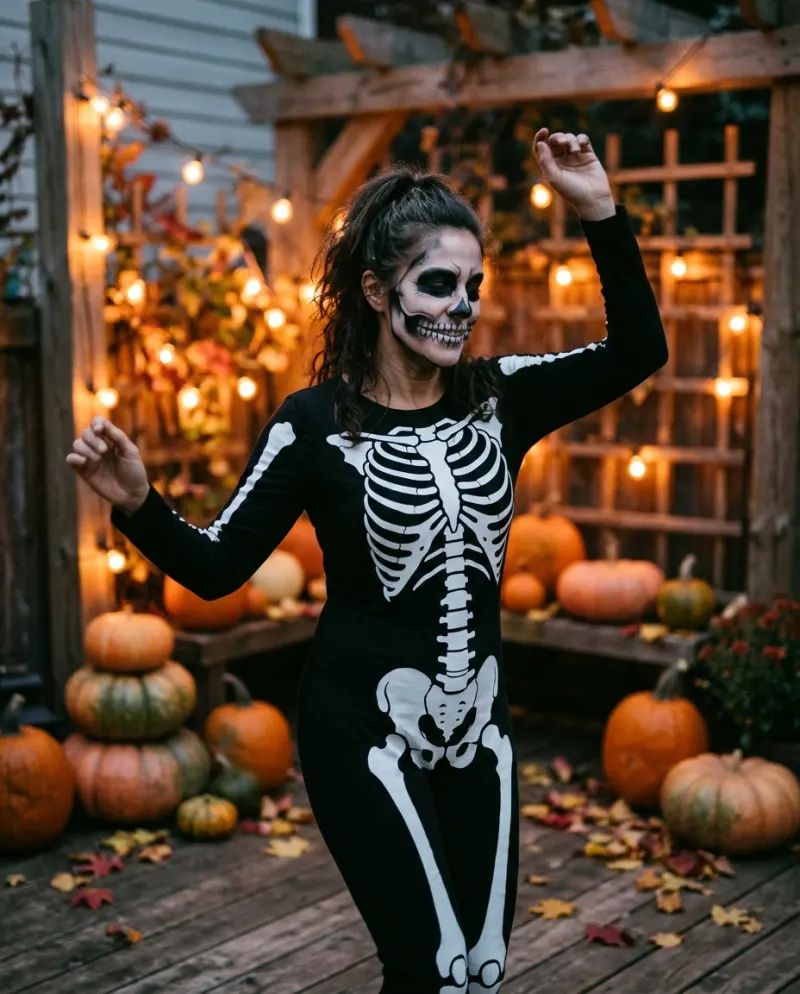
Own a skeleton costume? Film it and tidy it in CapCut, free. Want a quick laugh? A body-tracking bone effect, where an app has one, draws bones over you live. Want the full look from a face photo, or a pair dance with someone who lives elsewhere? That’s AI: Skeleton Dance AI makes it from one or two photos for 80 credits.
Three different things get posted under the skeleton dance, and they look nothing alike up close. Choosing comes down to what you have: a costume, a phone with the right effect, or just a selfie.
Three ways it gets made
Bone-overlay effect
Some apps offer effects that track your body and draw bones over it. Instant and free, but the bones slip on fast moves and your face stays bare.
Good for a joke
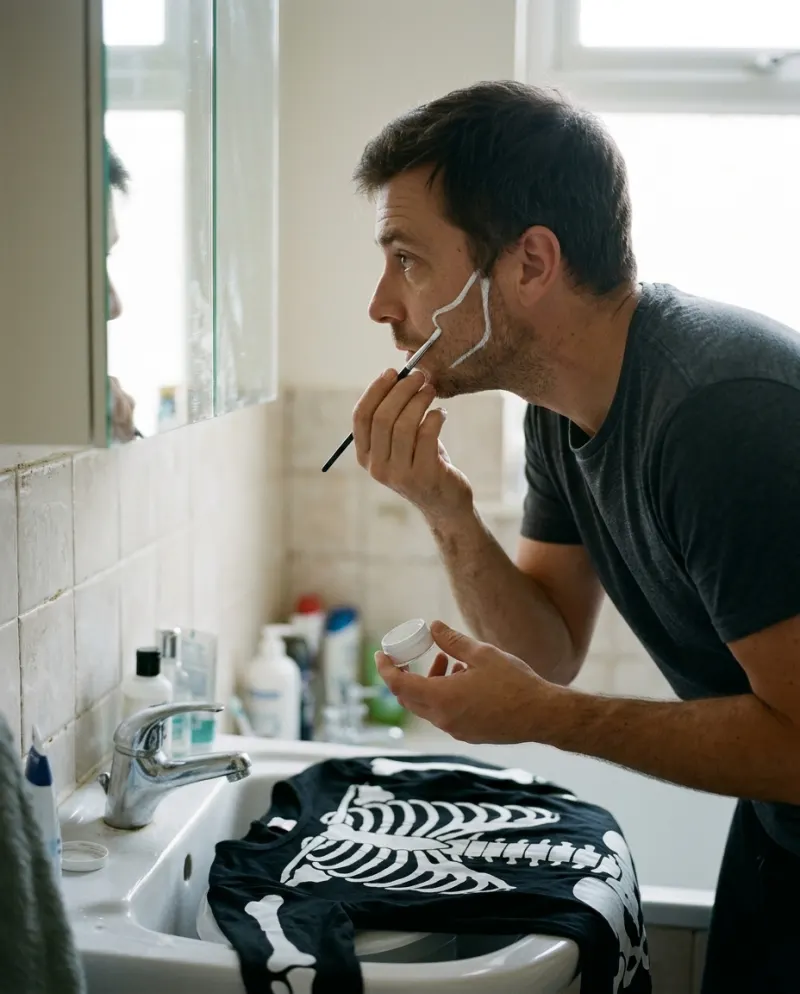
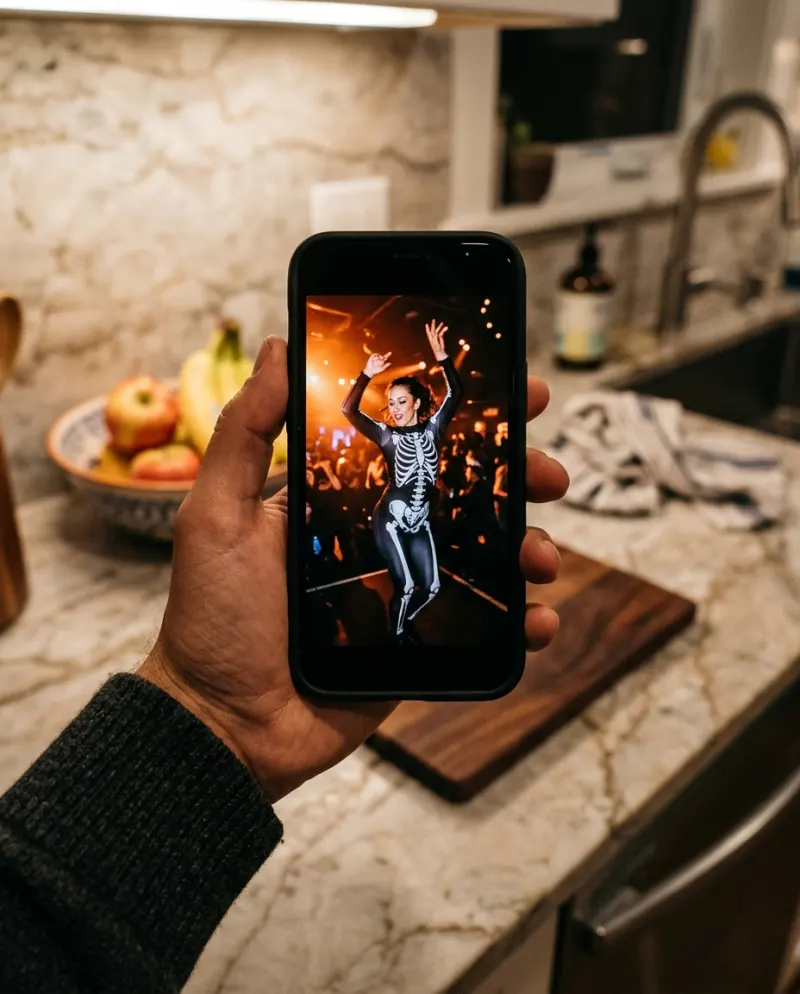
Real costume, cut in CapCut
You in a suit or taped bones and face paint, trimmed to the beat. Takes an evening of getting ready.
Good if you dress up anyway
AI video
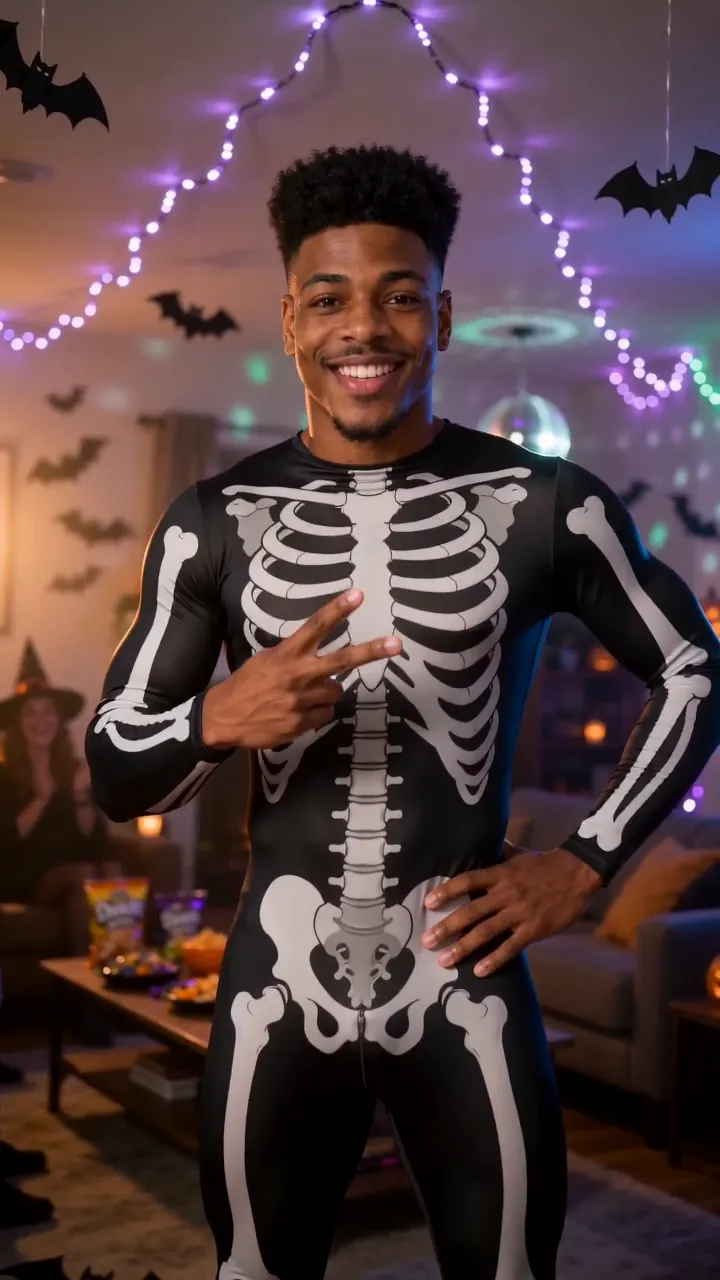
Suit, paint, party and moves generated around your face, an 8-second clip with sound.
Good from a selfie
Effects come and go by app version and region, so if you don’t find one, that’s normal rather than a setting you missed.
Editing a costume dance in CapCut
- 1Film a full chorus, then cut it down to the stretch with the best knee knocks.
- 2Put the cuts on the beat markers so each new shot starts on a rattle.
- 3Lift contrast a touch so the white lines pop off the black.
- 4For a blacklight take, drop exposure until only the bones show, and add a slight glow.
Short of a costume? Doing the skeleton dance for free has a no-buy version made from black clothes and tape.
Dancing as a pair from two cities
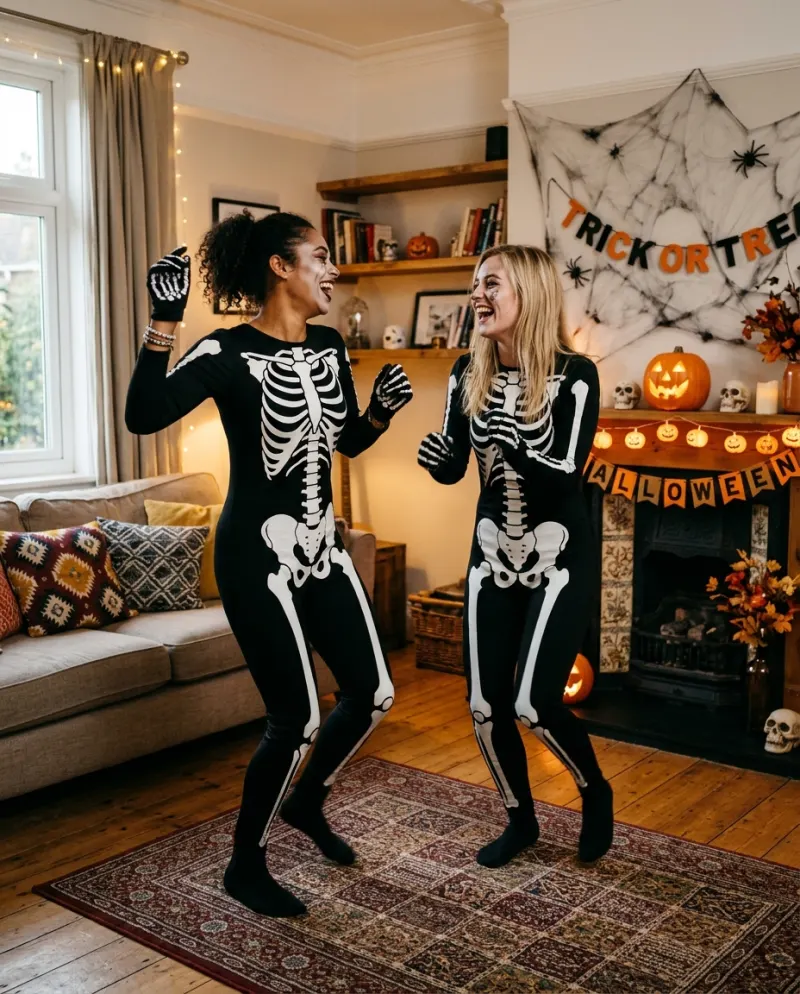
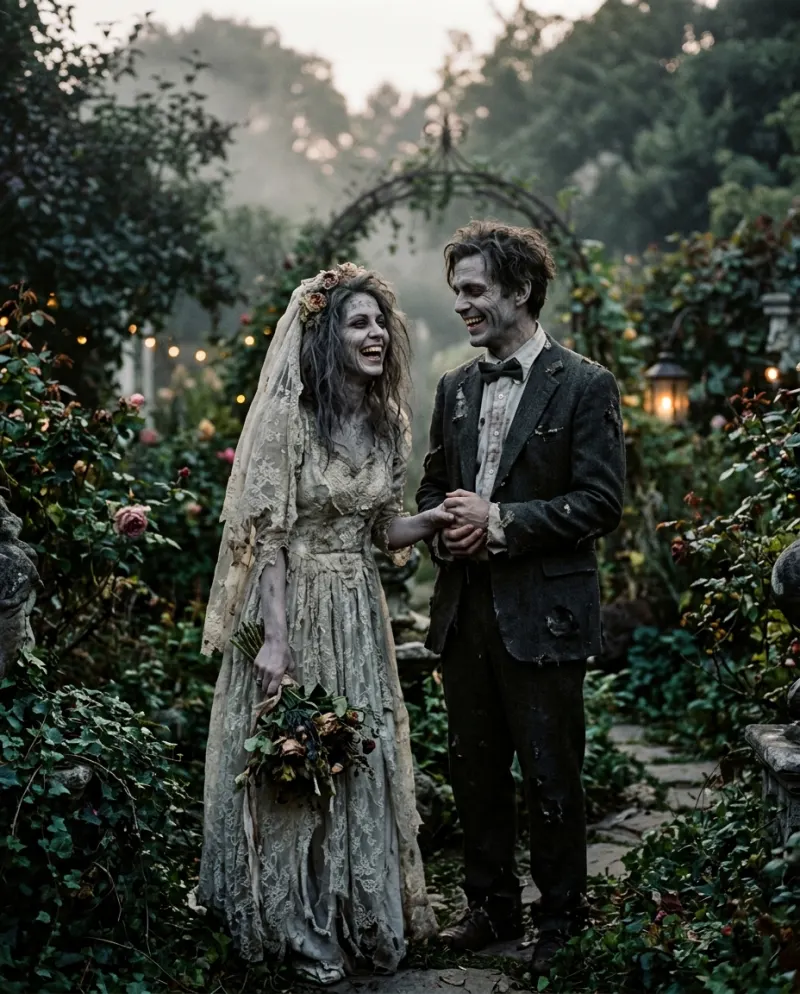
The pair version is where the routes split most. In CapCut you’d each film yourselves and set the clips side by side in split screen, which works but looks like two videos. The AI version puts you both in one room, on one beat, from two photos sent over chat.
Ask before you use someone else’s photo. Both dancers should be adults who are happy to appear.
The AI route
General tools need a skeleton dance prompt and a combined image for two people. On Reelfie you add the photos separately:
- 1Open Skeleton Dance AI and pick solo or a pair.
- 2Add a front-facing face photo for each dancer and check the button (80 credits).
- 3Make it, then grab the MP4 from Assets.
Once it’s done, CapCut is still useful for a caption or an end card. Start from the downloaded file, and see posting an AI video to TikTok for the export settings.
Common problems
The bone effect slides off my arms
Body-tracking needs your whole body in view and steady light. Slower moves help, which is the opposite of the trend.
The split-screen pair looks out of step
Both of you film to the same sound with a count-in clap, then line the claps up before you cut.
The AI clip and the song don’t match
The clip carries its own sound. Mute it in TikTok and pick the sound you want; the loose moves fit most beats.
FAQ
Is there a skeleton dance CapCut template?
Templates for Halloween trends appear and vanish, and vary by region. Most re-time footage you shot; they don’t put a costume on you.
Is there a filter that turns you into a skeleton?
Some apps have had bone or x-ray body effects. They overlay bones on your shape in real time and are hit-and-miss on fast dancing.
Can we do the pair version if we’re not together?
Yes, with AI: each person’s photo is enough. In CapCut you’d use a split screen of two separate recordings.
What does the AI version cost?
80 credits on Reelfie, near $4.95 at the starter pack’s rate. If it fails, nothing is charged.
Make your first one
Skeleton Dance AI: Rattle your bones.
Try Skeleton Dance AIYour photos are deleted 7 days after upload and never used to train AI.