Quick answer
If you can get people to dance with you, film it and edit in CapCut: a real group doing the moves has an energy a generated one doesn’t. If you’re alone, you can stack several takes of yourself into a crowd with CapCut’s overlay and mask tools, which is slow, or have Thriller Dance AI generate the crowd from one photo for 100 credits.
A Thriller video is only as good as the crowd behind the lead. That’s the real question here, more than which app: who is going to be the zombies? There are three answers, and each suits a different evening.
Who plays the zombies?
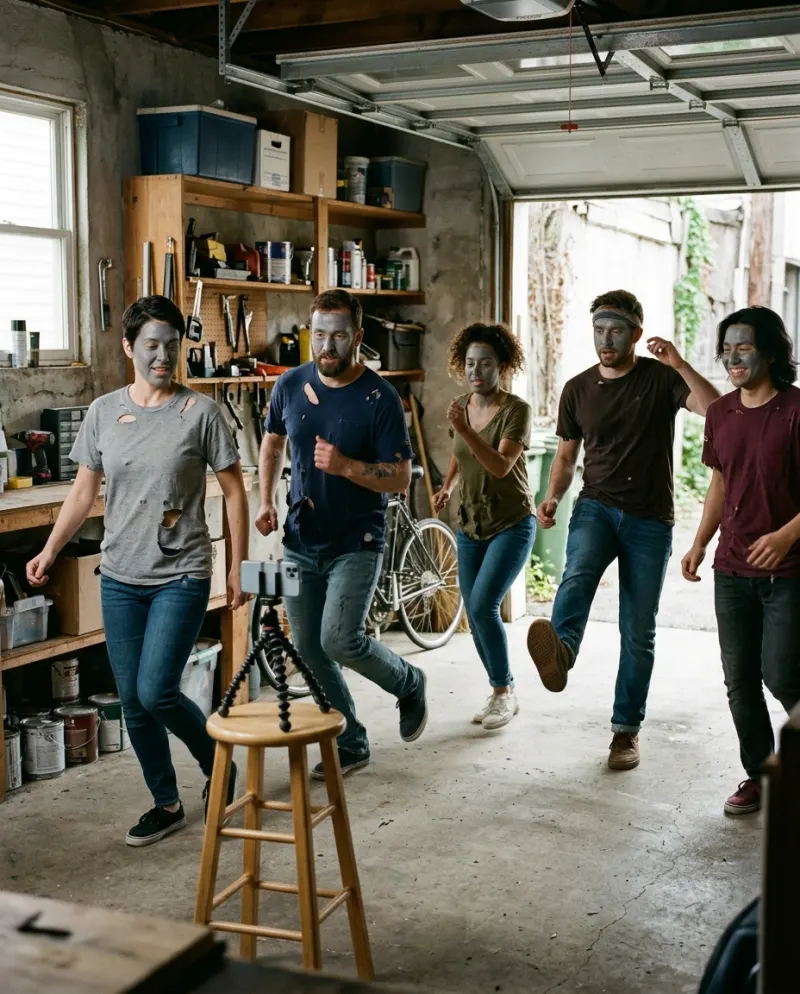
Your friends, cut in CapCut
Everyone learns four moves, you film at dusk, CapCut tightens it to the beat. Free, and the most fun to make.
Needs: people
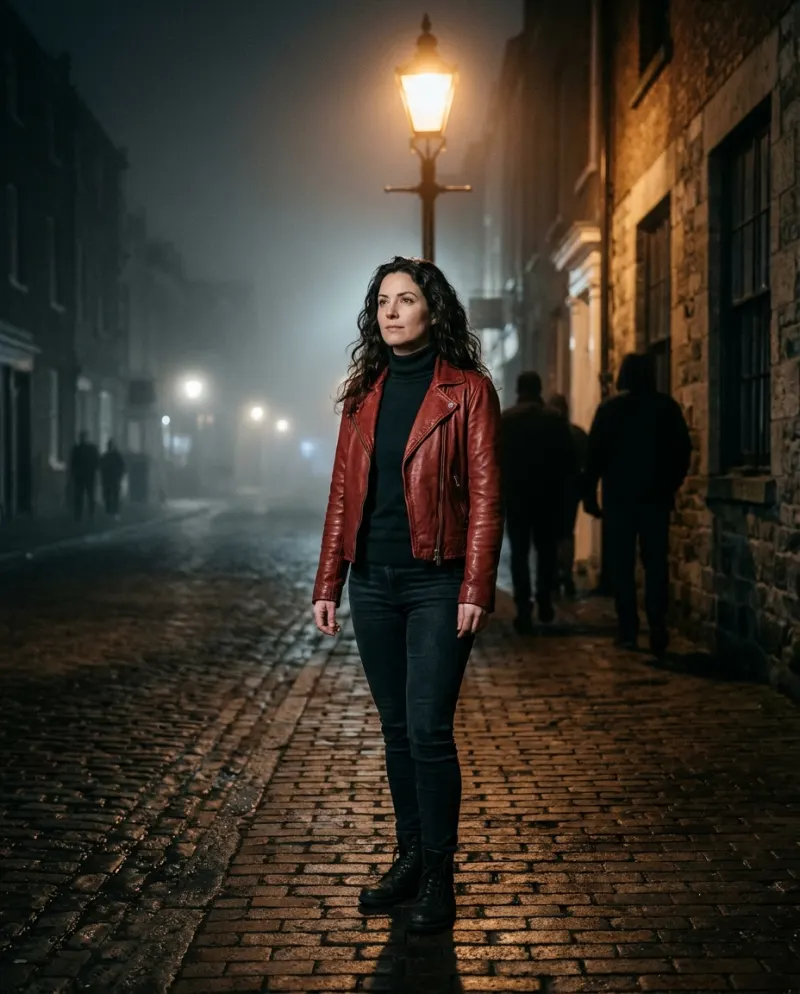
Five takes of you
Film yourself in different spots from one locked phone, then layer the takes so you fill the street.
Needs: patience
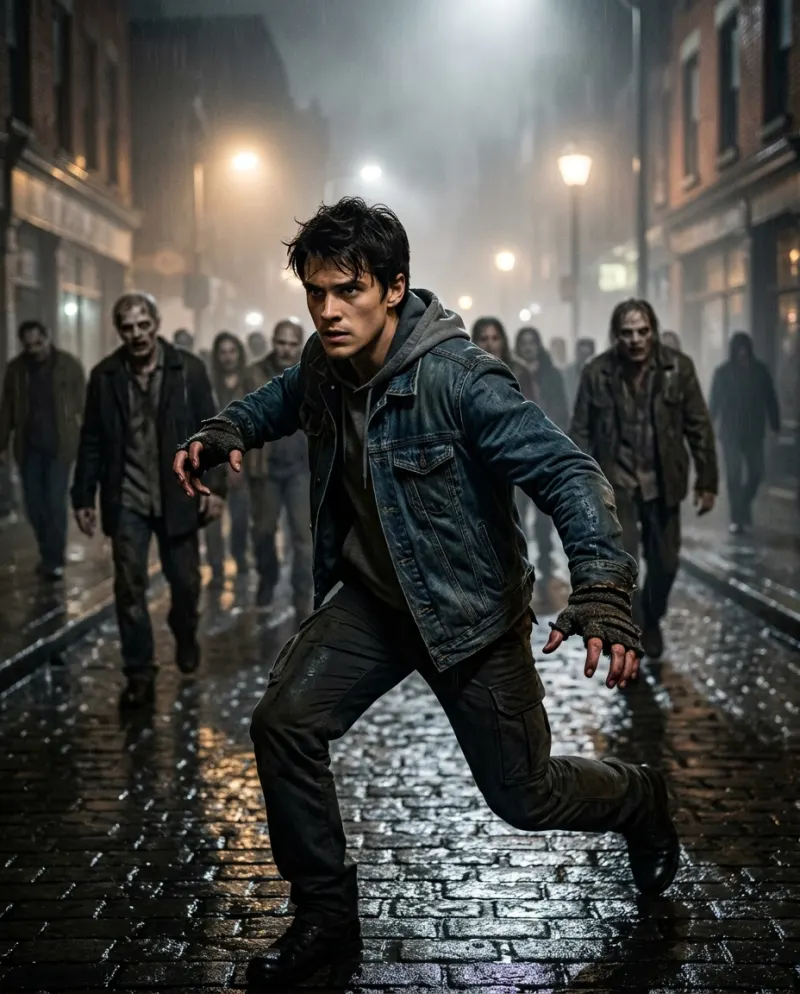
A generated crowd
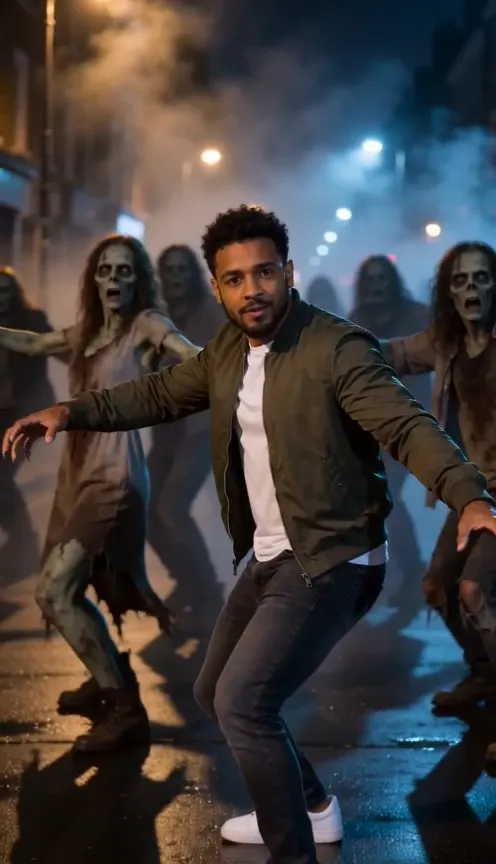
One photo; the street, fog and dancers are made around you in a 10-second clip.
Needs: 100 credits
Cutting a group Thriller in CapCut
- 1Film wide with the phone fixed, so everyone stays in frame through the lunge. Two or three full takes.
- 2In CapCut, put the song on the timeline and use beat markers to find the hits.
- 3Cut between takes on the head throw, where a jump is hidden by the movement.
- 4Slow the stomp slightly with a speed ramp so it lands heavy, and add grain or a cool tint for night.
You may find Thriller templates in CapCut, especially in October. They come and go and vary by region, and most only re-time clips you already filmed; none of them supplies dancers you didn’t shoot.
The one-person crowd
This is the classic editing trick: the phone never moves, you dance the routine several times in different spots, and the editor stacks the takes. CapCut’s overlay and mask tools can do it.
- Lock exposure and focus before the first take, or the layers won’t match.
- Start each take on a clap so you can line them up to the same beat.
- Keep each copy of you in its own patch of ground; overlapping copies are where masks show.
- Change your shirt between takes, so it reads as a crowd and not a glitch.
Letting AI make the crowd
General generators can attempt it with the Thriller dance prompt, plus some retries. On Reelfie the scene is set up already:
- 1Open Thriller Dance AI and add one full-length photo of just you.
- 2Check the button (100 credits) and press make.
- 3Download the MP4 from Assets.
Using both
The AI clip arrives silent, so CapCut is handy for captions, an intro card or splicing it with real footage of your friends. Add the song in TikTok rather than baking it into the export, so the post is listed under the sound.
Common problems
The mask edges flicker in the clone edit
Feather the mask and keep copies apart. Shadows crossing the line give it away, so shoot under even light.
The dusk footage is muddy
Film earlier, with blue still in the sky, and stand in the lamp’s pool of light. Brighten in CapCut sparingly.
My edit isn’t listed under the Thriller sound
Sound baked into a CapCut export doesn’t count. Export without music and pick the sound inside TikTok.
FAQ
Is there a CapCut template for the Thriller dance?
Some appear around Halloween; availability changes and depends on region. They re-cut footage you shot, so you still need someone dancing.
Can CapCut add zombies to my video?
It has face filters and effects, but it doesn’t generate a crowd of dancers. For that you film people or use an AI video tool.
Can I mix the AI clip with real footage?
Yes. Download the MP4, drop it into a CapCut project next to your friends’ take, and cut between them. Paid clips have no watermark.
What does the AI clip cost?
On Reelfie, 100 credits, which works out near $6.19 at the entry pack’s rate. No charge if it fails.
Make your first one
Thriller Dance AI: Lead the zombie dance.
Try Thriller Dance AIYour photos are deleted 7 days after upload and never used to train AI.