Quick answer
For a vampire picture of yourself, upload a selfie to Gemini or ChatGPT and paste the portrait prompt: porcelain skin, red irises, a high velvet collar, candlelight, the fangs barely showing. For the version that changes on camera, use the video prompt in an image-to-video tool, or make it on AI Vampire without a prompt.
Whether you want an AI-generated vampire still for a profile picture or a short clip of the turn, three choices decide whether it looks elegant or like a rubber mask: how pale, how red, how much fang. These prompts keep all three restrained.
A vampire portrait of you
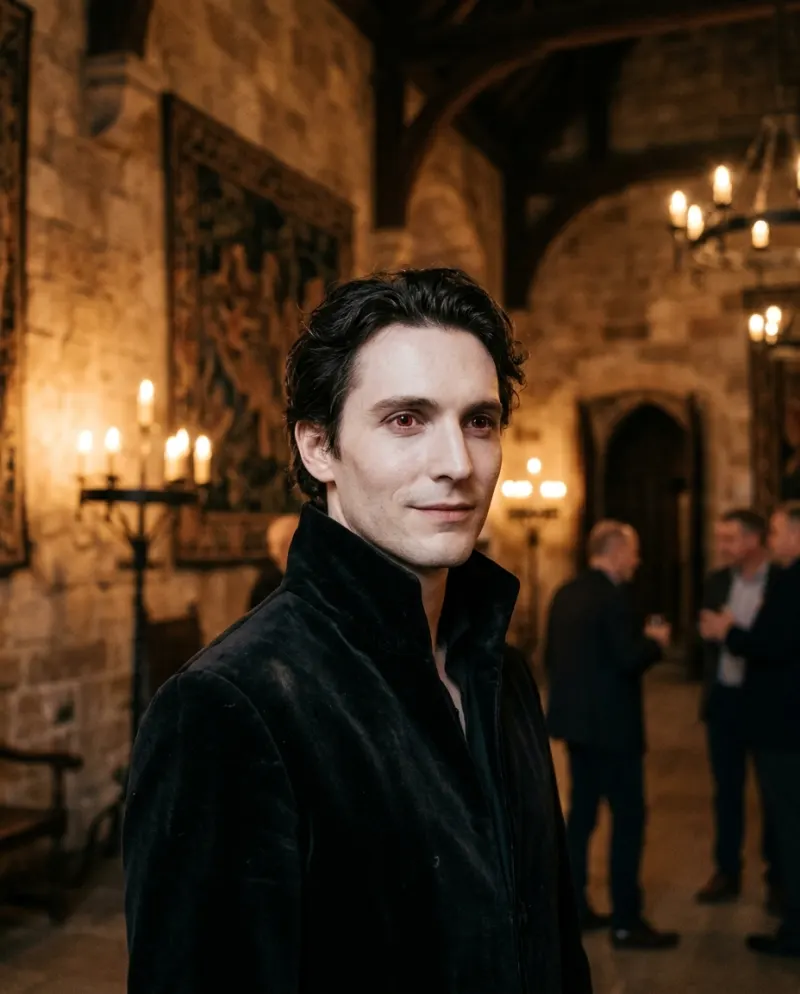
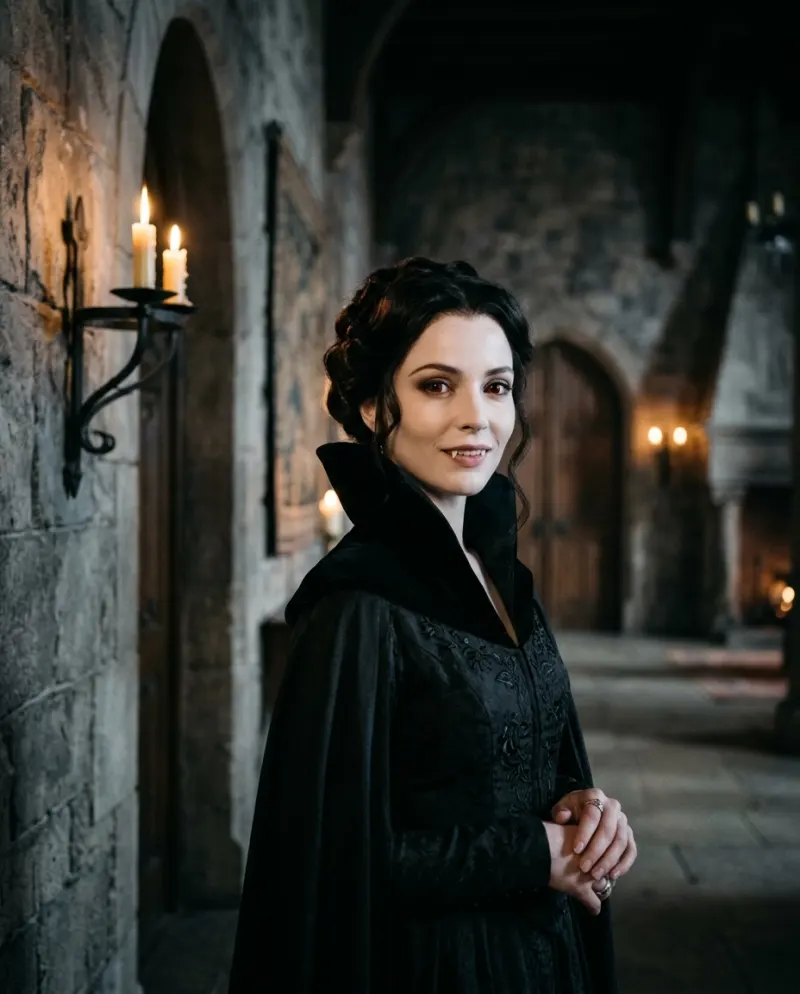
Keep the face, hair and features of the person in this photo recognizable. Turn them into an elegant gothic vampire: porcelain-pale skin, deep red irises, a high black velvet collar fastened with a silver clasp. A faint closed-mouth smile with the tips of two small fangs just visible. They stand in a stone castle hall lit by tall candles, deep shadow behind. Realistic photograph, soft candlelight on the face, 85mm lens, vertical 4:5. No blood.
- “Tips of two small fangs just visible”: ask for fangs plainly and many models give you a snarl full of teeth.
- “Deep red irises”: says where the red goes. “Red eyes” alone sometimes reddens the whites.
- “Realistic photograph, 85mm lens”: pulls it away from the painted fantasy-art look.
- “No blood”: keeps it elegant, and keeps apps that refuse gore from refusing.
Three other vampires
Each one replaces the setting sentence of the portrait prompt.
Couple
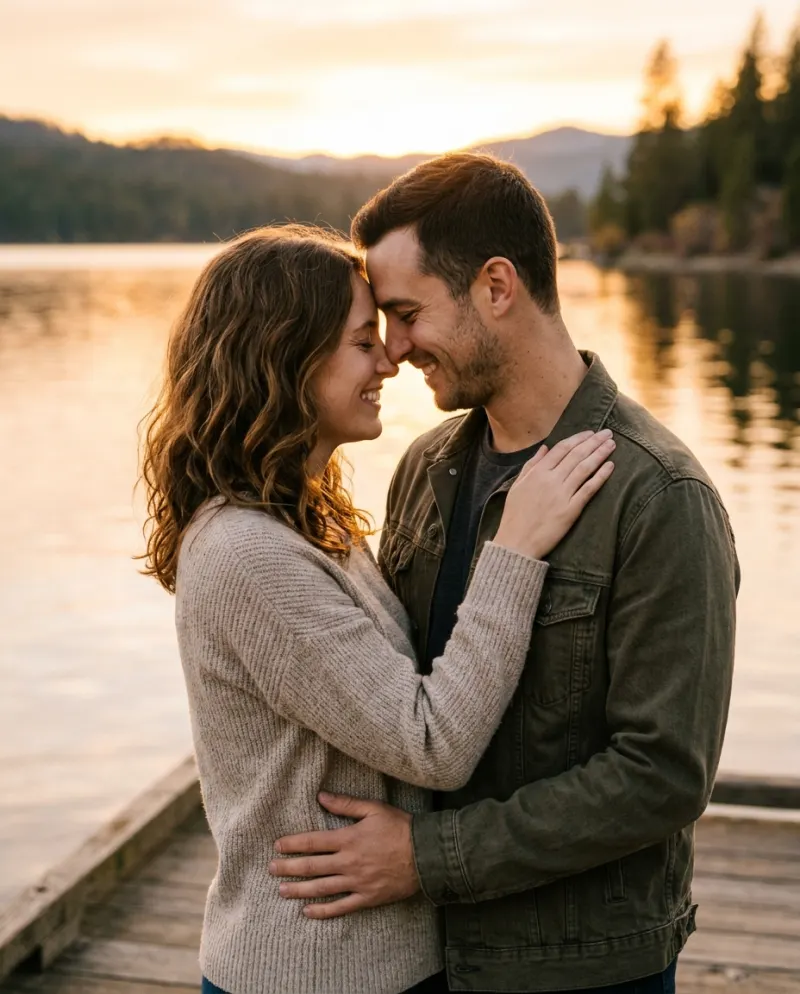
Upload a photo with both of you.
the two people in the photo stand close in a dim ballroom as a vampire couple, both pale with red eyes, one hand on the other’s shoulder
City
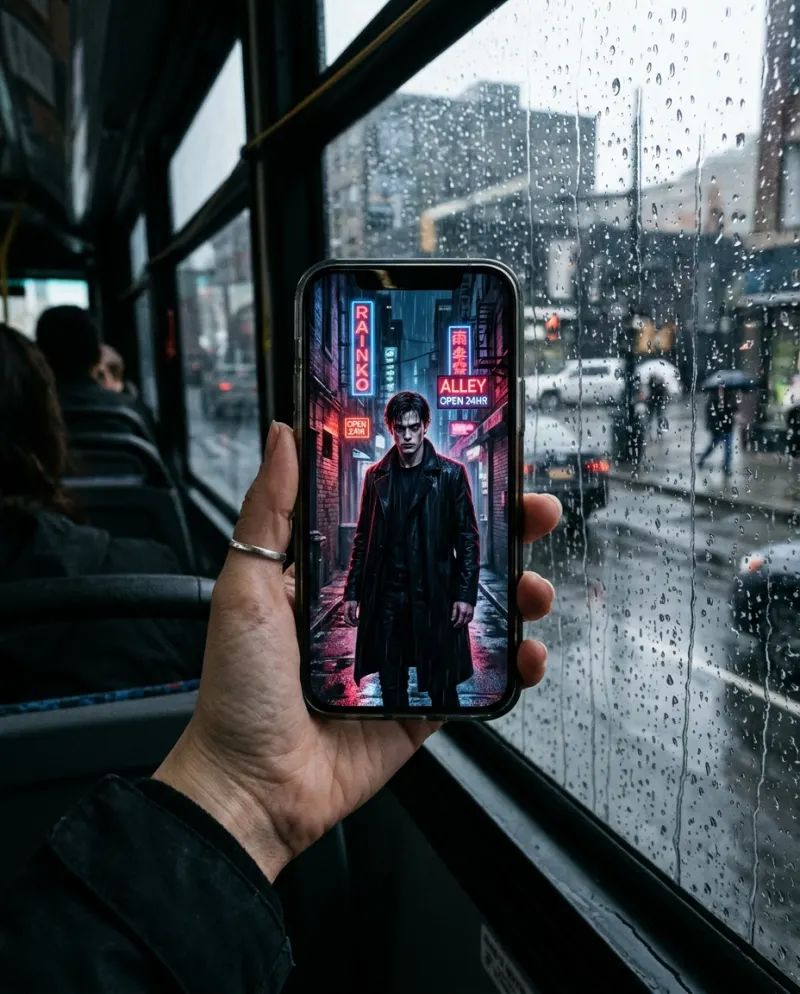
Neon and rain instead of candles.
a long black coat, a rain-soaked city alley under red neon, wet pavement reflecting the light
Oil painting
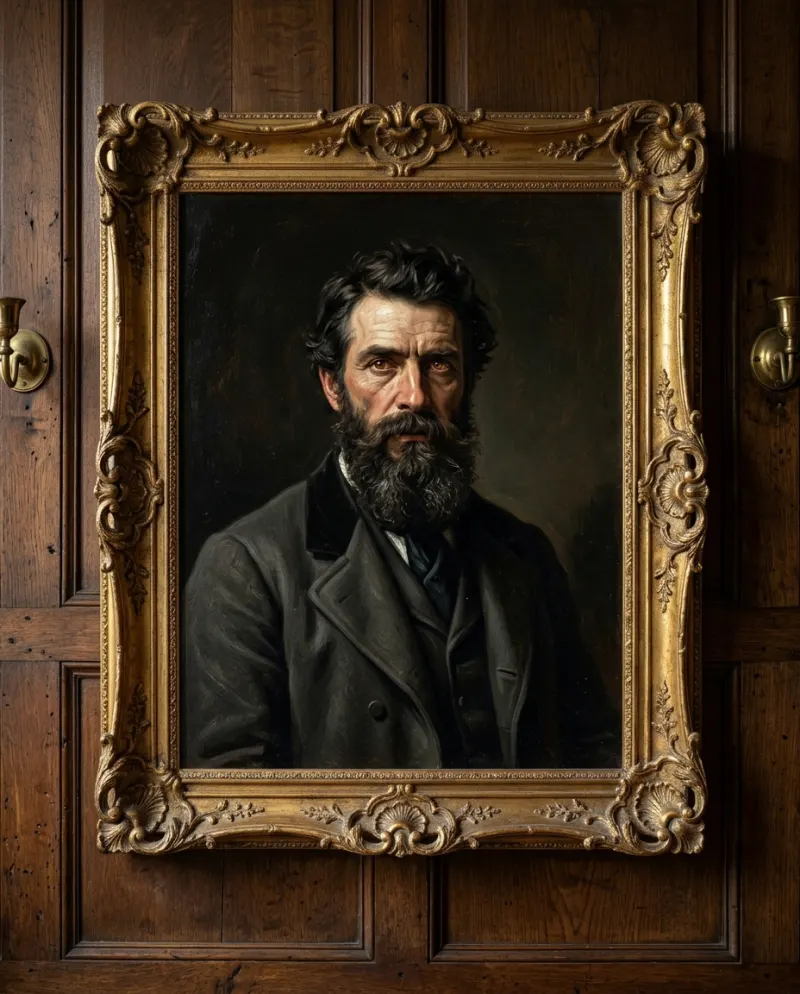
A portrait from two centuries ago.
painted as an 1800s oil portrait in a gilded frame, cracked varnish, a dark brown background
The video prompt
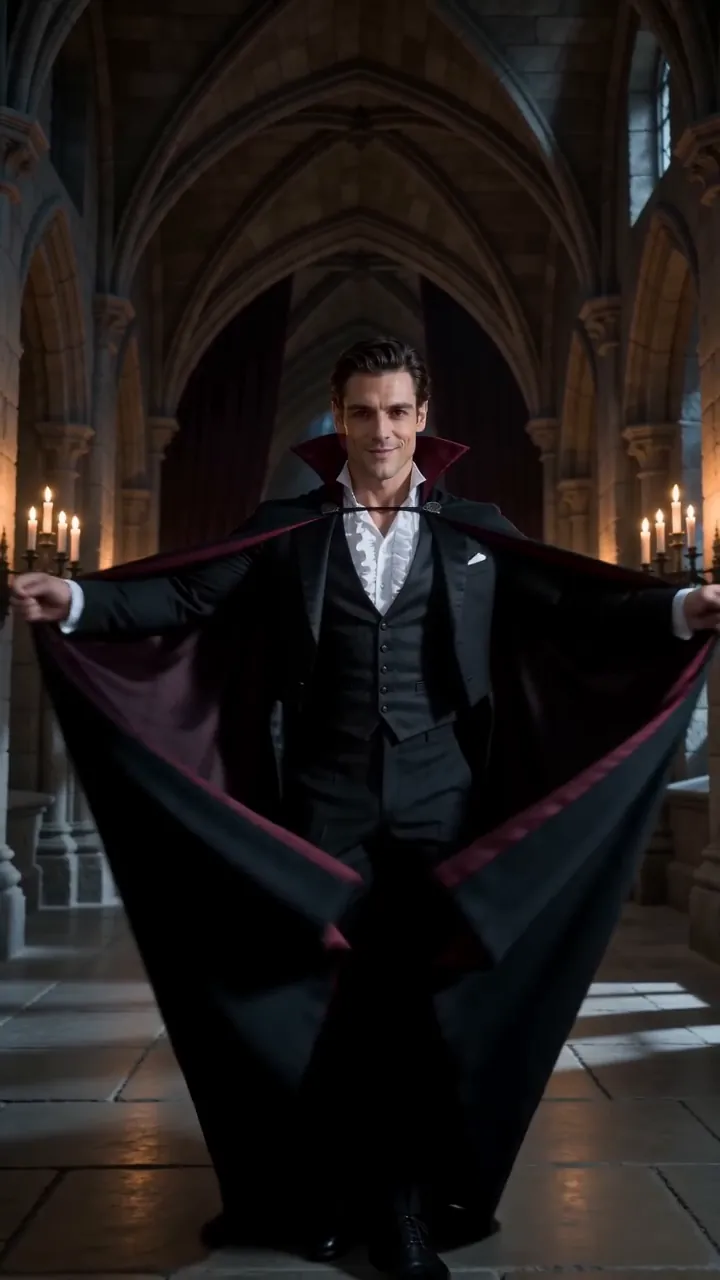
Vertical 9:16 video, 8 seconds. The person in the photo stands facing the camera in a candlelit stone hall at night. First their skin slowly turns porcelain pale. Then their eyes glow deep red. Then a high black velvet collar rises around their neck. Last, a slow, knowing smile shows two small fangs. Elegant gothic style, flickering candles, deep shadows, slow push-in. Keep the face exactly as in the photo. No blood, no gore.
Order matters: skin, eyes, collar, smile, each in its own sentence. Given all four at once, video tools tend to open on a finished vampire and skip the turn, which is the whole point.
Where to run them
Gemini and ChatGPT handle the stills well and are free within their limits. For the clip you need an image-to-video tool and a few retries. AI Vampire has the candlelit hall and the timing built in, takes one photo or two, and costs 80 credits.
Common problems
I look like a monster, not a vampire
Keep “elegant” and “small fangs”, and remove “scary”, “creature” or “horror”.
There’s blood around the mouth
Take out “bite”, “thirst” and “feeding”, and keep “no blood” at the end.
My face isn’t mine any more
Leave the keep-the-face sentence first and use a sharp, front-on selfie with nothing over your eyes.
FAQ
What prompt makes me look like a vampire?
Ask the app to keep your face and give you porcelain skin, red irises, a high velvet collar and the tips of two small fangs, in a candlelit hall, as a realistic photo. The full text is above.
Can I make a vampire couple picture?
Yes: upload a photo with both of you and use the couple line. For the Reelfie video, add one photo of each person instead.
Will Gemini turn a real photo into a vampire?
Usually, as long as the prompt avoids blood and violence. If it declines, try another selfie or describe the look without “bite”.
Do I need a prompt on Reelfie?
No. The AI Vampire template has the scene and timing set; you only add the photos.
Make your first one
AI Vampire: Fangs, velvet and candlelight.
Try AI VampireYour photos are deleted 7 days after upload and never used to train AI.