Quick answer
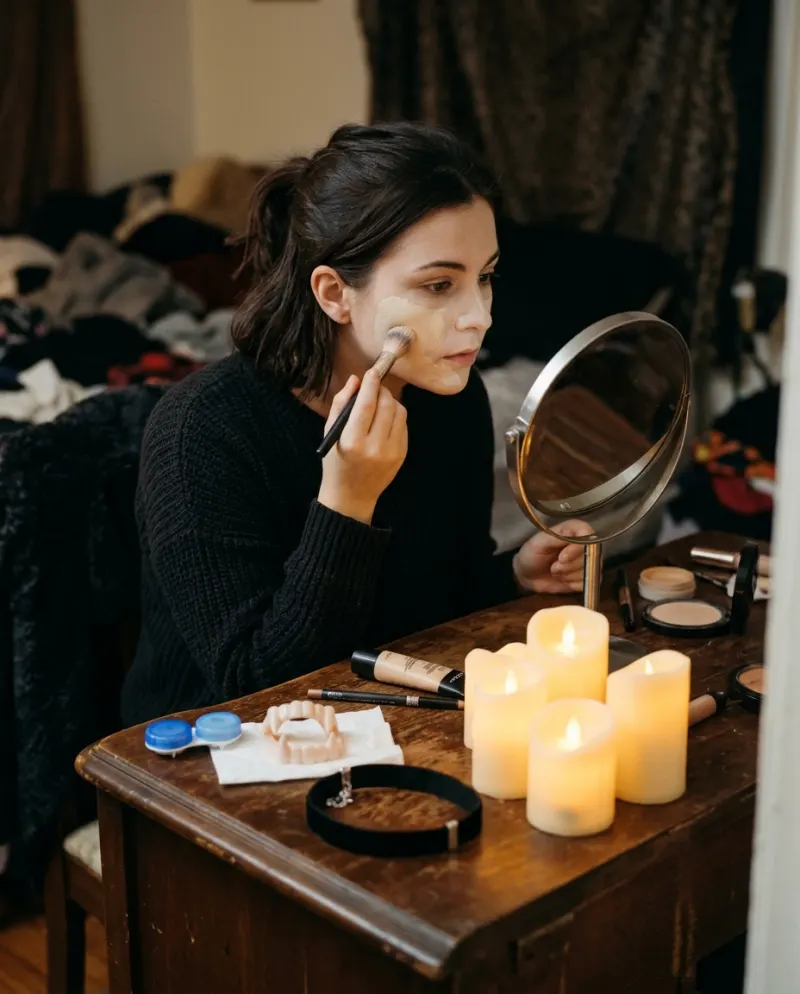
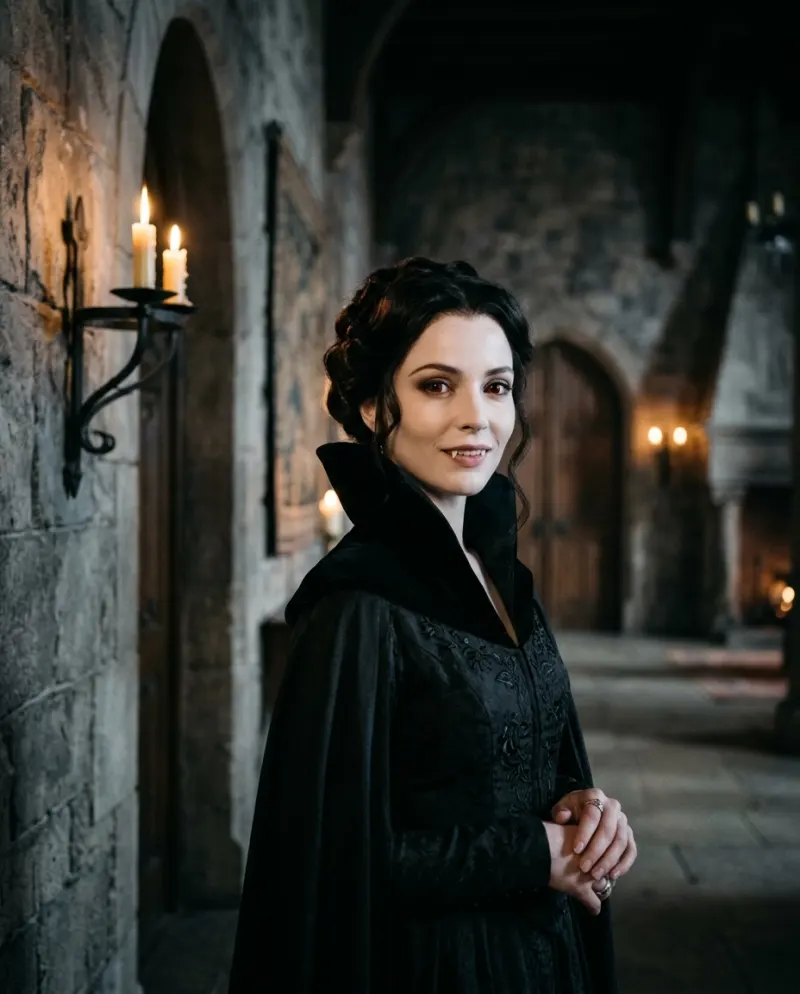
Use a filter when you want to film live, talk to the camera, or post within a minute; TikTok, Instagram, Snapchat and CapCut all have vampire or fang effects. Use an AI video when you want the transformation itself, somewhere you’ve never been, starting from a photo: AI Vampire does that in an 8-second clip.
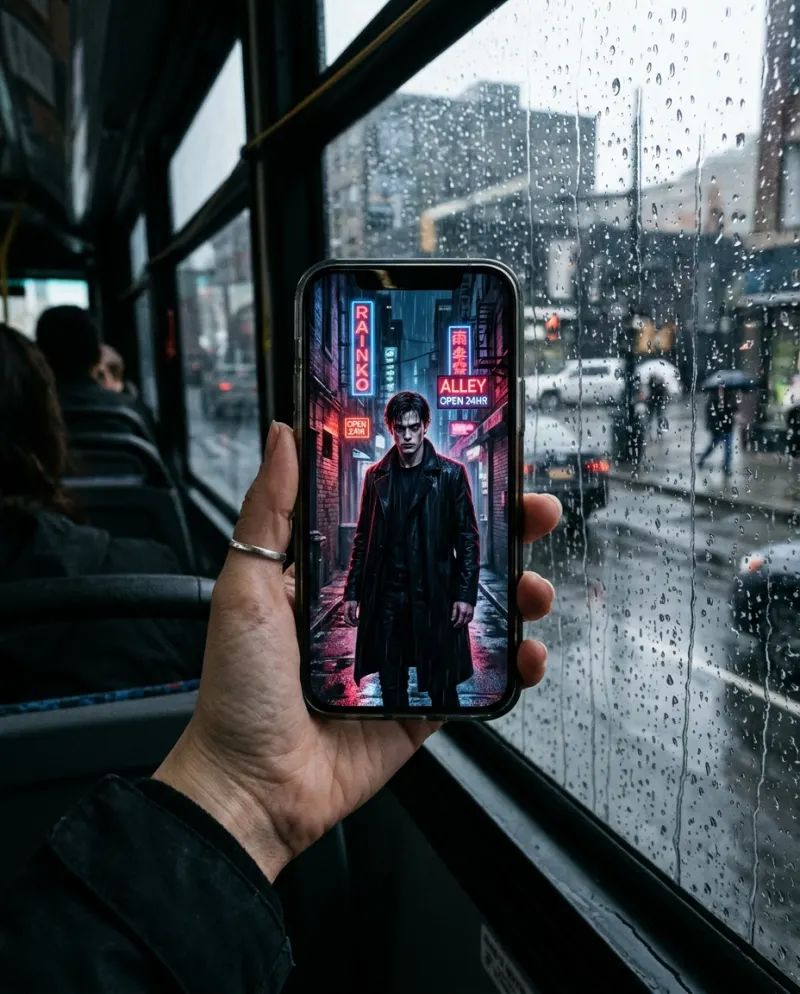
“Vampire filter video” is what people type into TikTok, but filters and AI make different posts. A filter is you, in your room, with fangs drawn on as you move. An AI clip is a short scene in which the change happens.
Side by side
- Starting point: a filter needs your live camera; the AI version needs a still photo.
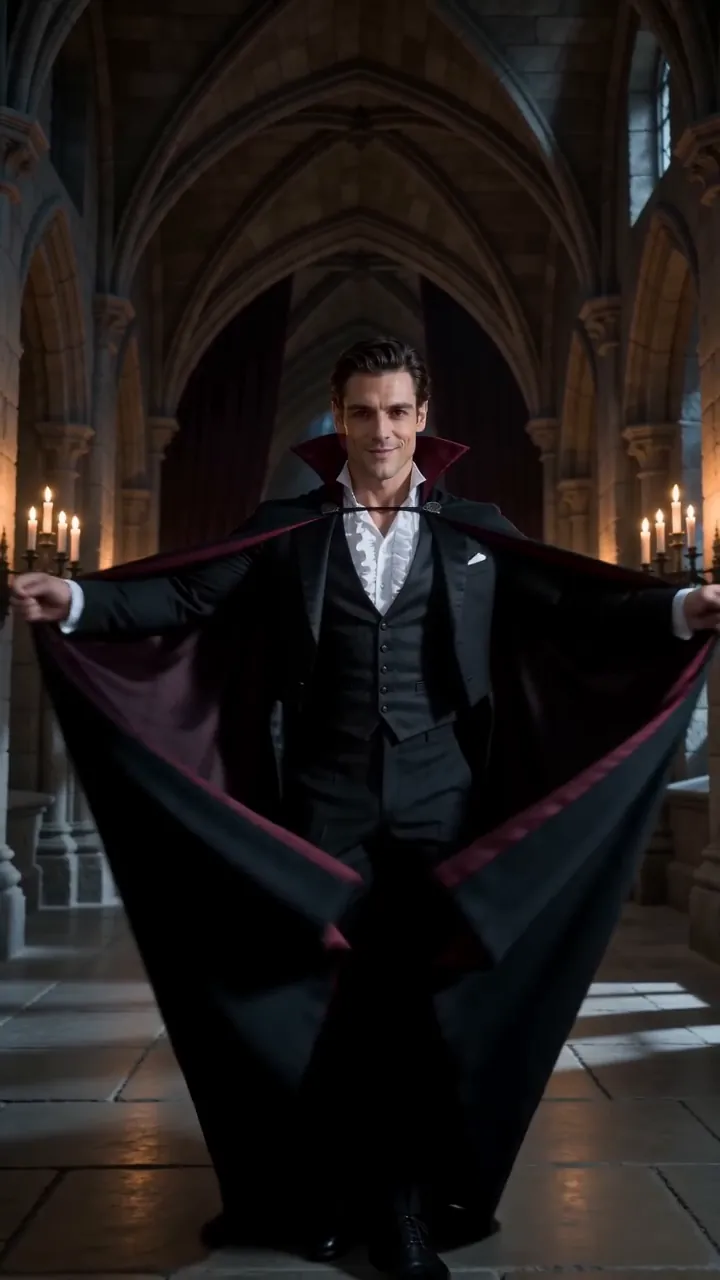
- Setting: a filter keeps wherever you are; the AI version puts you in a candlelit hall.
- Motion: a filter follows your face while you talk; the AI clip is a slow transformation with no talking.
- Price: filters are free; the AI Vampire clip is 80 credits, about $4.95.
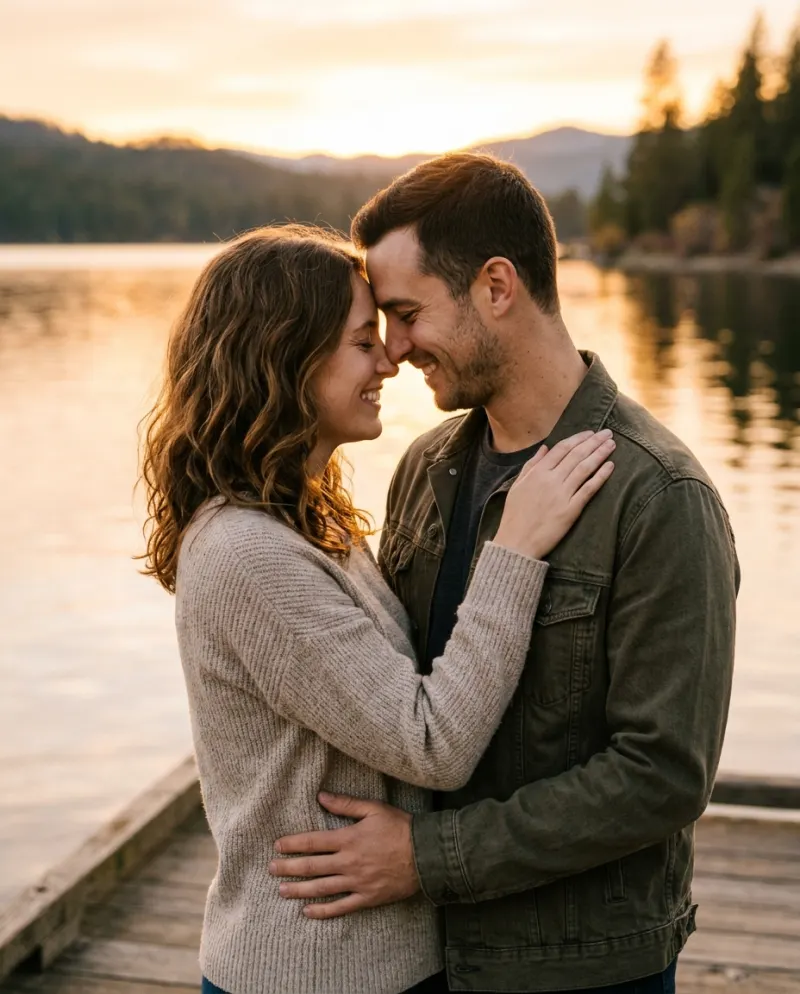
- Two people: some filters track two faces and some only one; the AI version takes one photo per person.
Filming with a filter or a CapCut effect
- 1Find the effect in TikTok, Instagram or Snapchat by searching “vampire” in effects or lenses.
- 2Light your face from the front with a lamp or a window. Effects lose track in the dark, which is a problem for vampires.
- 3Start without the effect and switch it on mid-take, or film two takes and cut between them on the beat.
- 4Already filmed? Import the clip into CapCut and look through its face and Halloween effects. What’s offered changes with the season and the region.
Making the AI version
In a general video tool, start from a photo and the vampire video prompt, and expect a few attempts. On Reelfie the hall, the candles and the order of the change are already set:
- 1Open AI Vampire and choose one person or two.
- 2Add a front-on photo for each, hair off the face.
- 3Make it for 80 credits and download the MP4.
Combining them
A good October post uses both: a few seconds of you talking to the camera with a fang filter about your “new skincare routine”, then a hard cut to the AI clip where the change happens properly. CapCut joins the two; bring in the downloaded MP4, not a screen recording.
Common problems
The filter fangs drift when I talk
Keep your face square to the camera and well lit, and talk less in the shot where the fangs matter.
CapCut doesn’t have the effect I saw
Effects vary by region and season. Use the app the original was filmed in, or make the AI version instead.
The filter clip and the AI clip don’t match
Darken and warm the filter clip in CapCut so the cut into candlelight feels planned.
FAQ
Is there a vampire filter for video?
Yes. The live effects in TikTok, Instagram and Snapchat record video. They work through the camera, though, not on a clip you upload later.
Is the AI Vampire video a filter?
No. It generates a new clip from your photo, with its own setting and lighting, instead of drawing over your camera.
Can I edit the AI clip in CapCut?
Yes. Download the MP4 and open it there. Paid videos have no watermark.
Can I make it as a couple?
Yes, with one photo of each of you. Filters vary: some handle two faces, some only one.
Make your first one
AI Vampire: Fangs, velvet and candlelight.
Try AI VampireYour photos are deleted 7 days after upload and never used to train AI.