Quick answer
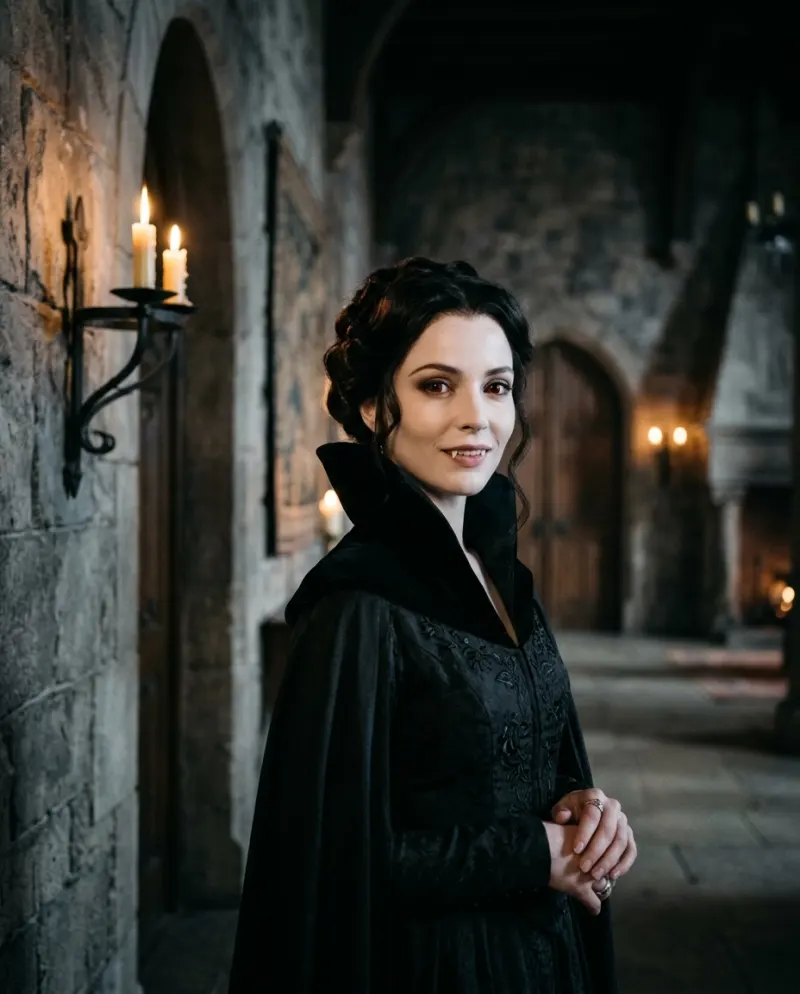
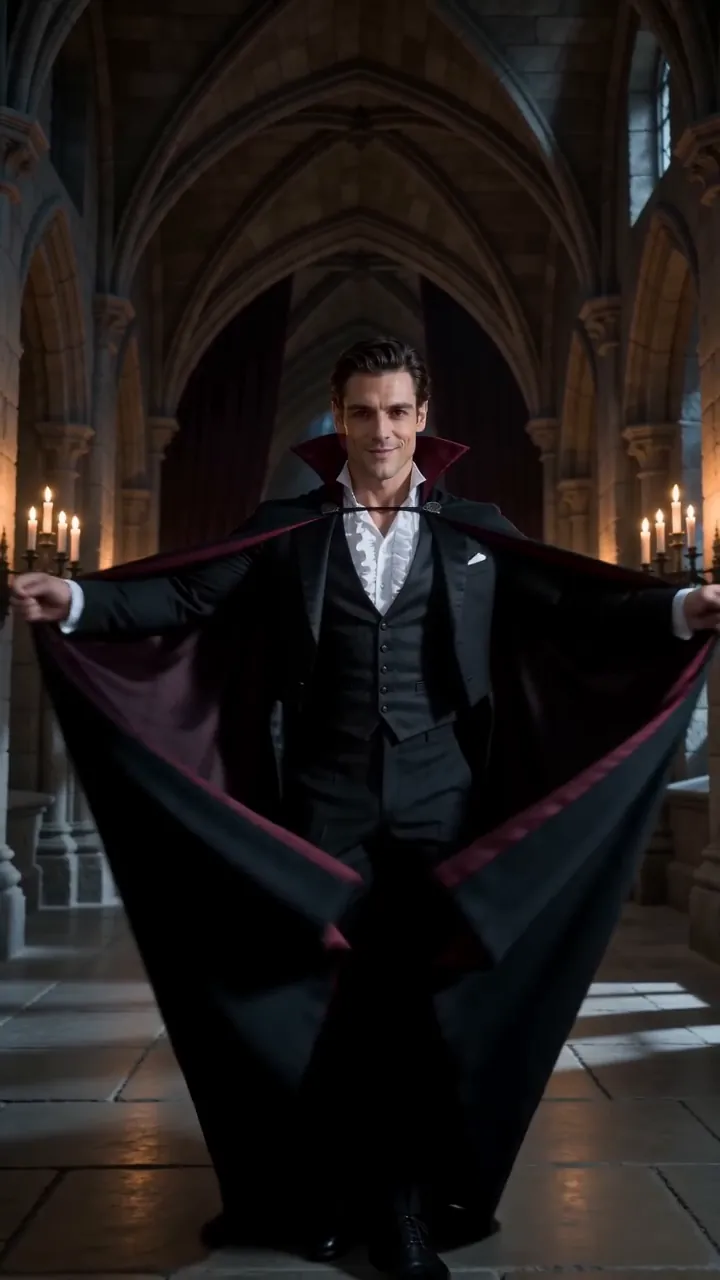
Open AI Vampire, pick solo or a pair, add one front-on photo per person and press make. A few minutes later you have an 8-second vertical video of you in a candlelit stone hall while your skin pales, your eyes redden, a velvet collar rises and a slow smile shows small fangs. It costs 80 credits.
Unlike a vampire filter, which paints fangs over your live camera, AI Vampire makes a short scene: the change happens on screen, and in a castle hall instead of your bedroom. Your face comes from the photo, so friends know it’s you before the fangs appear.
Below: what the clip shows, who can be in it, the photo that gives the cleanest result, the steps, and how to post it.
What happens on screen
- 1You, unchanged, facing the camera in a stone hall lit by candles.
- 2Your skin drains to porcelain and your eyes turn deep red.
- 3A high black velvet collar closes around your neck.
- 4You smile slowly, and two small fangs show.
No blood, no jump scare. It sits closer to a gothic glow-up than to horror, which is why people post it as their costume for the year.
Alone or as a pair
The template takes one person or two. For a pair, add a separate photo of each of you rather than one picture of you both; you then change side by side. Anyone you add besides yourself should be an adult who said yes.
Choosing the photo
Use
A face that is front-on and centered, soft even light, hair pushed back so your forehead and eyes are clear.
Avoid
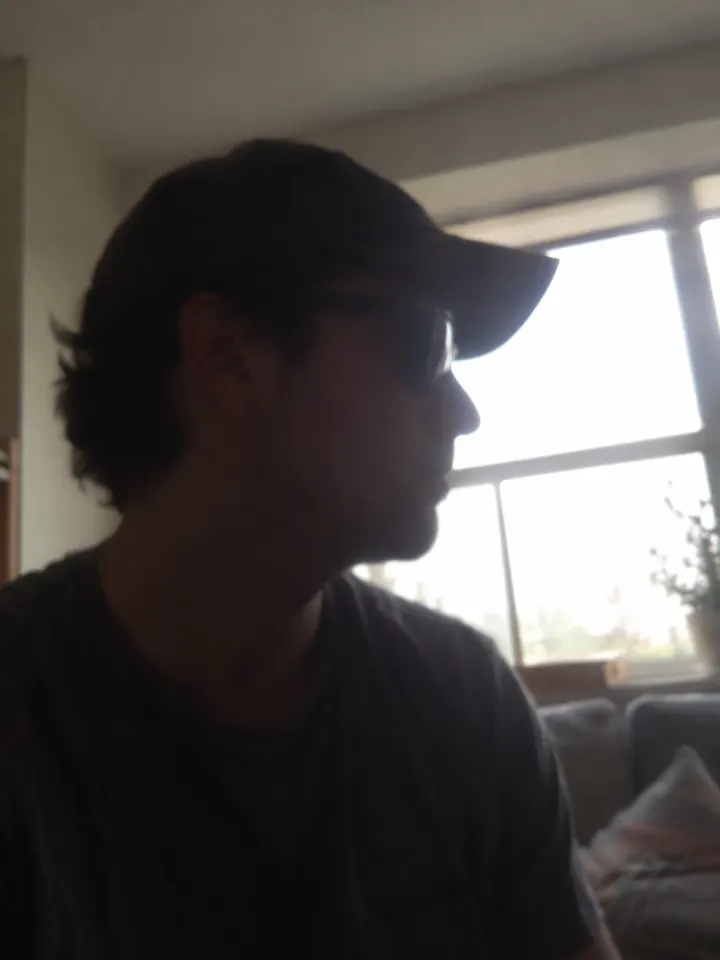
Sunglasses or a hat, a hard shadow across one cheek, or a beauty filter that smooths your features away.
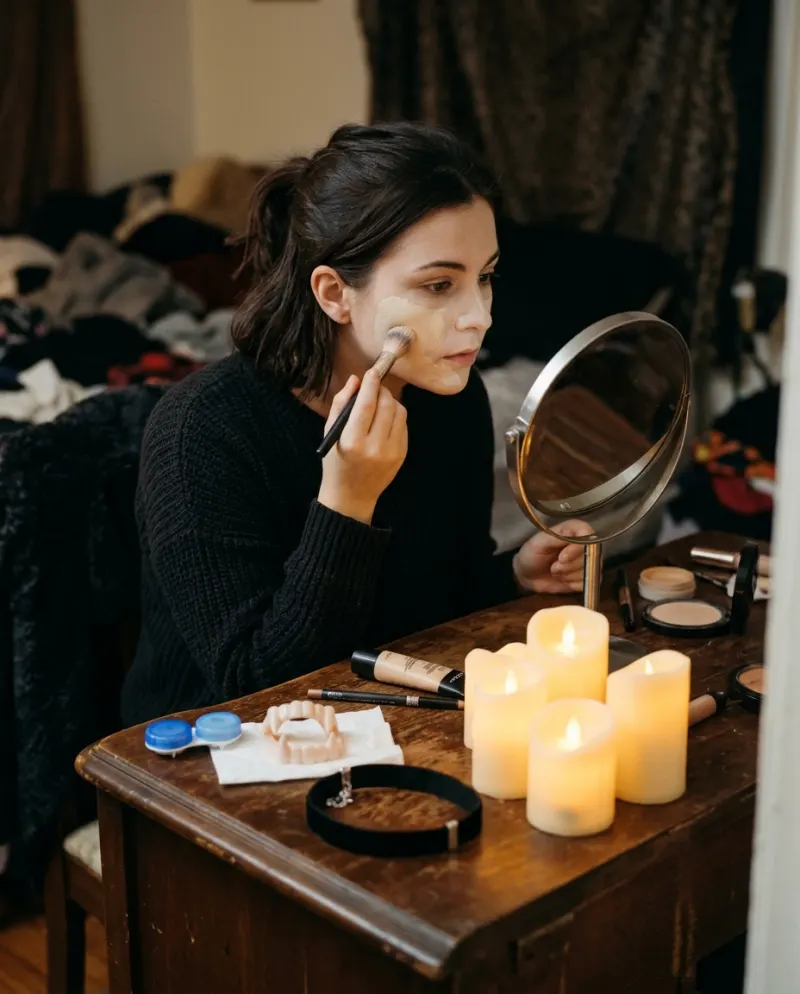
Skip the makeup and the plastic fangs: an ordinary face makes the change look bigger. More examples are in which photos work best with AI.
Making it
- 1Open the AI Vampire page on Reelfie and choose solo or a pair.
- 2Add one clear, front-facing photo for each person, from your camera roll or taken on the spot.
- 3Before anything runs, the button shows the cost: 80 credits for an 8-second 9:16 clip.
- 4Press make. It takes a few minutes and you can close the tab; if the run fails, the credits come back.
- 5Save the MP4 from Assets and post it to TikTok or Reels; it already has sound.
Posting it
- Keep the first second normal. If you trim, take it off the end, never the before.
- Finish the post on the fangs. Anything after the smile softens the reveal.
- Write a caption of your own, about mornings or garlic, instead of a famous movie line.
Tag it #vampirefilter, the tag people actually search, and switch on TikTok’s AI-generated label. Posting an AI video to TikTok covers the export settings.
Common problems
The fangs barely show
Use a photo with a relaxed, closed mouth. A wide grin in the photo leaves the final smile nowhere to go.
My partner doesn’t look like themselves
Give each person their own sharp, front-on photo. A group shot cropped down loses too much detail.
It looks soft once it’s on Instagram
Upload the downloaded MP4, not a screen recording of it.
FAQ
Is this the same as a vampire filter?
No. A filter draws fangs over your live camera. This builds a new scene from a photo, with the change happening on screen.
Can two people turn into vampires together?
Yes. Choose the pair option and add one photo of each person.
What does the AI Vampire video cost?
80 credits, about $4.95 if you buy the smallest pack (up to 2 videos for $9.90). A run that fails is refunded.
Do I need an app?
No. It runs in your phone’s browser: choose the photo from your camera roll and save the video back to it.
Make your first one
AI Vampire: Fangs, velvet and candlelight.
Try AI VampireYour photos are deleted 7 days after upload and never used to train AI.