Wan 3.0
NewAnime, clay and painterly clips up to 15 s
- From your photo or a line of text
- Clips up to 15 seconds
- Sound when you want it
- Can end on a frame you pick
- Vertical, wide, square and more
All results are AI-generated and labeled.
0 / 1500
Add a start frame.
By adding a photo you confirm everyone in it is 18+ and agreed to have their face used for this. We use faces only to make what you ask for. How we handle faces
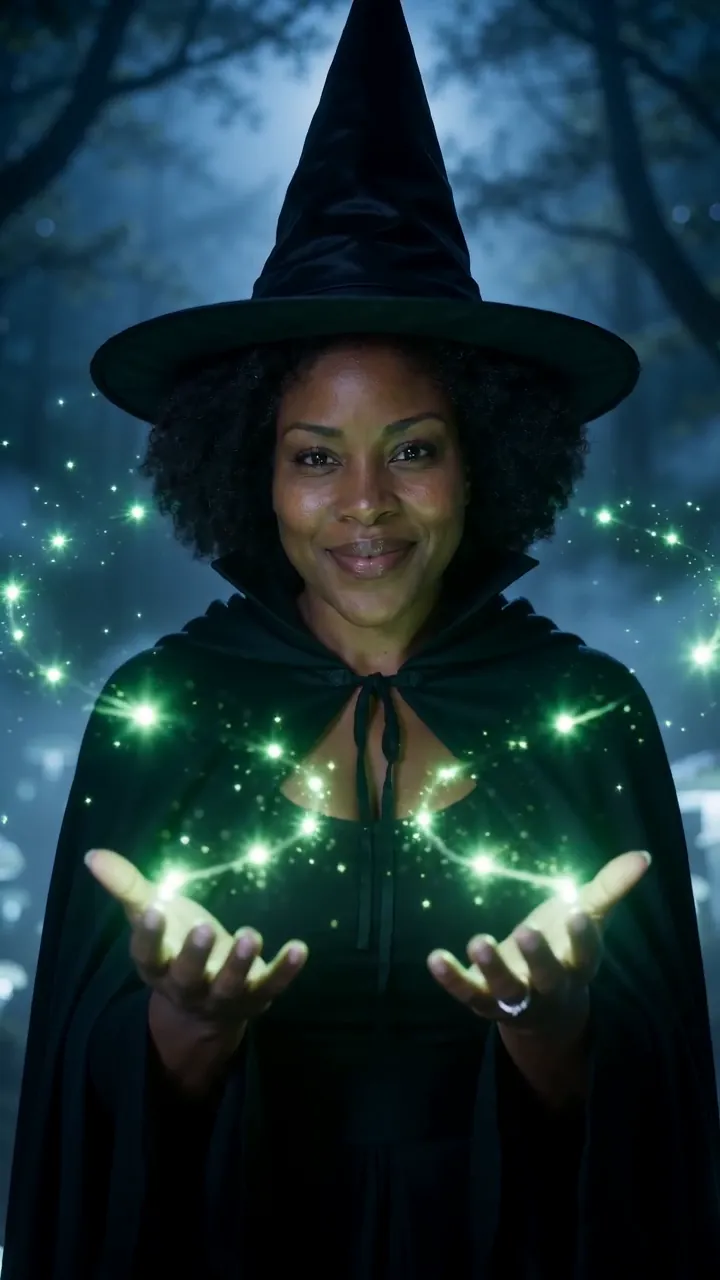 Example · Forest spell
Examples show what each idea aims for. They are illustrations, not output from a particular model.
Anime, clay and painterly looks hold steady from frame to frame. Many models drift back towards photos as a clip runs; here the style stays put, so a hand-drawn scene still looks hand-drawn at the end. Name the style first in the prompt, like “claymation, a fox opening a door”. For a still in the same style, try photo to anime.
A witch in a dark forest raises her hands and green sparks swirl between them, mist and moonlight, slow orbit around her
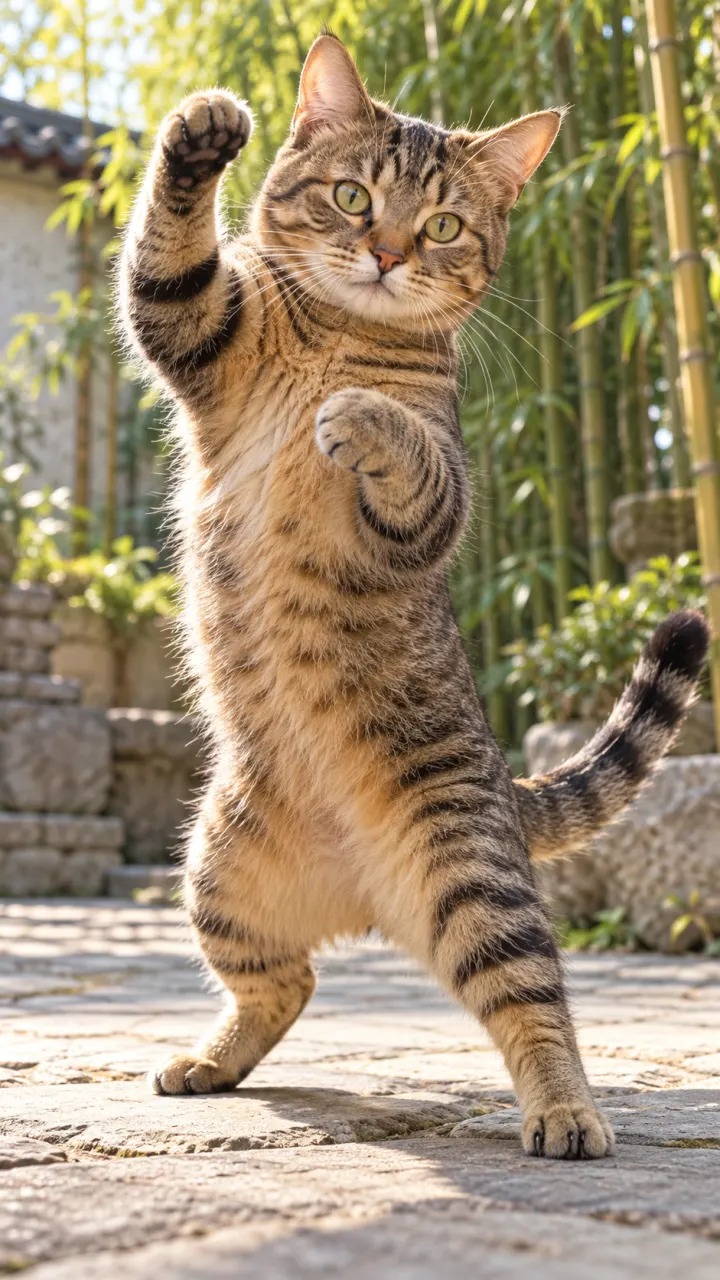
Wan 3.0 runs up to 15 seconds, long enough for a full moment without a cut. That suits scenes that need time to unfold, like a walk through a market or a slow reveal. Give the prompt a beginning and an end, so the clip has somewhere to go. Need longer still? Extend it from where it stops with the tools in Studio.
A tabby cat stands on its hind legs in a sunny courtyard and throws a quick kung fu combo, bamboo swaying behind, low angle
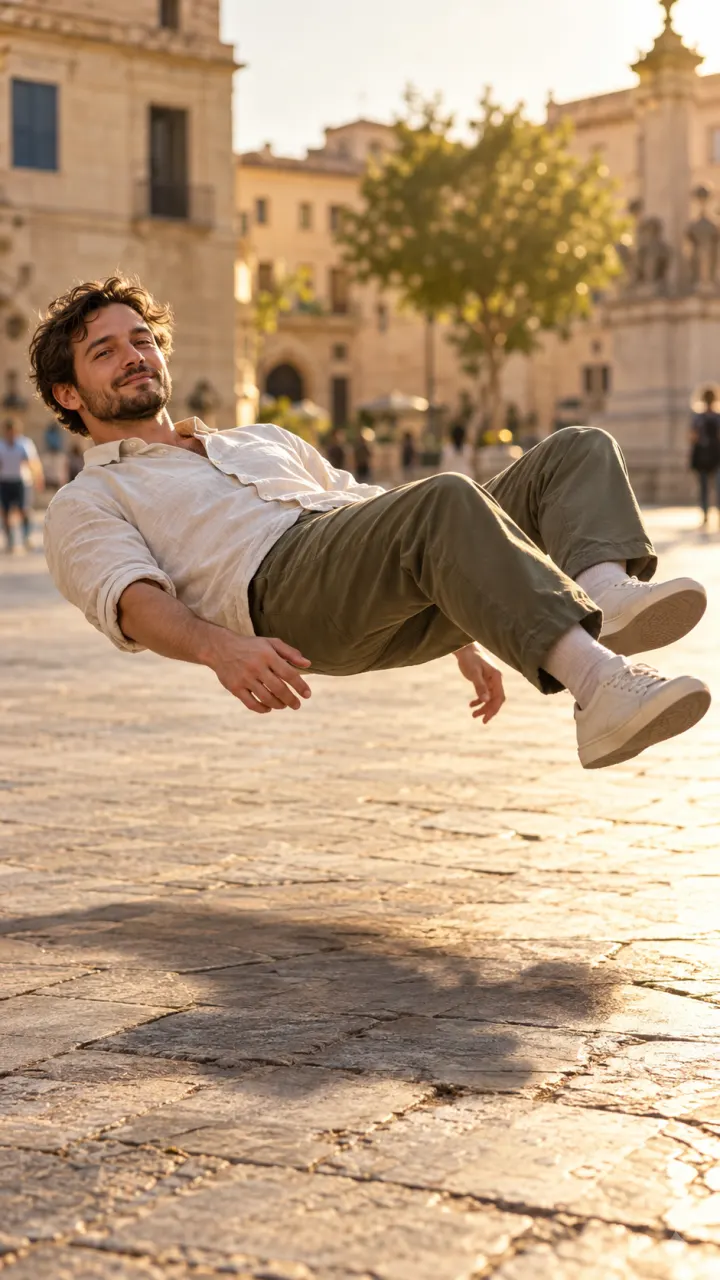
Wan 2.6 and 2.7 cost little, which suits loops, backgrounds and lots of tries. A gentle motion, like rain on a window or a flag in the wind, makes a background that plays forever. Keep the camera still and the motion small, so the end meets the start. Want the loop sharper for a big screen? Upscale it with the tools in Studio.
A man in a white shirt slowly floats up off the stones of a sunny old-town square, body relaxed, his shadow stays on the ground
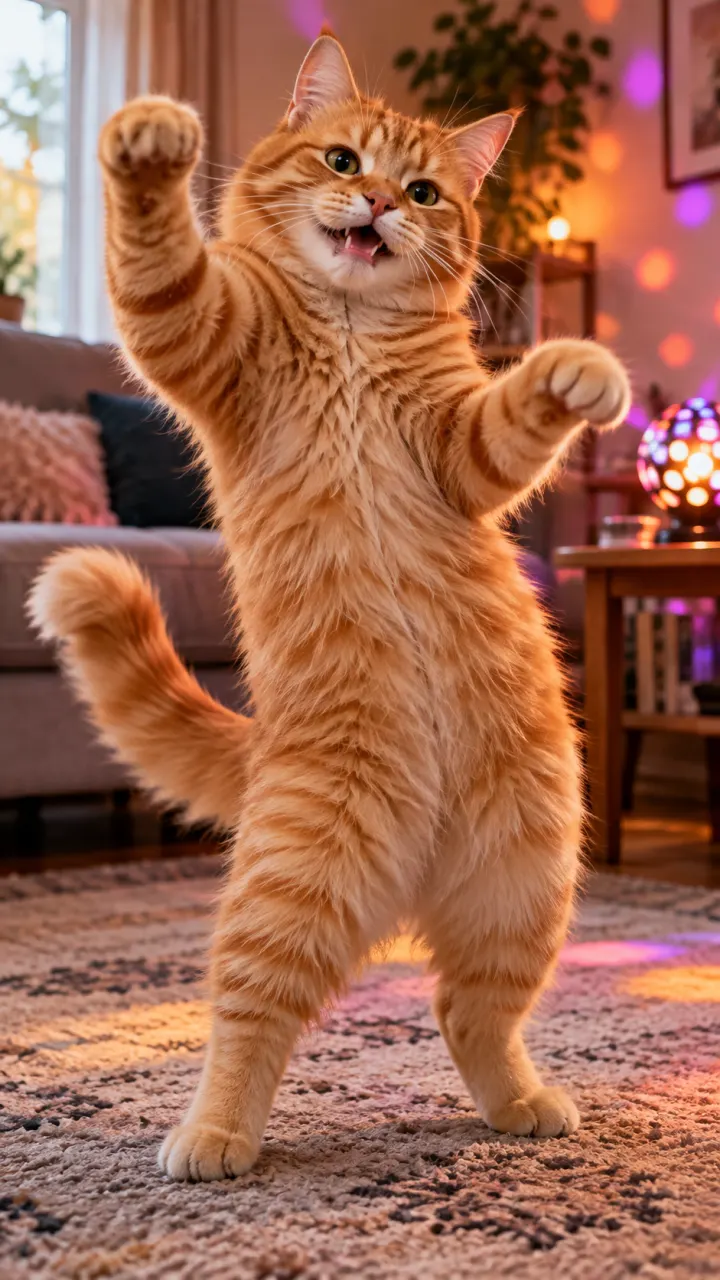
 Anime and cartoon clips
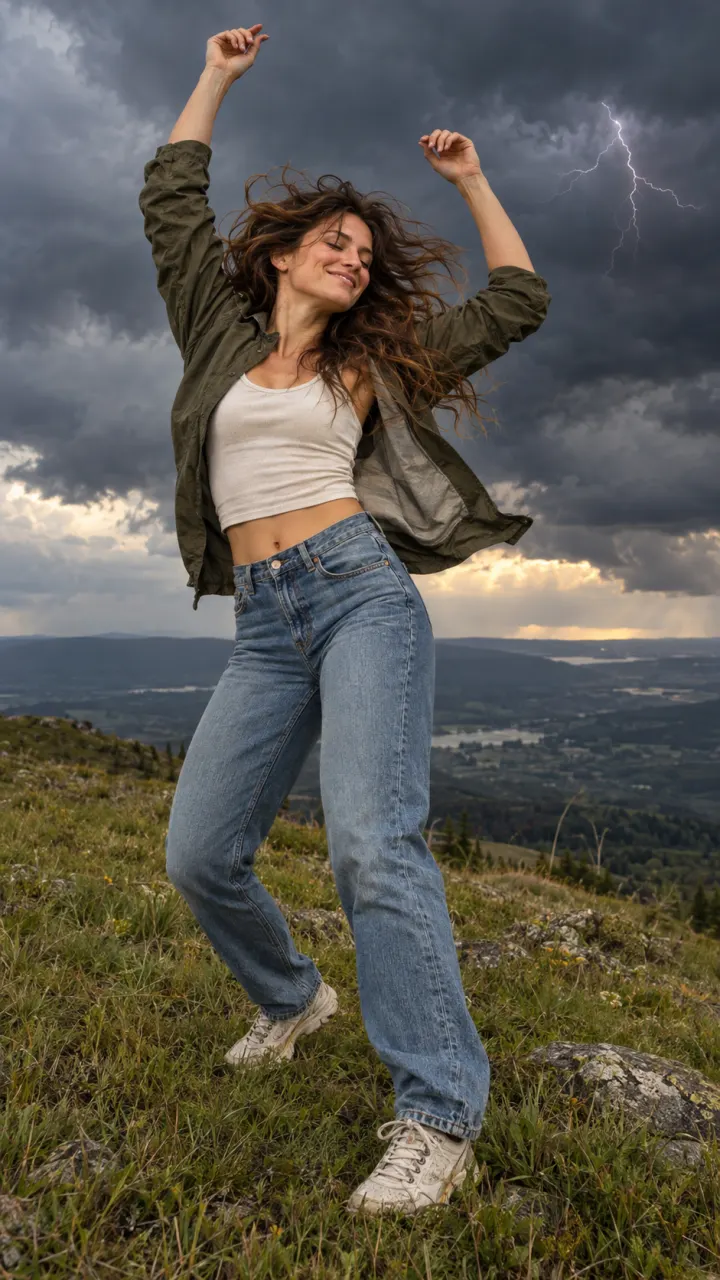
 Fantasy and magic scenes
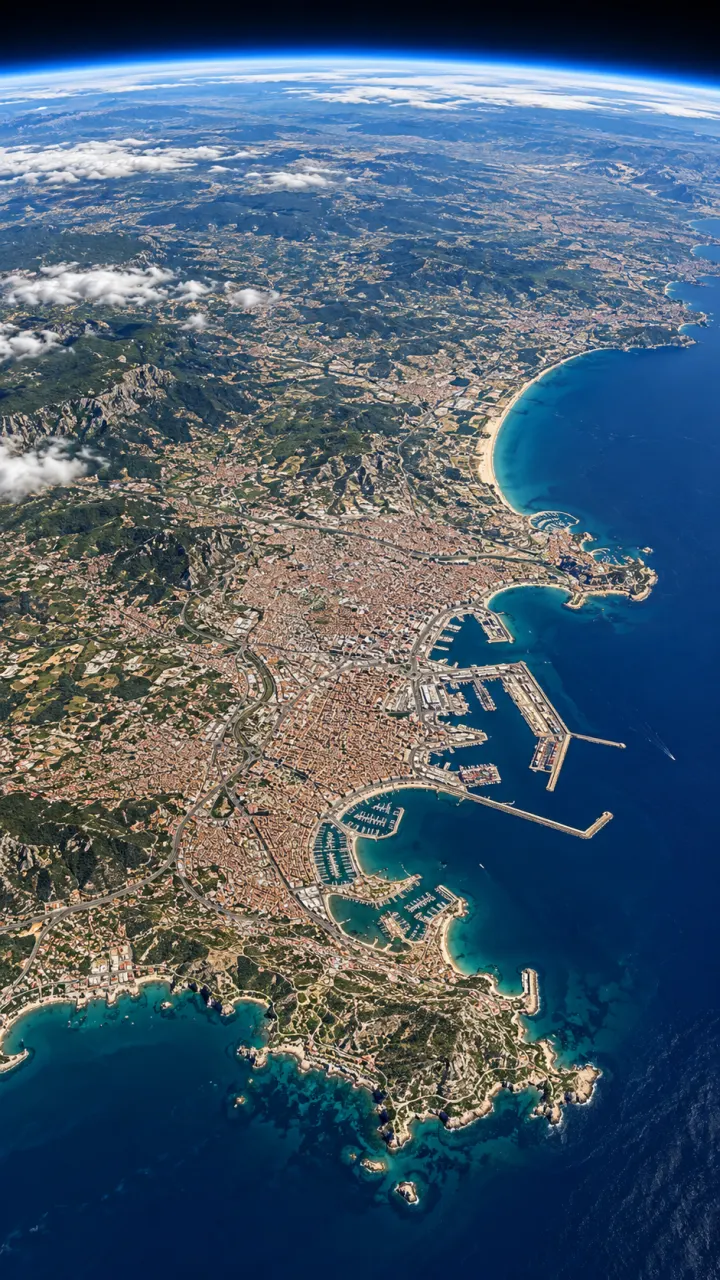
 Looping backgroundsStory beats up to 15 sStylized music visuals
Pictures are illustrations of the kind of result, not outputs of Wan.
Every version runs in the composer above. Switch any time; your photo and prompt stay put.
Anime, clay and painterly clips up to 15 s
Stylized clips for fewer credits
Low cost, good for loops
A witch in a dark forest raises her hands and green sparks swirl between them, mist and moonlight, slow orbit around her
One clear subject works best: a person, a pet, a product or a place. Or switch to Text to Video and skip it.
One line about what moves and how the camera follows. Then set the shape, length and sound.
The button shows the cost first. Your clip lands in the feed when it’s done, and you can leave the page.
Other models do other jobs. All of them run in the same composer.
No. Wan is made by Alibaba. Reelfie is an independent studio that runs it for you next to other models, with one account and one set of credits. Reelfie isn’t affiliated with Alibaba.
From 20 credits a clip, depending on the version, the length, the resolution and sound. The Generate button shows the exact cost before you start, and a run that fails costs nothing.
Yes. Add a photo of yourself, or of someone who agreed, and nobody under 18. Your photos are deleted 7 days after upload and never used to train AI.
Wan 3.0: Anime, clay and painterly clips up to 15 s. Wan 2.7: Stylized clips for fewer credits. Wan 2.6: Low cost, good for loops. Switch versions in the Model row; your photo and prompt stay put.
Wan makes clips of 5, 10 and 15 seconds. Sound by version: Wan 3.0, on or off; Wan 2.7, always on; Wan 2.6, always on. Pick the shape and resolution in the composer.
No. Your Reelfie account runs Wan and every other model here on the same credits. You don’t sign up with Alibaba or bring a key.
You get the credits back automatically, and the run shows Retry in your feed.
Model names belong to their makers. Reelfie isn’t affiliated with Alibaba.