Seedream 5.0 Pro
Sharp, detailed photos and sets
- From a prompt, or edits your photo
- Vertical, wide, square and more
All results are AI-generated and labeled.
0 / 1500
Describe what to make.
By adding a photo you confirm everyone in it is 18+ and agreed to have their face used for this. We use faces only to make what you ask for. How we handle faces
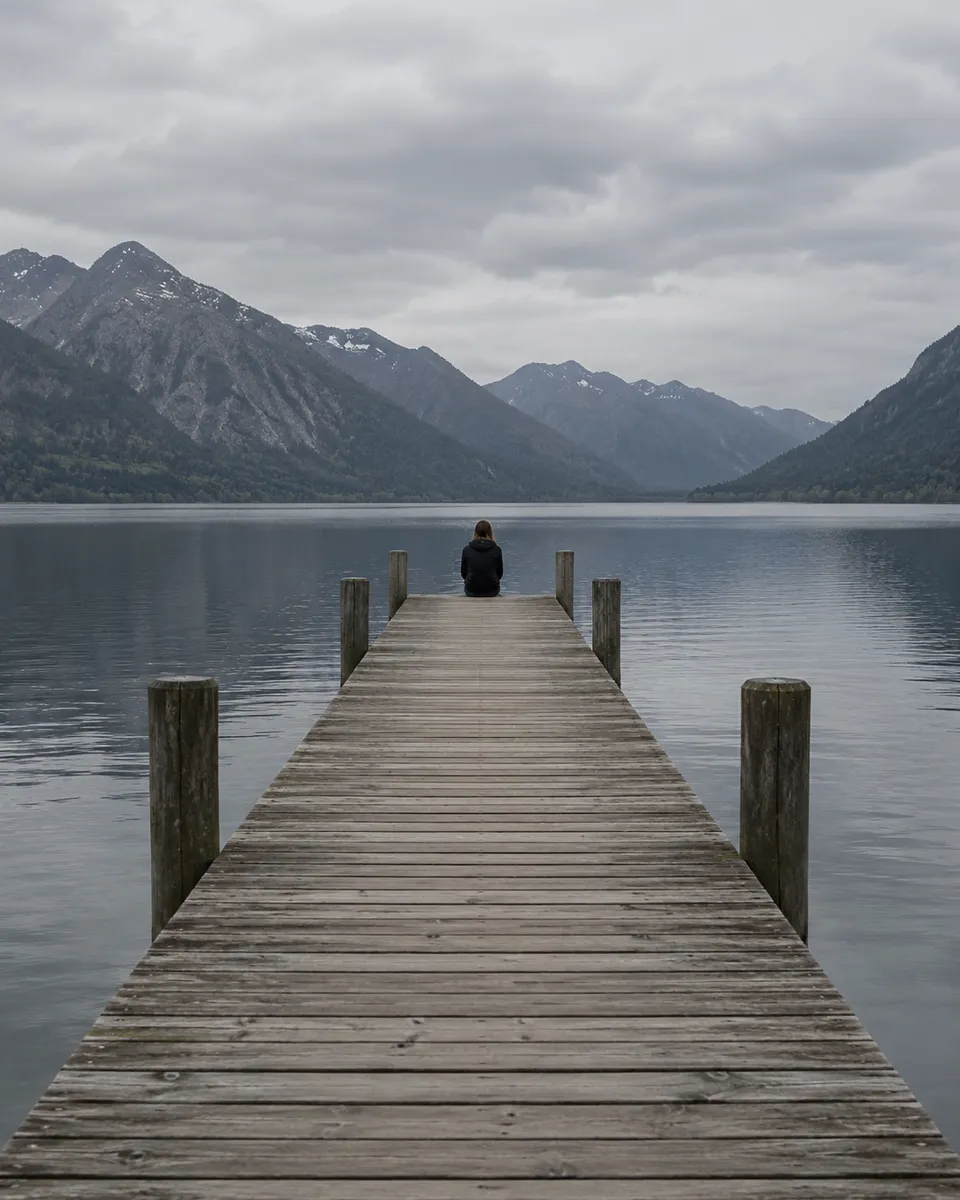 Example · Lake at sunset
Examples show what each idea aims for. They are illustrations, not output from a particular model.
Landscapes, rooms and food come out crisp, with detail that holds up when you zoom. Textures like wood grain, linen and steam stay readable rather than smoothing into a blur. Describe the light as well as the subject, like “late afternoon sun through a window”. To push an older picture further, try the image upscaler.
A long wooden pier reaching into a still mountain lake at sunset, one person sitting at the far end, warm orange sky reflected in the water
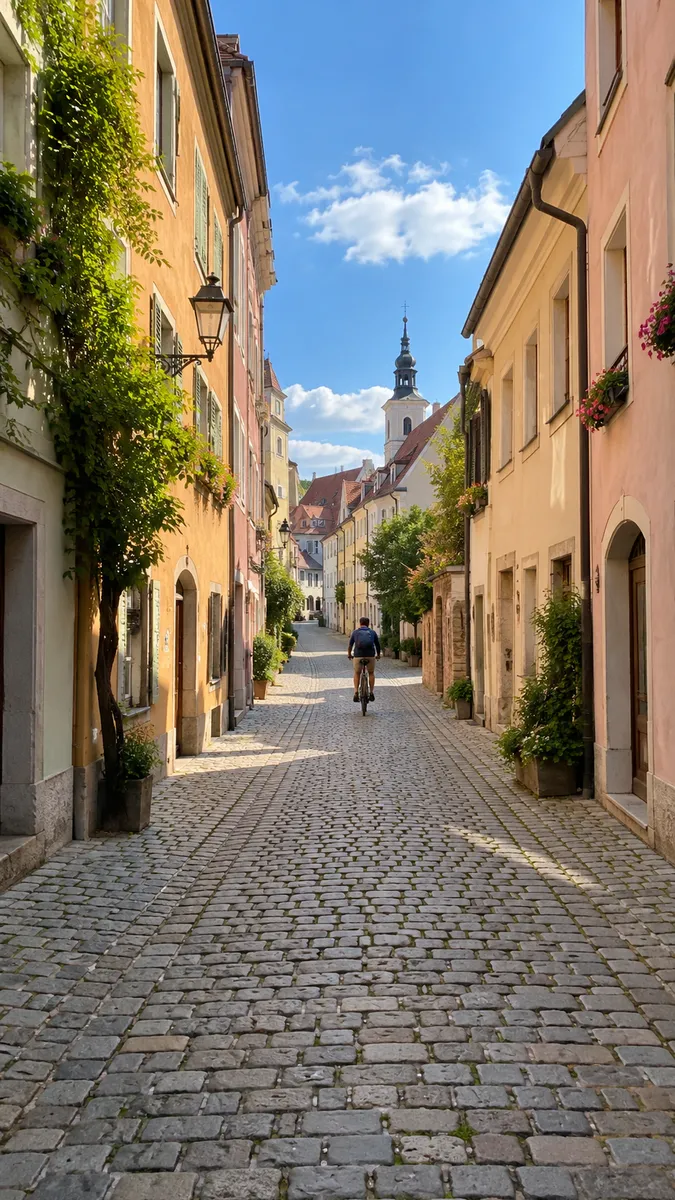
Seedream 5.0 Pro makes several images in one look, for a carousel or a mood board. Colors, light and style stay the same across the set, so the pictures sit together in a grid. Write the shared look once, then list what changes in each image. Ready-made looks for a photo of you are in photo styles.
A sunny cobblestone lane in an old European town, ivy on pastel walls, a cyclist in the distance, a church tower at the end
Seedream 4.5 renders at 4K without the high price, good for prints and wallpapers. Pick the shape first, tall for a phone or wide for a desktop, so nothing gets cropped later. If a picture needs more room around the edges, the AI image extender adds it.
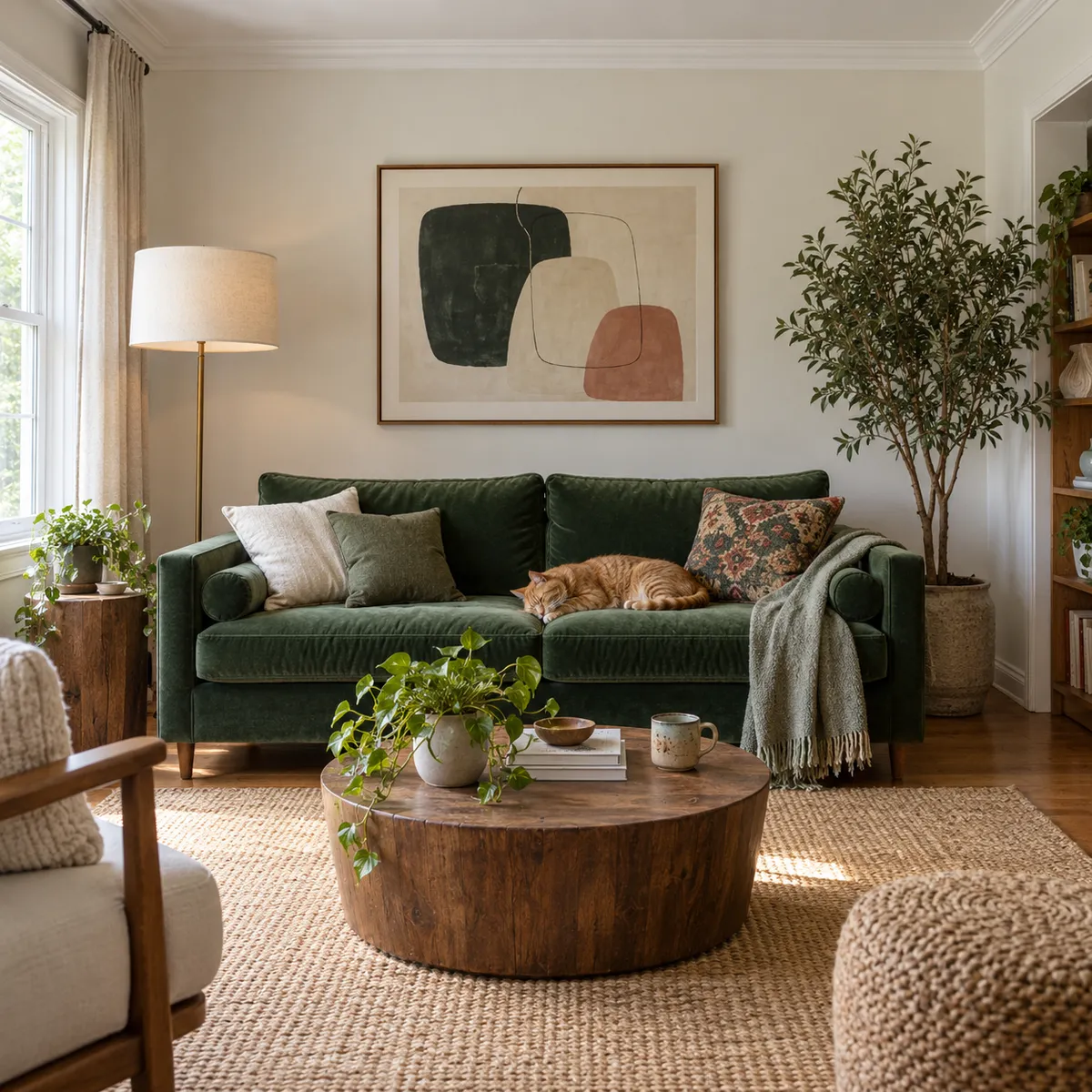
A calm living room with a green velvet sofa, a ginger cat asleep on a cushion, abstract art on the wall, a round wooden table with a plant
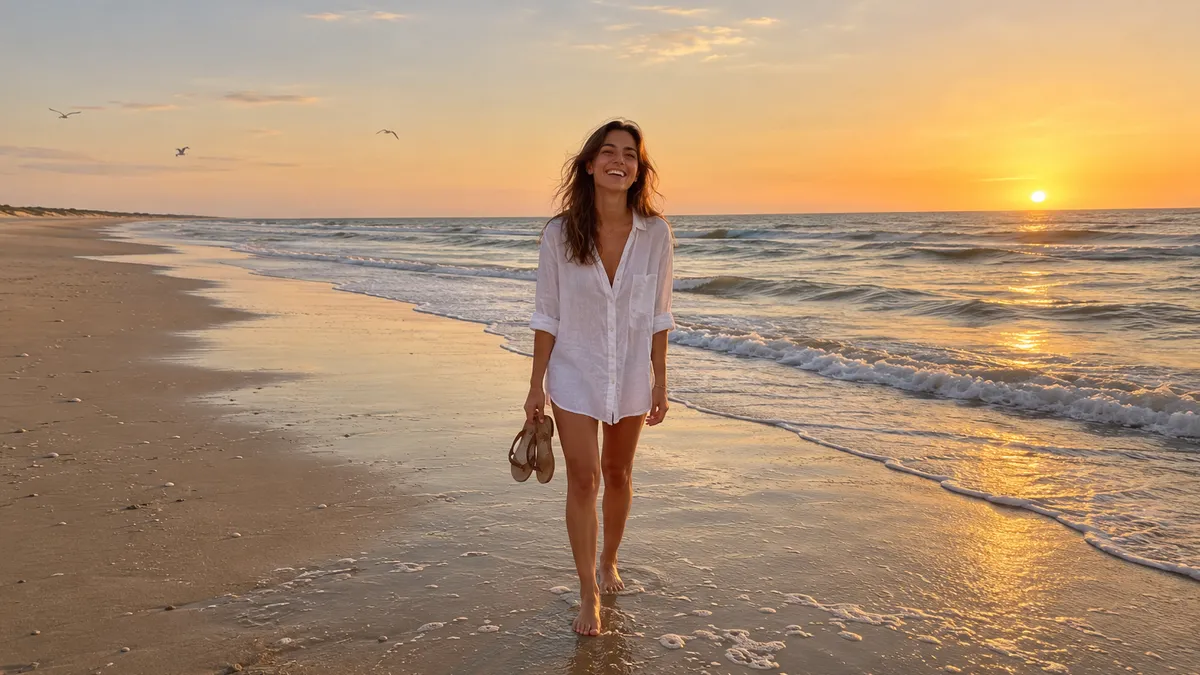 Travel and landscape shots
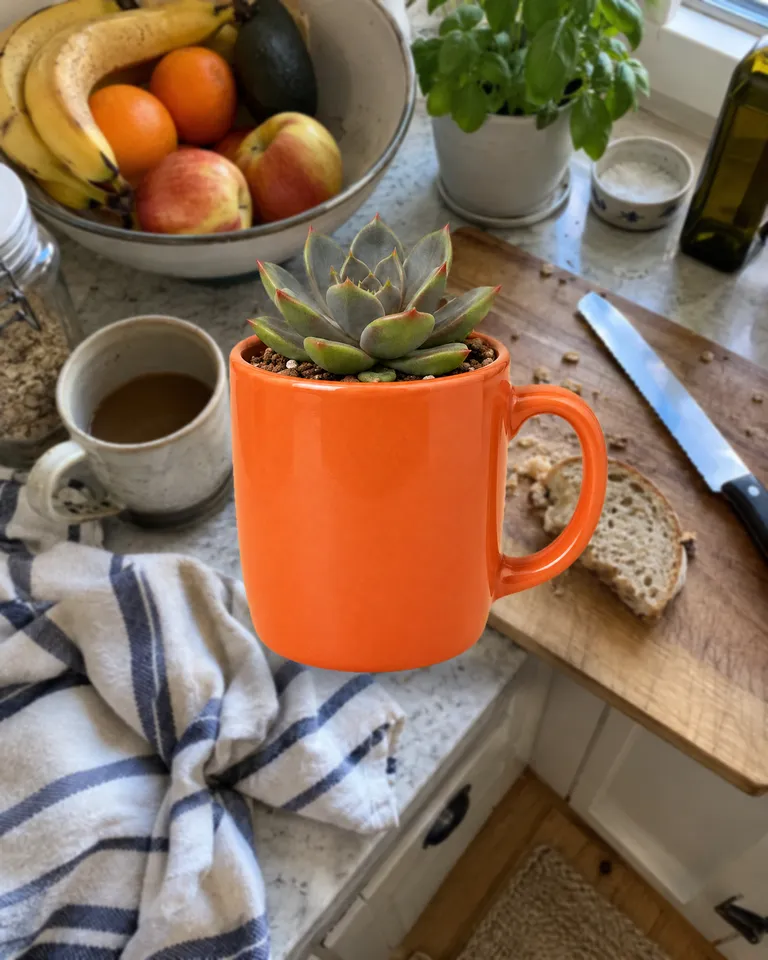 Interiors and real estate
 Food and still lifeWallpapers and printsMood boards
Pictures are illustrations of the kind of result, not outputs of Seedream.
Every version runs in the composer above. Switch any time; your photo and prompt stay put.
Sharp, detailed photos and sets
Good everyday photos
4K photos for few credits
A long wooden pier reaching into a still mountain lake at sunset, one person sitting at the far end, warm orange sky reflected in the water
Describe the image, or add a photo and say what to change.
Choose the aspect ratio, the resolution and how many images to make in one go.
The button shows the cost first. Your images land in the feed, ready to download.
Other models do other jobs. All of them run in the same composer.
No. Seedream is made by ByteDance. Reelfie is an independent studio that runs it for you next to other models, with one account and one set of credits. Reelfie isn’t affiliated with ByteDance.
From 4 credits a image, depending on the version and the resolution. The Generate button shows the exact cost before you start, and a run that fails costs nothing.
Yes. Add a photo of yourself, or of someone who agreed, and nobody under 18. Your photos are deleted 7 days after upload and never used to train AI.
Seedream 5.0 Pro: Sharp, detailed photos and sets. Seedream 5.0 Lite: Good everyday photos. Seedream 4.5: 4K photos for few credits. Switch versions in the Model row; your photo and prompt stay put.
No. Your Reelfie account runs Seedream and every other model here on the same credits. You don’t sign up with ByteDance or bring a key.
You get the credits back automatically, and the run shows Retry in your feed.
Model names belong to their makers. Reelfie isn’t affiliated with ByteDance.