Qwen Image 3.0 Pro
NewPosters and lettering from text
- Made from your prompt
- Vertical, wide, square and more
All results are AI-generated and labeled.
0 / 1500
Describe what to make.
By adding a photo you confirm everyone in it is 18+ and agreed to have their face used for this. We use faces only to make what you ask for. How we handle faces
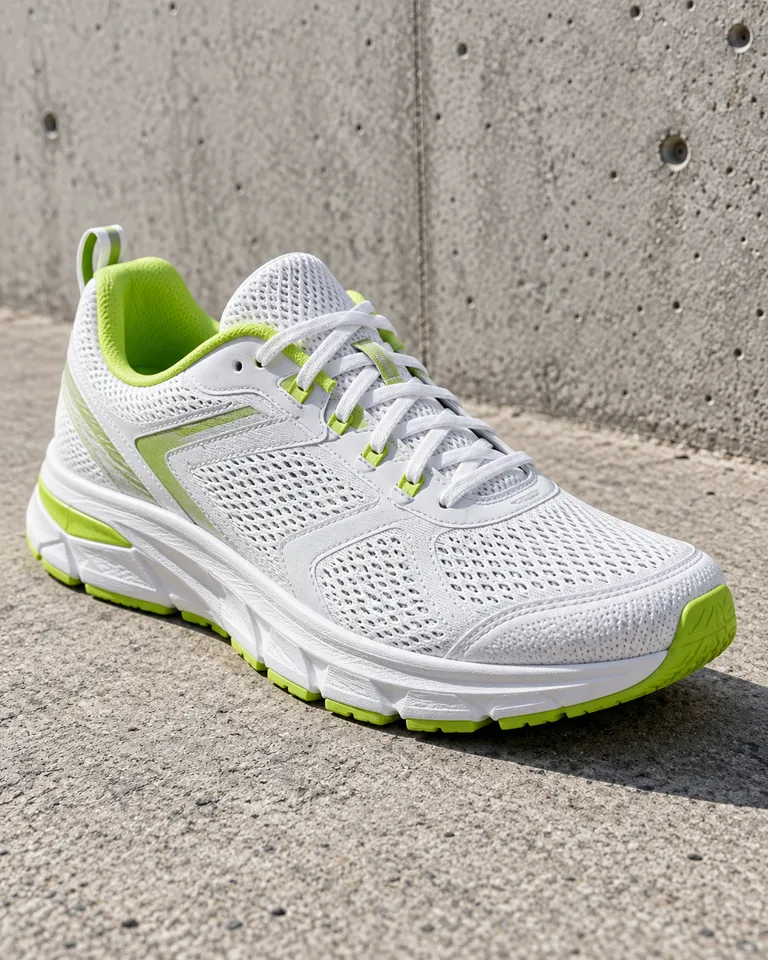 Example · Product shot
Examples show what each idea aims for. They are illustrations, not output from a particular model.
Qwen Image 3.0 Pro sets headlines and slogans into posters with the spelling intact. Put the words in quotes and say the style, like “bold condensed sans, white on red”. Keep a headline to a few words and add a smaller line under it for the rest. Plain prompts work on the AI image generator too.
Product photo of a white running shoe with lime accents on raw concrete, soft daylight, low angle, crisp detail on the mesh
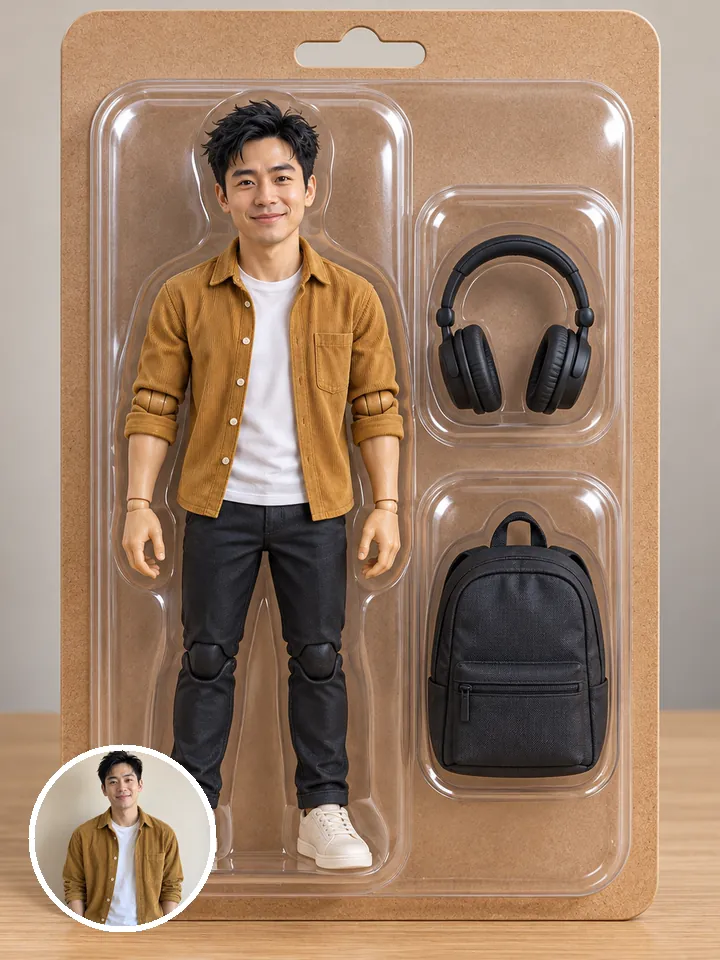
Qwen Image 2.1 replaces an object or a word in your photo and keeps the lighting. Change the sign on a shop, the drink in a hand or the color of a car, and shadows still fall the right way. One swap per run gives the cleanest result. More edits live in the AI photo editor.
A boxed action figure of a man in a grey hoodie and black joggers, with a coffee cup, a phone and sneakers as accessories, on a toy-shop shelf
Product shots and graphics come out tidy, ready for a store page or a banner. Objects line up, edges stay sharp and the background stays plain. Say where things go, like “product centered, headline above, lots of space”. For a cut-out on its own, use remove background.
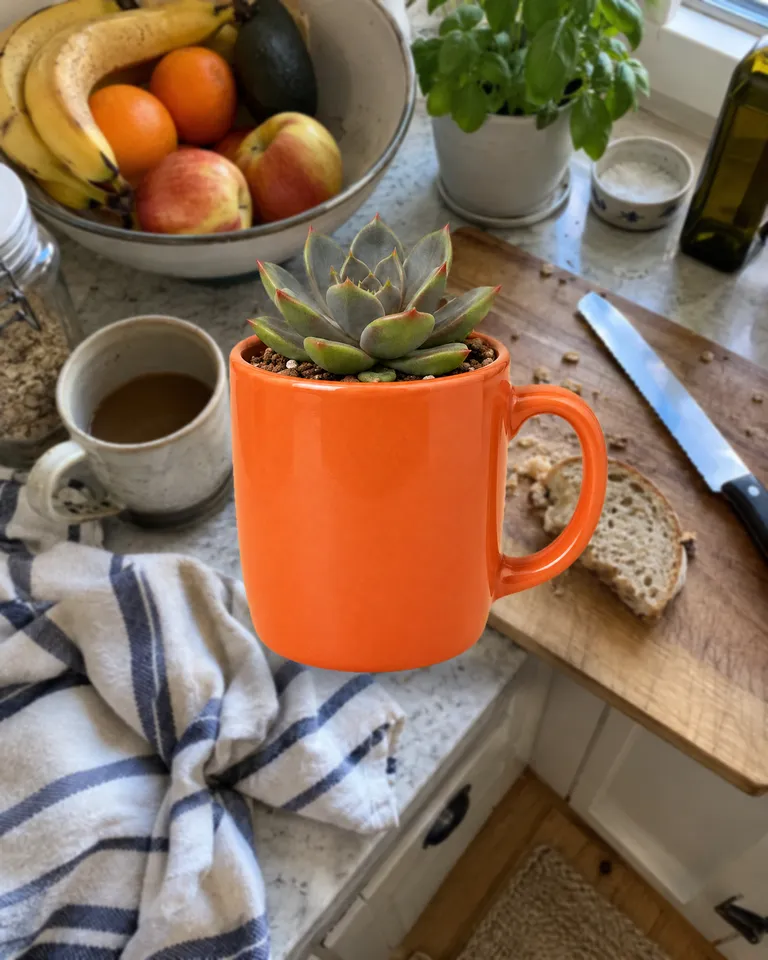
An orange mug used as a planter for a small succulent on a kitchen counter, a fruit bowl and a linen towel around it, top-down morning light
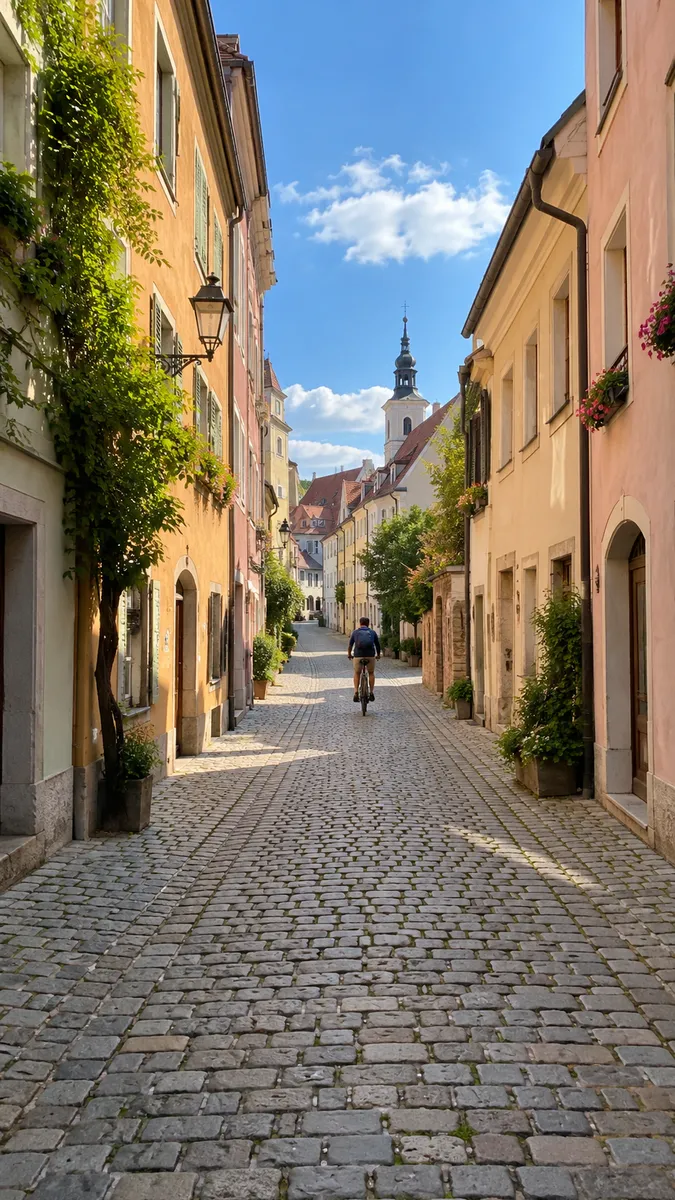 Posters and banners
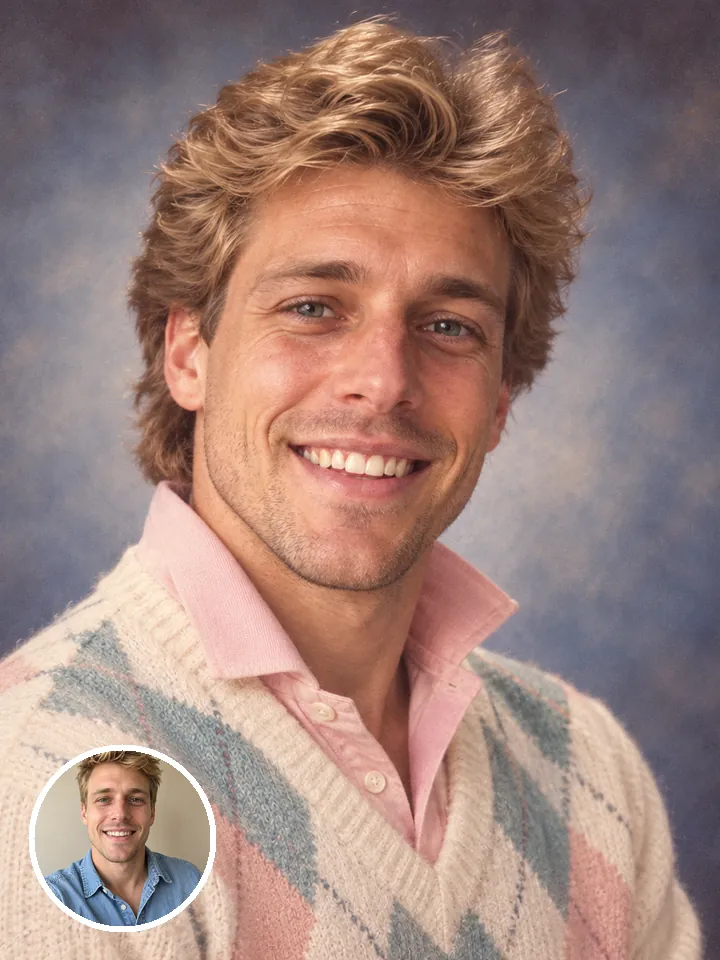 Product and store images
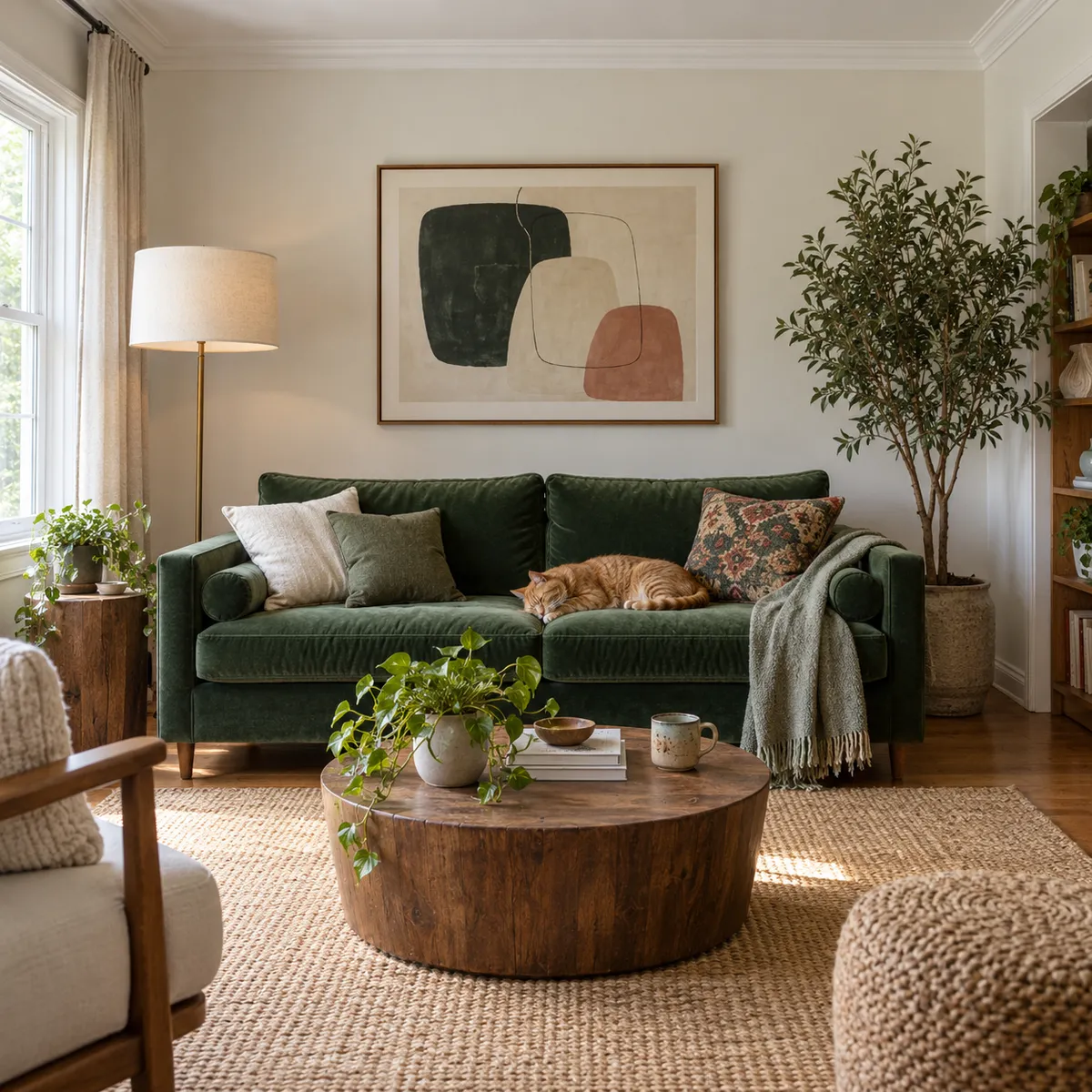 Replace a sign or a labelSocial graphics
Pictures are illustrations of the kind of result, not outputs of Qwen Image.
Every version runs in the composer above. Switch any time; your photo and prompt stay put.
Posters and lettering from text
Swap objects and text in a photo
Product photo of a white running shoe with lime accents on raw concrete, soft daylight, low angle, crisp detail on the mesh
Describe the image: the subject, the light and the style.
Choose the aspect ratio, the resolution and how many images to make in one go.
The button shows the cost first. Your images land in the feed, ready to download.
Other models do other jobs. All of them run in the same composer.
No. Qwen Image is made by Alibaba. Reelfie is an independent studio that runs it for you next to other models, with one account and one set of credits. Reelfie isn’t affiliated with Alibaba.
From 3 credits a image, depending on the version and the resolution. The Generate button shows the exact cost before you start, and a run that fails costs nothing.
No, Qwen Image 3.0 Pro works from text only. To start from a photo, pick another model in the same composer, or leave it on Auto.
Qwen Image 3.0 Pro: Posters and lettering from text. Qwen Image 2.1: Swap objects and text in a photo. Switch versions in the Model row; your photo and prompt stay put.
No. Your Reelfie account runs Qwen Image and every other model here on the same credits. You don’t sign up with Alibaba or bring a key.
You get the credits back automatically, and the run shows Retry in your feed.
Model names belong to their makers. Reelfie isn’t affiliated with Alibaba.