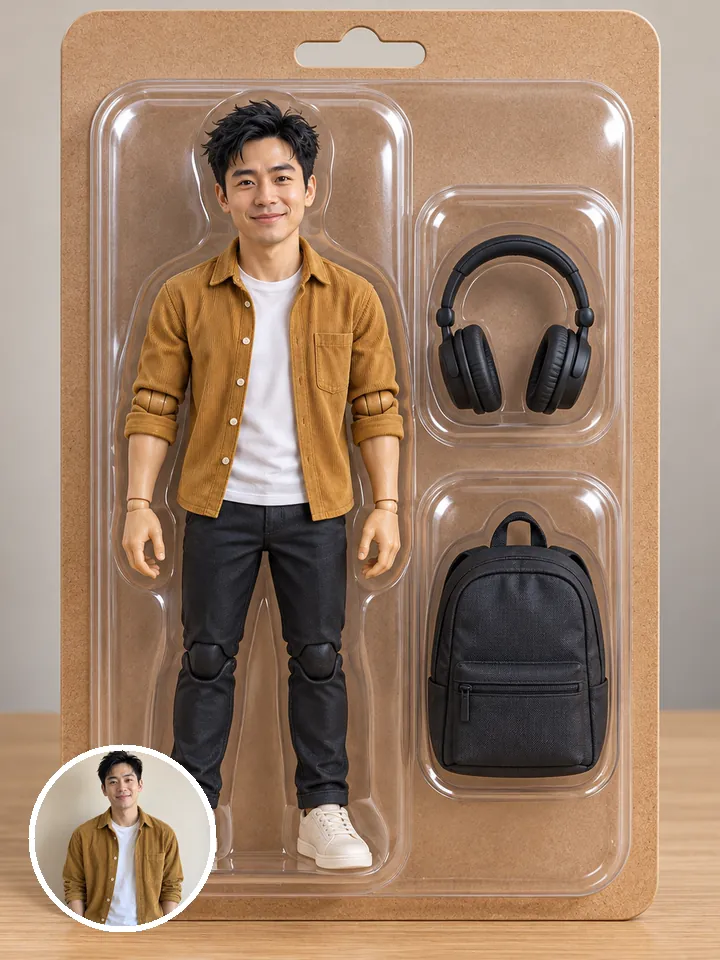
FLUX.2 Max
Skin, fabric and product detail
- Made from your prompt
- Square only
All results are AI-generated and labeled.
0 / 1500
Describe what to make.
By adding a photo you confirm everyone in it is 18+ and agreed to have their face used for this. We use faces only to make what you ask for. How we handle faces
 Example · Golden hour couple
Examples show what each idea aims for. They are illustrations, not output from a particular model.
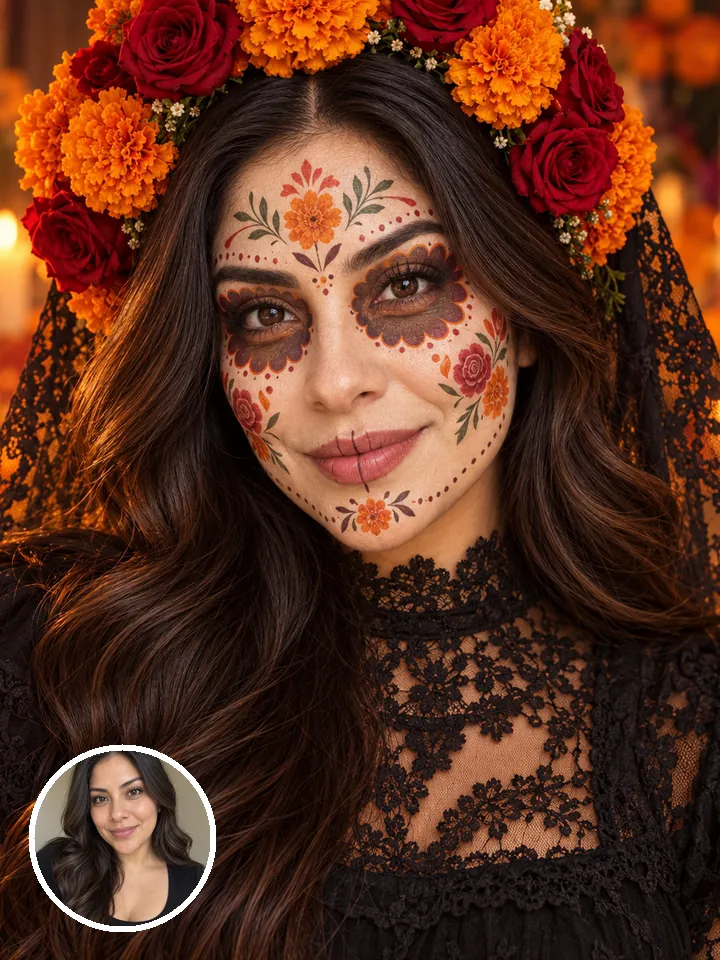
Skin, hair and fabric look like a camera took them, not a render. Describe the camera too, like “50mm portrait, soft window light”, and the picture follows. It suits headshots, lifestyle shots and anything that should pass as a photo. To restyle a photo of you instead, try photo styles.
A couple laughing in a golden meadow at sunset, he holds her close, soft film-photo look
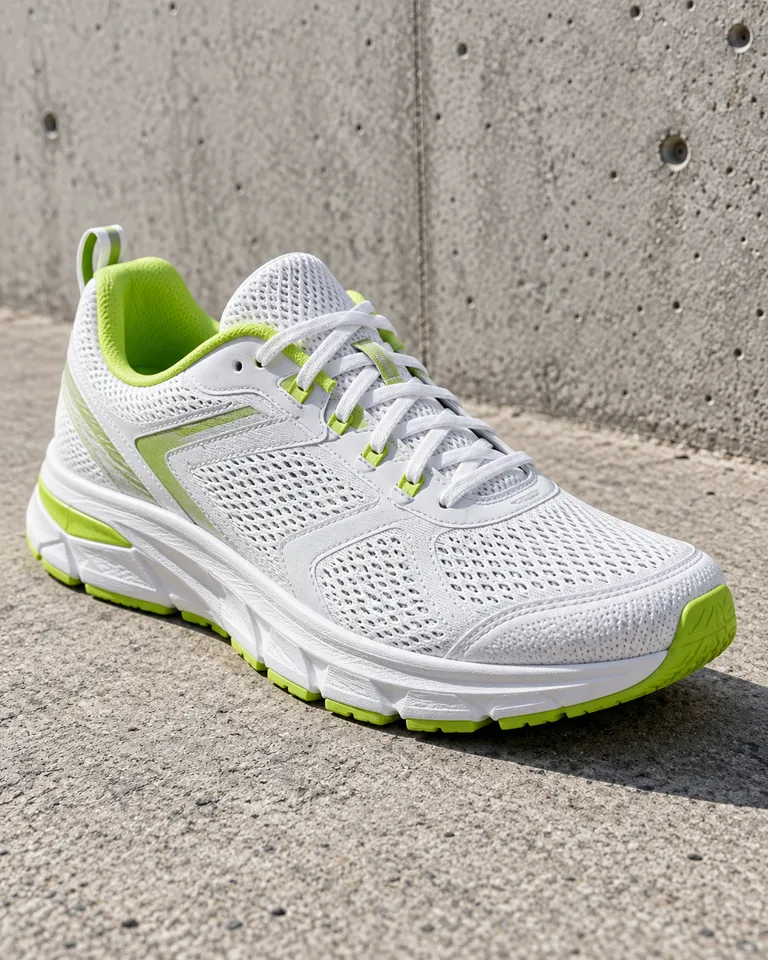
Materials like mesh, leather and glass keep their texture, for clean product shots. Name the material and the light, like “matte black leather on a white sweep, softbox from the left”. Plain backgrounds make the product easy to cut out later with remove background.
Product photo of a white running shoe with lime accents on raw concrete, soft daylight, low angle, crisp detail on the mesh
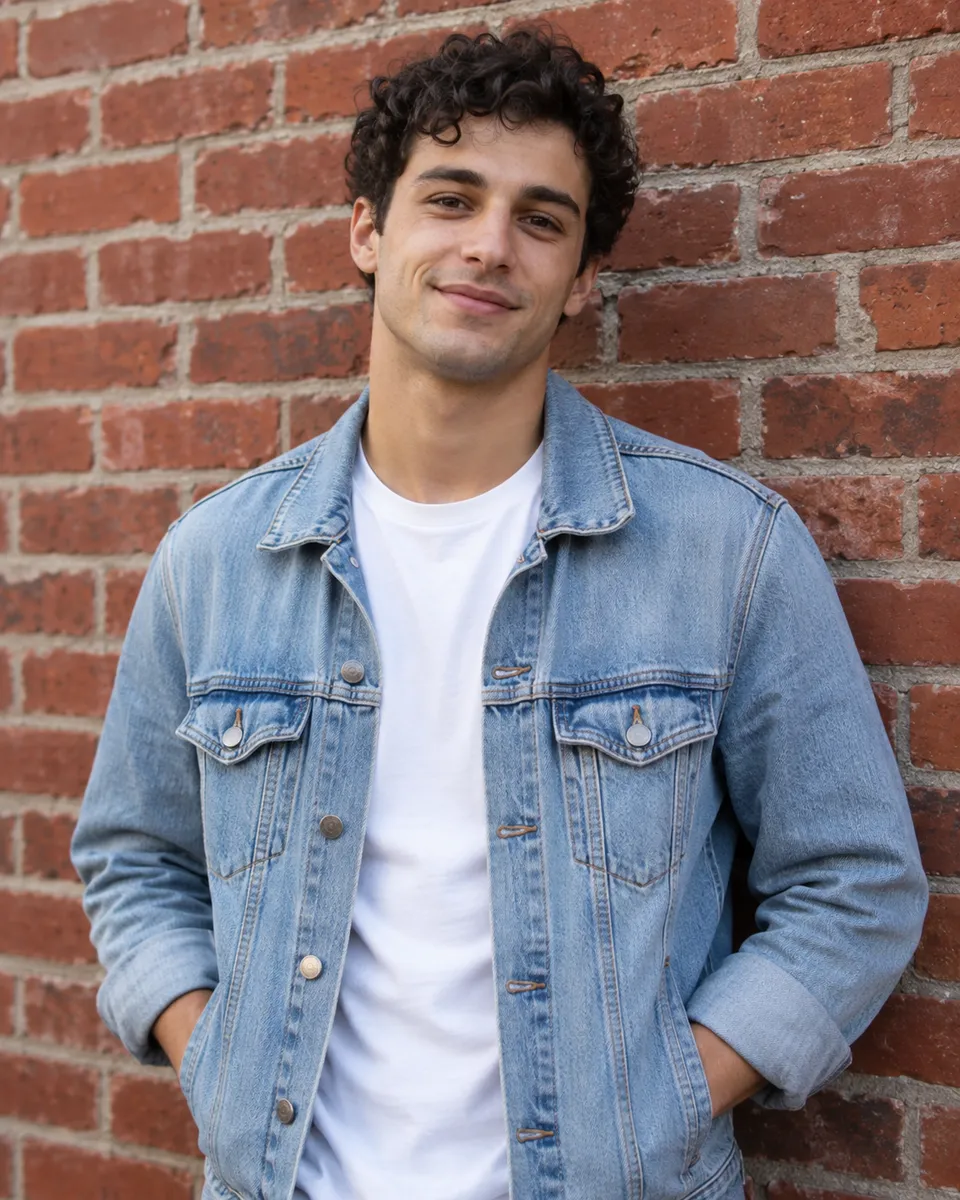
FLUX.2 Max for the most detail, FLUX.2 Pro for photoreal at a lower cost. Rough out the framing on Pro, then run the final on Max when it matters. The prompt carries over unchanged. Every family’s price is on the models page.
A young man with curly hair in a red leather jacket and white tee leans on a brick wall, smiling, soft daylight, 50 mm portrait
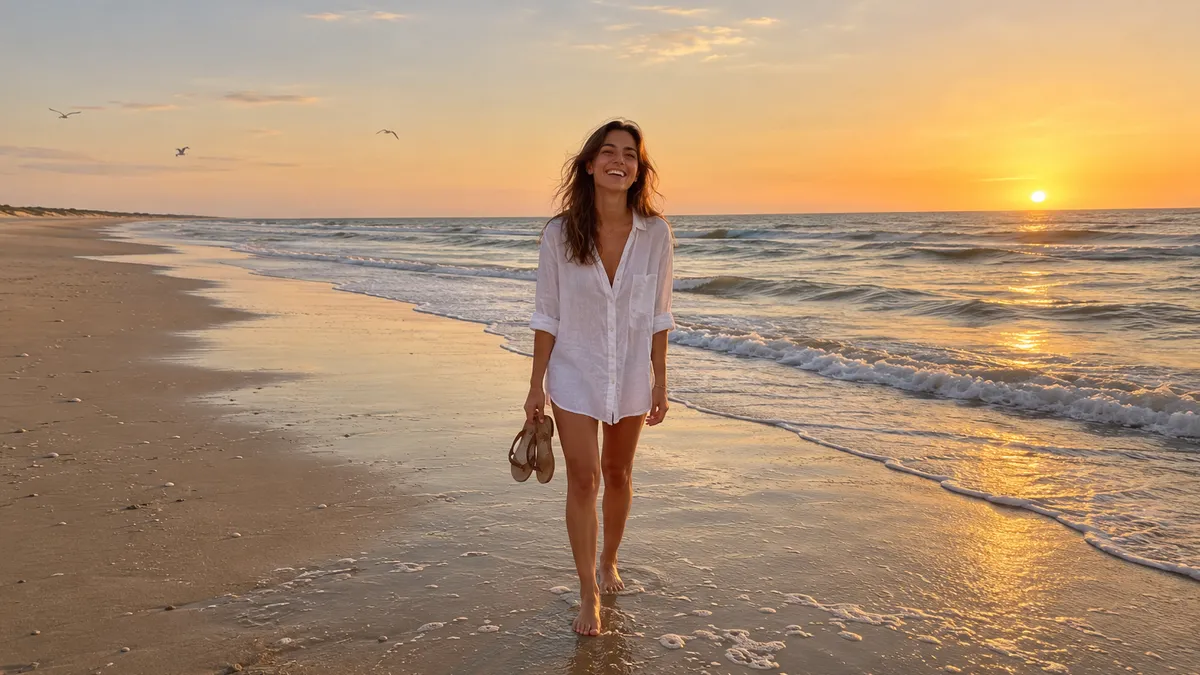 Portraits and headshots
 Product photos
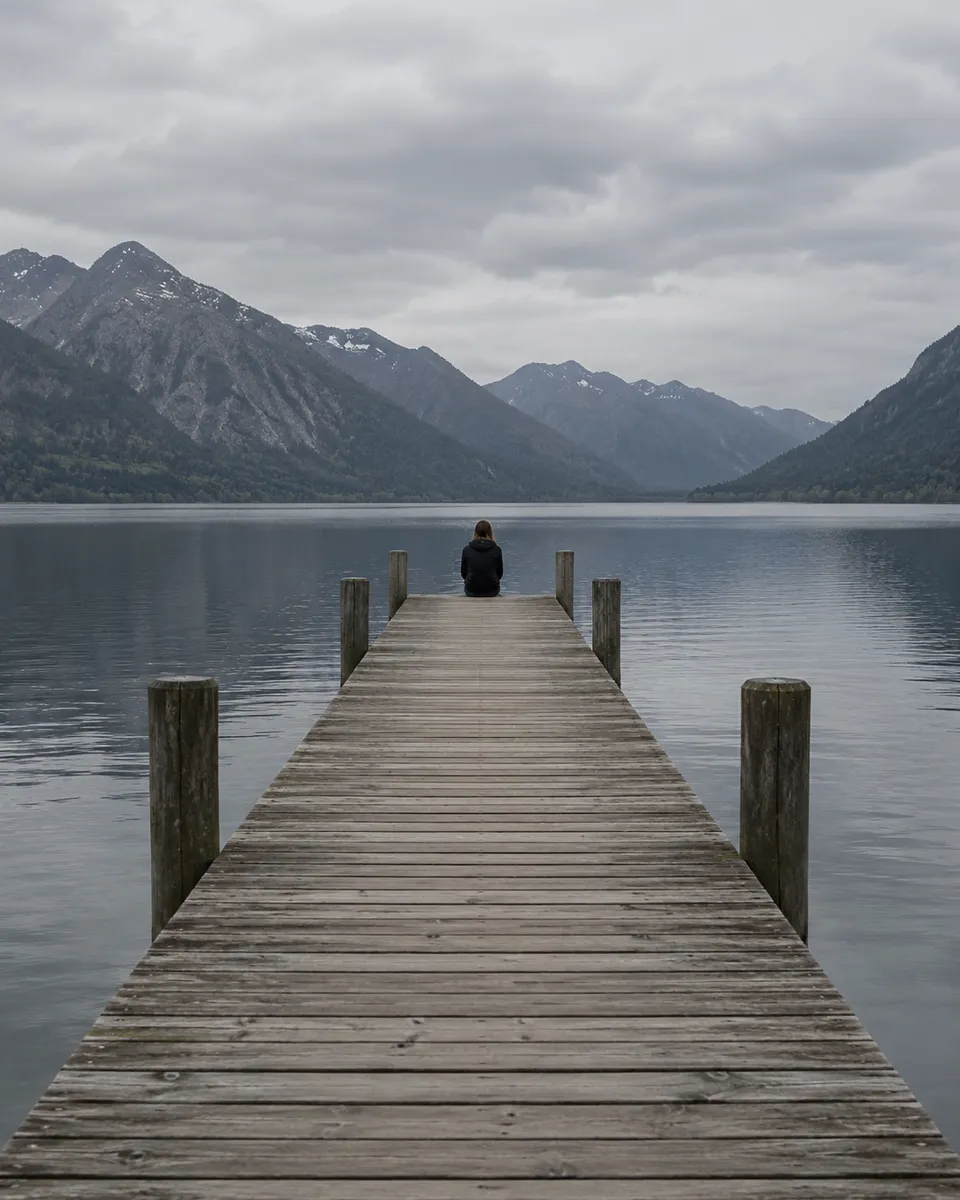 Lifestyle and ad imagesFashion looksCouple and family-style shoots
Pictures are illustrations of the kind of result, not outputs of FLUX.
Every version runs in the composer above. Switch any time; your photo and prompt stay put.
Skin, fabric and product detail
Photoreal on a budget
A couple laughing in a golden meadow at sunset, he holds her close, soft film-photo look
Describe the image: the subject, the light and the style.
Choose the aspect ratio, the resolution and how many images to make in one go.
The button shows the cost first. Your images land in the feed, ready to download.
Other models do other jobs. All of them run in the same composer.
No. FLUX is made by Black Forest Labs. Reelfie is an independent studio that runs it for you next to other models, with one account and one set of credits. Reelfie isn’t affiliated with Black Forest Labs.
From 3 credits a image, depending on the version and the resolution. The Generate button shows the exact cost before you start, and a run that fails costs nothing.
No, FLUX.2 Max works from text only. To start from a photo, pick another model in the same composer, or leave it on Auto.
FLUX.2 Max: Skin, fabric and product detail. FLUX.2 Pro: Photoreal on a budget. Switch versions in the Model row; your photo and prompt stay put.
No. Your Reelfie account runs FLUX and every other model here on the same credits. You don’t sign up with Black Forest Labs or bring a key.
You get the credits back automatically, and the run shows Retry in your feed.
Model names belong to their makers. Reelfie isn’t affiliated with Black Forest Labs.