Quick answer
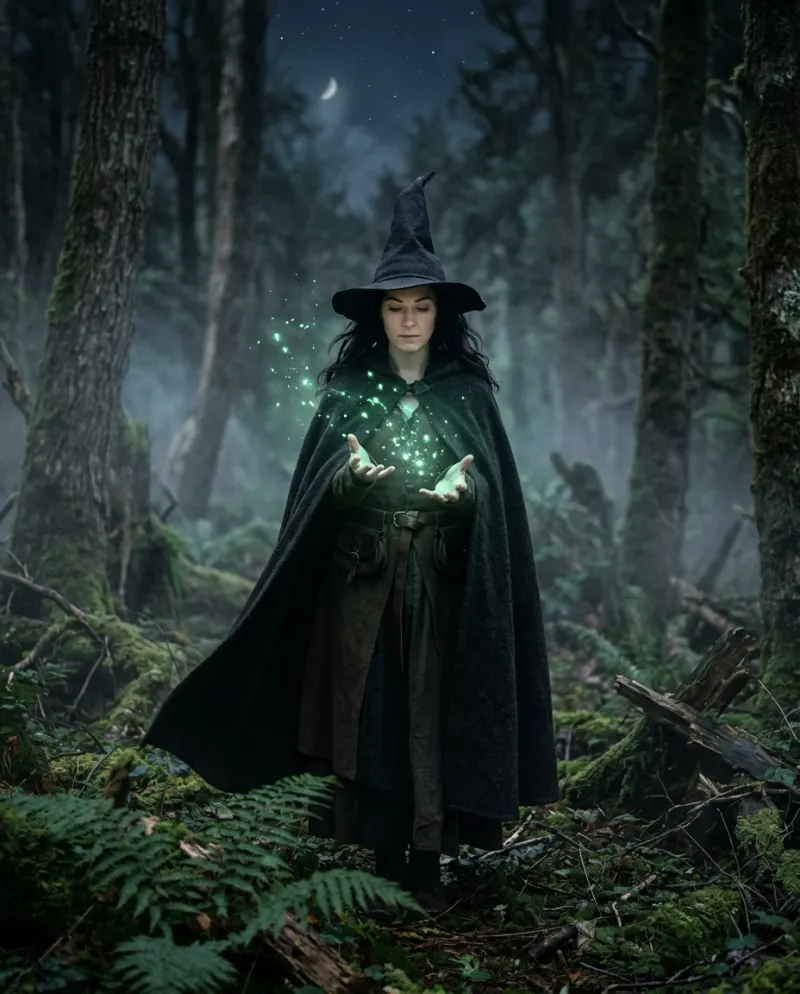
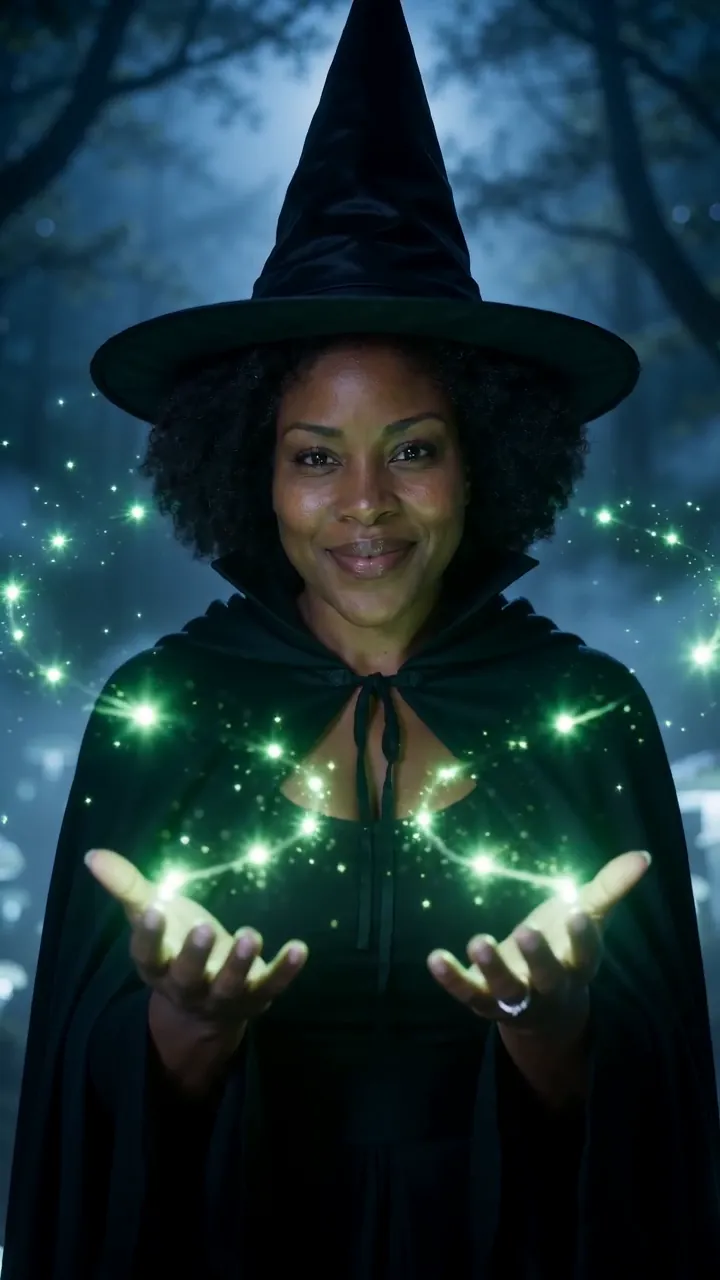
Add one clear photo of yourself to Witch Transformation AI, press make, and a few minutes later you have an 8-second vertical clip: you as you are, then a spin as a pointed hat and a black cloak swirl on, green sparks at your fingertips, a moonlit forest behind. 80 credits, one person per video.
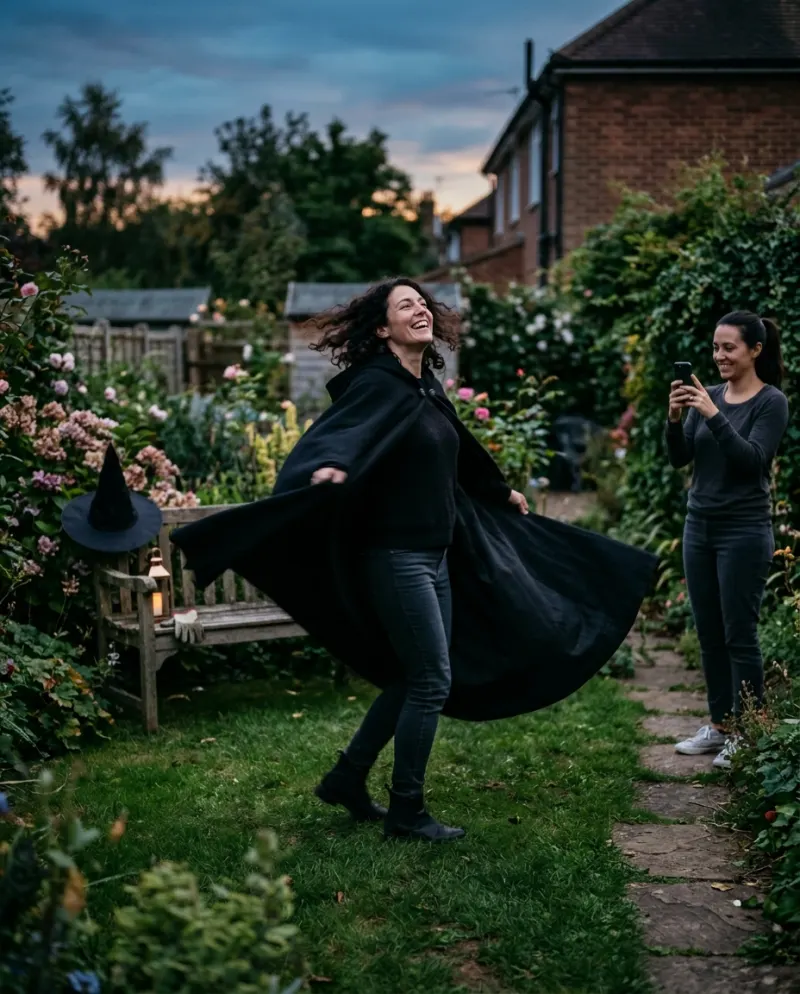
The witch transformation trend is a reveal: ordinary you, a turn, then a full witch. On TikTok people film it by cutting two takes in the middle of a spin. The AI version builds the costume and the forest from a photo, so there is no hat to buy and nothing to film.
Searching “W.I.T.C.H. transformation”? That usually means the magical-girl sequence from the W.I.T.C.H. comics and cartoon, a different look altogether. This one is the classic Halloween witch.
The four moments
- 1You, in your own clothes, looking at the camera.
- 2A turn, and the tall hat and long cloak wrap into place.
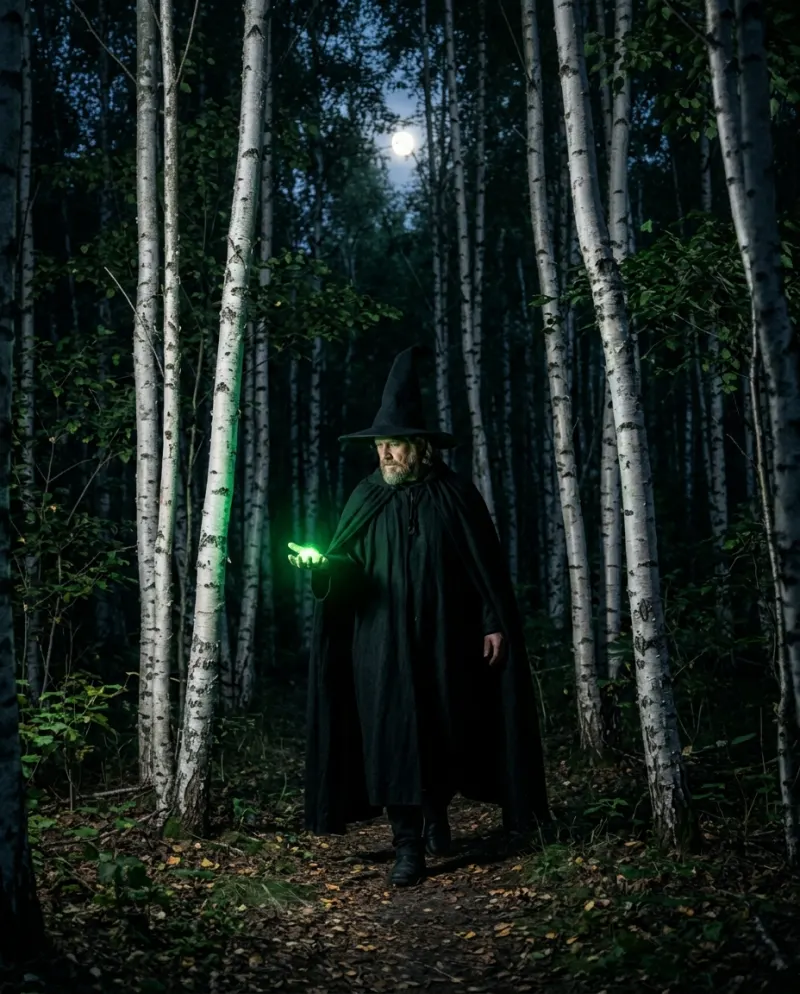
- 3Green sparks curl up from your fingers.
- 4You stop, a witch now, with mist and a full moon behind you.
It plays as enchanting rather than frightening: no warts, no cackling. Your hair, face and skin tone stay yours; only the outfit and the place change.
Before you upload
- Take any hat off. One already on your head fights with the pointed one.
- Get your shoulders in, so the cloak has something to hang from.
- Let your hair show: it stays in the clip, under the brim.
- Just you. Crop friends out, or have each of them make their own.
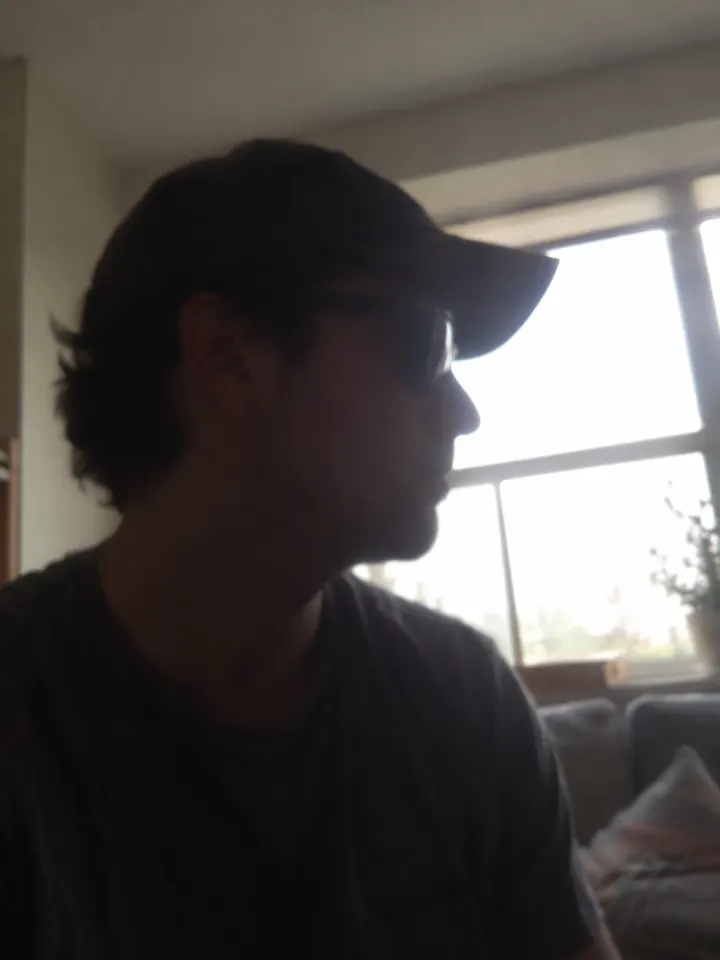
- Skip dark, grainy shots. The night forest supplies the darkness.
Not sure about a photo? Which photos work best with AI shows good and bad examples next to each other.
Making it on Reelfie
- 1Go to the Witch Transformation AI page on Reelfie.
- 2Add one clear photo of just you, face forward, with your shoulders and some hair in the frame.
- 3The button lists the cost up front: 80 credits for an 8-second 9:16 video.
- 4Press make and give it a few minutes; the tab can close. A failed run returns its credits.
- 5Download the MP4 from Assets and put it on TikTok or Reels. It comes with sound, which you can swap for the trend sound.
Ways to post it
A coven
Each friend makes a clip; join them in CapCut so one witch hands off to the next.
Costume teaser
A week before the party, as your answer to “what are you going as?”
Grid cover
Pick the last frame as the cover, so your profile shows the hat.
Put the moment the hat lands on a beat, tag it #witchtransformation, and switch on TikTok’s AI-generated label when you post.
Common problems
The hat replaced my hair
Use a photo where your hair is down or clearly visible. Hair scraped back gives the model nothing to keep.
The hat lands off the beat
Trim a little from the start in TikTok or CapCut until the swirl meets the beat you want.
Two of us wanted to be in one video
This template takes one person. Make one each and put them side by side in a split screen.
FAQ
What is the witch transformation trend?
A short reveal where someone spins from everyday clothes into a full witch costume. The AI version adds a moonlit forest and green sparks.
Do I need a costume for my photo?
No. The hat, cloak and magic are added. A clear photo of your face matters more than what you wear.
How much is the witch video?
80 credits for an 8-second clip; at the smallest pack (up to 2 videos for $9.90) that’s close to $4.95. Credits from a run that fails are returned.
Can I make it on my phone?
Yes, in the phone’s browser. Pick the photo from your camera roll and the video saves back to it.
Make your first one
Witch Transformation AI: Become a witch in one spin.
Try Witch Transformation AIYour photos are deleted 7 days after upload and never used to train AI.