Quick answer
If you own a hat and cloak and can film twice, CapCut is all you need: split the clips mid-spin and the costume appears. If you have neither, or want the moonlit forest and green sparks, that’s AI: Witch Transformation AI makes the spin from one photo for 80 credits.
A witch transformation post is a transition, and CapCut is built for transitions. What it can’t do is invent a costume you never wore or a forest you never stood in. That is the line between the two.
Which one fits you
CapCut transition
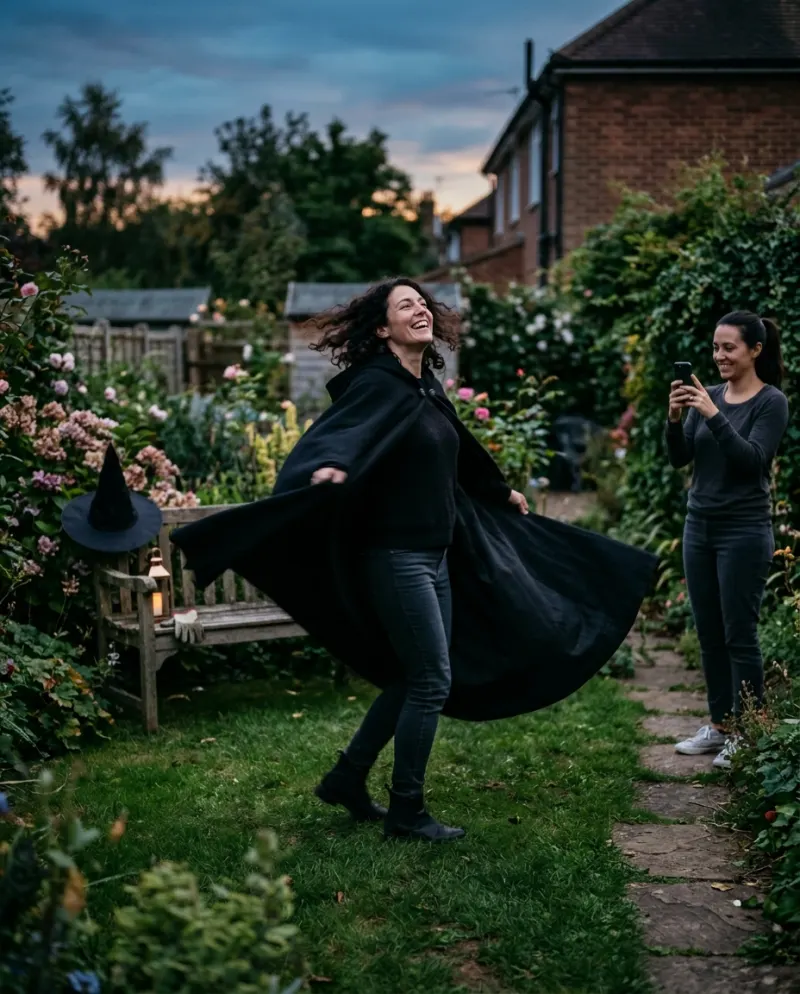
You film two takes, in and out of costume, and CapCut joins them at the turn. Free, and it’s really you in the hat.
If you have the costume
AI video
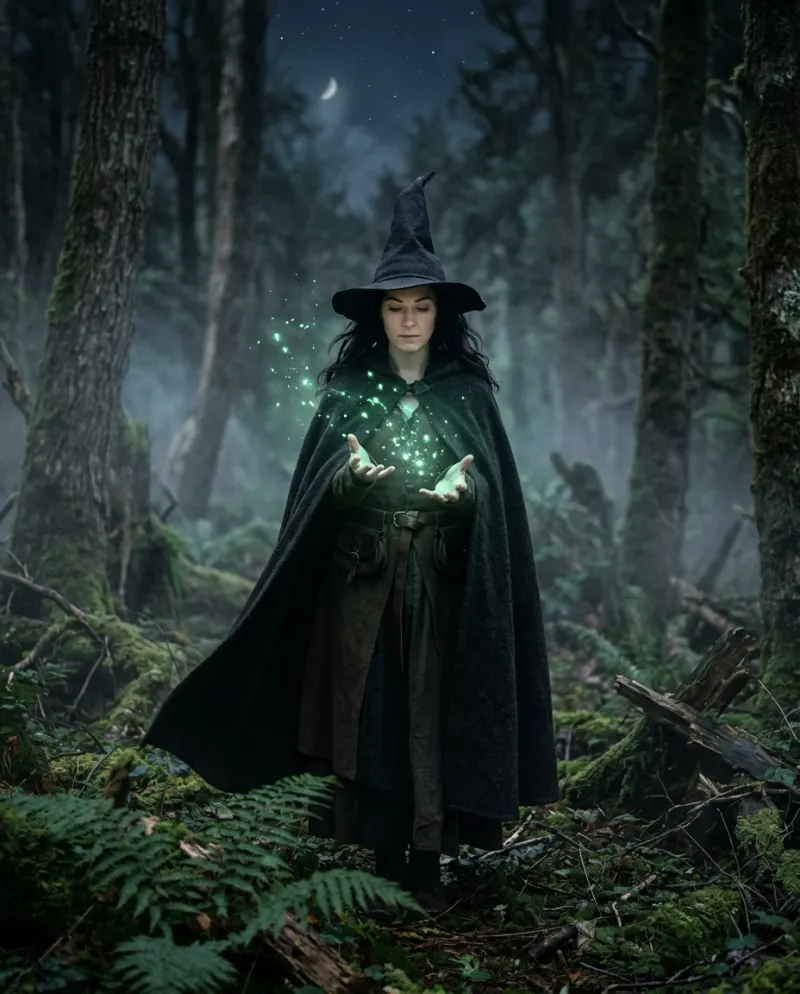
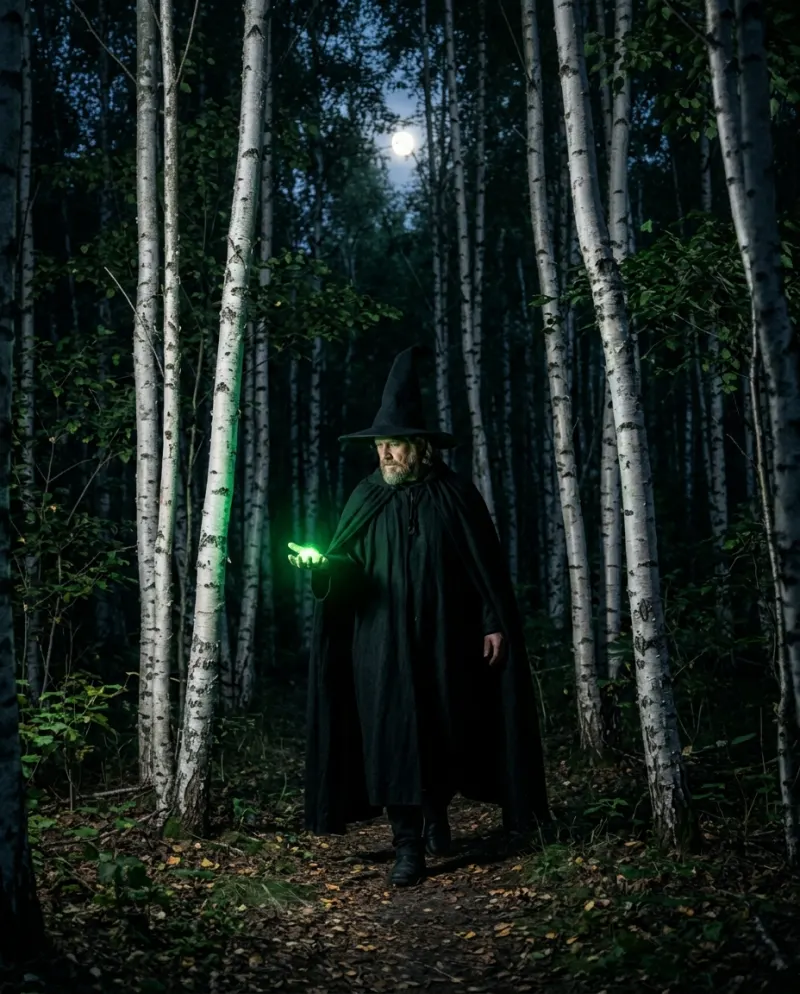
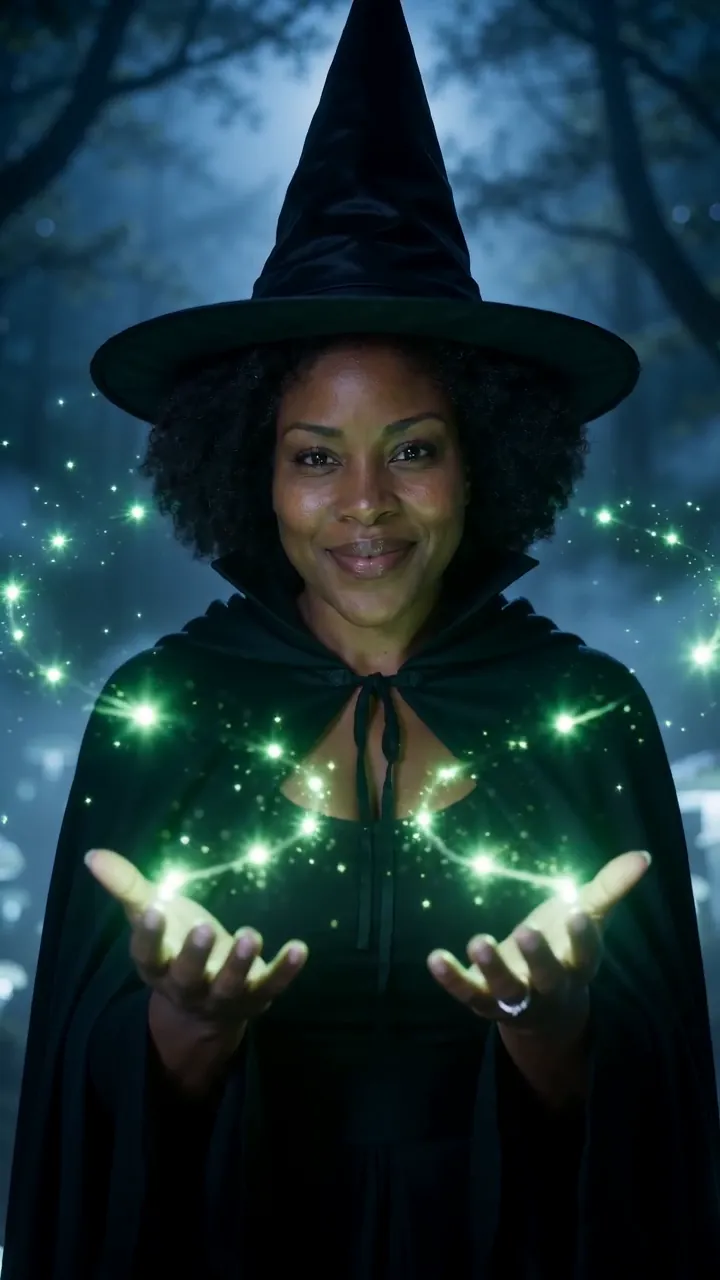
From one photo: the turn, the hat and cloak swirling on, sparks and a night forest, an 8-second long.
If you have a photo
Building it in CapCut
- 1Import both takes into one project, the everyday one first.
- 2Scrub to the frame where your back faces the camera in take one, and split there.
- 3In take two, find the matching angle, split, and delete everything before it.
- 4Leave the join bare, or add a short spin or blur transition if the angles don’t quite match.
- 5Lay a sparkle effect over the start of take two, then add the sound and line the join up with a beat.
CapCut templates for witch transitions do exist, but they come and go and vary by region. Check what one asks for before you film: most expect your own clips cut to their timing.
The AI route
A general video tool can do it with the spin prompt and some retries. On Reelfie the turn and the forest are ready:
- 1Open Witch Transformation AI and add a photo of just you.
- 2Confirm the 80 credits on the button and make it.
- 3Download the MP4 from Assets when it’s done.
The coven edit: both together
Each friend makes their own AI witch, then one of you puts the clips back to back in CapCut, cutting from one witch to the next on every beat. The template is one person per video, so this is how a group does it. Use the downloaded files, not screen recordings.
Common problems
The transition shows a jump
Pick a split frame where your back fully faces the lens in both takes. A short blur covers small differences.
The template just zooms my photo
A photo template moves a still. For the costume to appear, film two takes or use AI.
My filmed version has no magic
Add a sparkle or glow effect to the first second of the second take, and a whoosh sound at the join.
FAQ
Is there a CapCut template for the witch transformation?
Sometimes, depending on the season and your region. They re-cut clips you filmed; they don’t dress you as a witch.
Which looks more like the trend?
A well-filmed CapCut transition, if you have a good costume. Without one, the AI version, because the costume is the reveal.
Can I open the Reelfie video in CapCut?
Yes. Download the MP4 and import it. Paid videos have no watermark.
What does the AI witch cost?
80 credits on Reelfie, about $4.95 at the smallest pack’s price.
Make your first one
Witch Transformation AI: Become a witch in one spin.
Try Witch Transformation AIYour photos are deleted 7 days after upload and never used to train AI.