Quick answer
If you can do the moves, film one take from the floor and post it; CapCut is optional. If the dancer is your dog, or you’d rather not dance on camera, a TikTok dance AI is the route: Toc Toc AI makes the routine from one standing photo for 100 credits. CapCut comes in for joining several clips into a family edition.
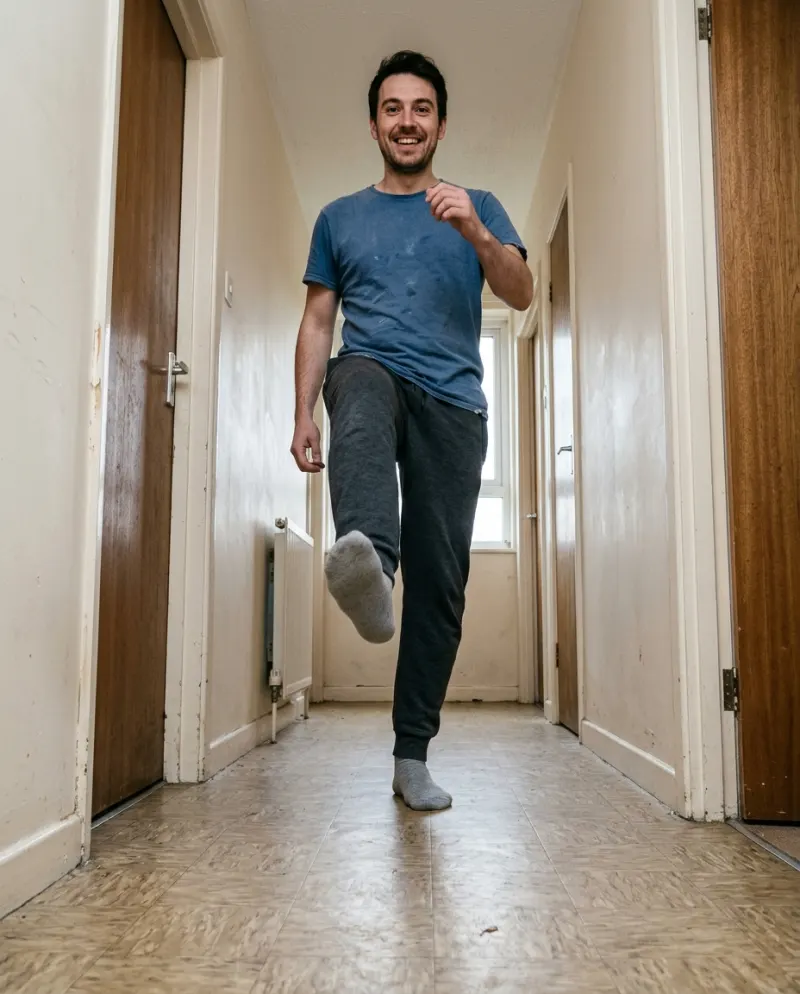
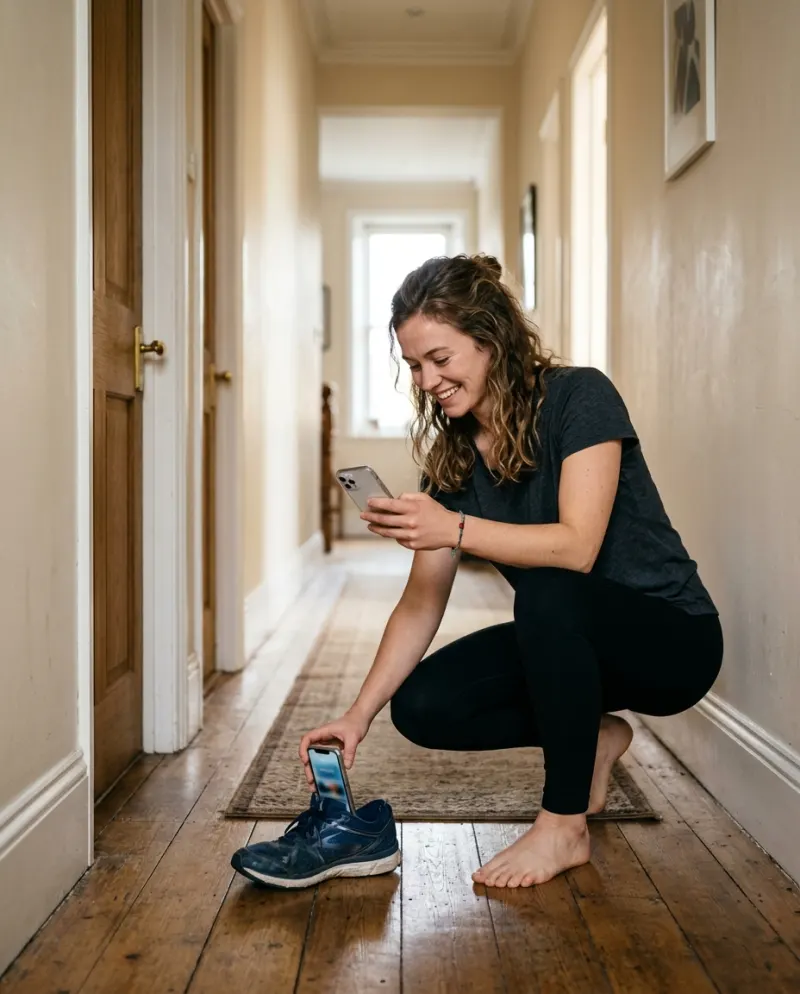
Most dance trends are edited: cuts on the beat, transitions, speed ramps. Toc Toc isn’t. The originals are a single take from a phone that never moves, which changes the usual CapCut-versus-AI question. The real decision is who is dancing.
Who’s dancing decides it
You, on camera
Phone on the floor, one take, trim the start. No editor needed.
Cost: a few attempts
Your pet, or you but shy
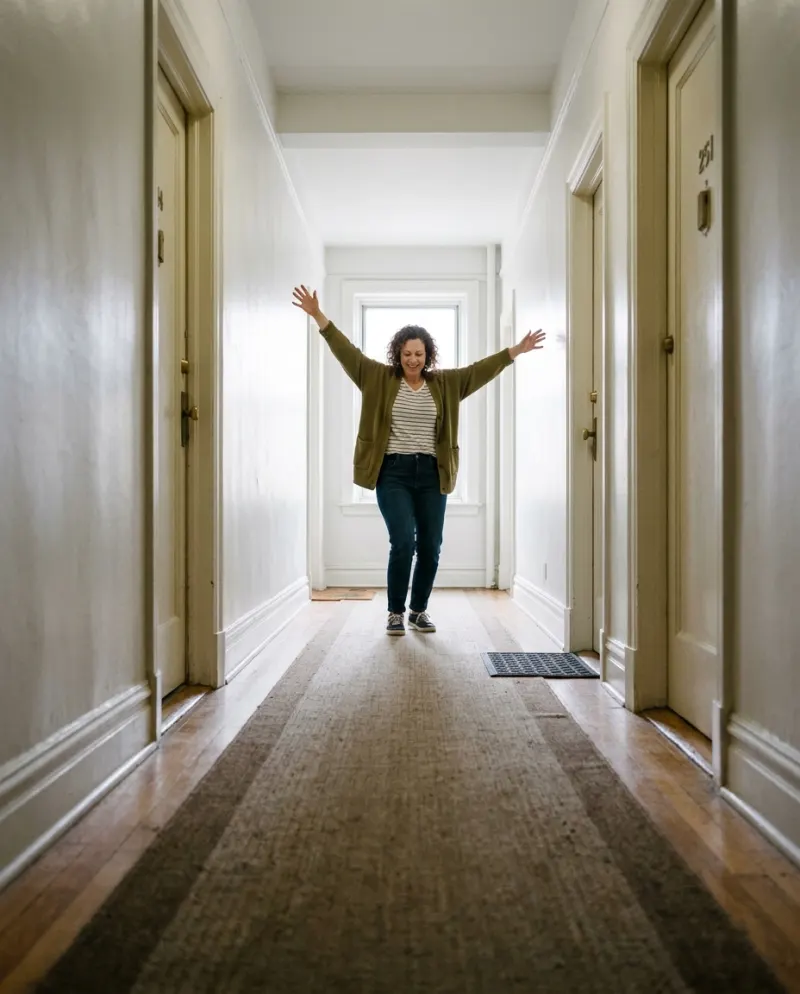
AI makes the full routine from a photo in the same low-angle hallway, a 10-second clip.
Cost: 100 credits
The whole household
One clip per person or pet, joined back to back in CapCut.
Cost: an edit
What CapCut adds to a filmed take
- Trimming the walk back to the start position, so the clip opens on the march.
- A small speed boost on the strut if yours looked sluggish.
- A zoom punch on the second knock, if you like that style.
- Captions. Leave the music out of the export and add it in TikTok.
Toc Toc templates may show up in CapCut while the trend is hot. They come and go and differ by region, and they work on clips you filmed; they can’t make a pet stand up and knock.
When AI is the better pick
The pet edition is the obvious case, but also: no long floor to film on, nobody to keep the phone from falling over, or simply not wanting to hop on camera. General tools can try it with the Toc Toc prompt; getting the floor-level angle usually takes a few rolls. On Reelfie it’s fixed:
- 1Open Toc Toc AI and choose you or your pet.
- 2Add a standing, head-to-toe photo and check the button (100 credits).
- 3Make it and download the MP4 from Assets.
The family edition
Make one clip per dancer (each person’s own photo, with their OK, and the dog’s), then put them back to back in CapCut with a hard cut on each ta-da. Export without music, upload, and add the Toc Toc sound in TikTok so the knocks line up across all of them.
Before exporting, read how to post an AI video to TikTok: start from the downloaded MP4 and keep the resolution, and it will stay full screen.
Common problems
My filmed take looks shaky
The phone moved when you landed. Prop it against something heavier than a shoe, or lay a book behind it.
The family edition drifts off the beat
Every clip starts at a slightly different moment. Trim each one to begin on the first march step, then add the song once over the whole thing.
CapCut’s export looks soft on TikTok
Export at the clip’s own resolution or higher, never lower, and don’t screen-record.
FAQ
Is there a Toc Toc CapCut template?
Some appear while a trend is big; availability changes by region. They re-cut your own footage rather than creating the dance.
What is a TikTok dance AI?
A tool that makes a dance video from a still photo: the moves, camera and setting are generated around the person or pet in it.
Can I stitch the AI clip on TikTok?
Yes. It posts like any video, so you can stitch it under a Toc Toc post or reply to a friend’s.
What does the AI version cost?
100 credits on Reelfie, roughly $6.19 at the entry pack’s rate. Paid clips carry no watermark.

Make your first one
Toc Toc AI: Knock knock, ta-da.
Try Toc Toc AIYour photos are deleted 7 days after upload and never used to train AI.