Quick answer
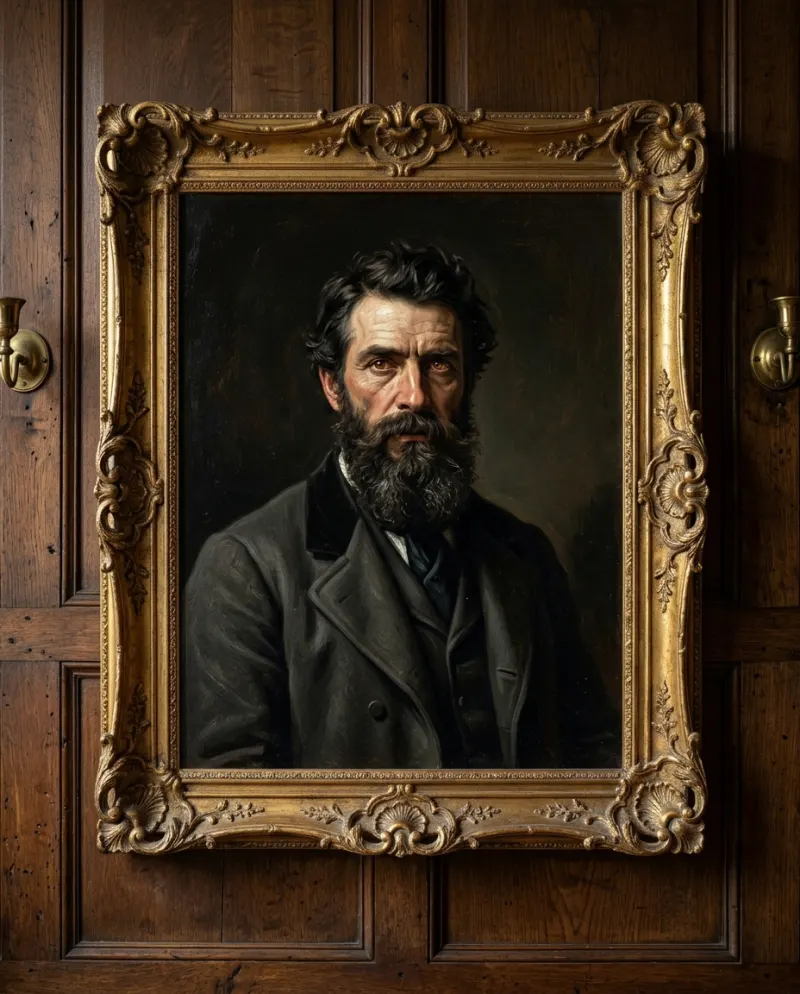
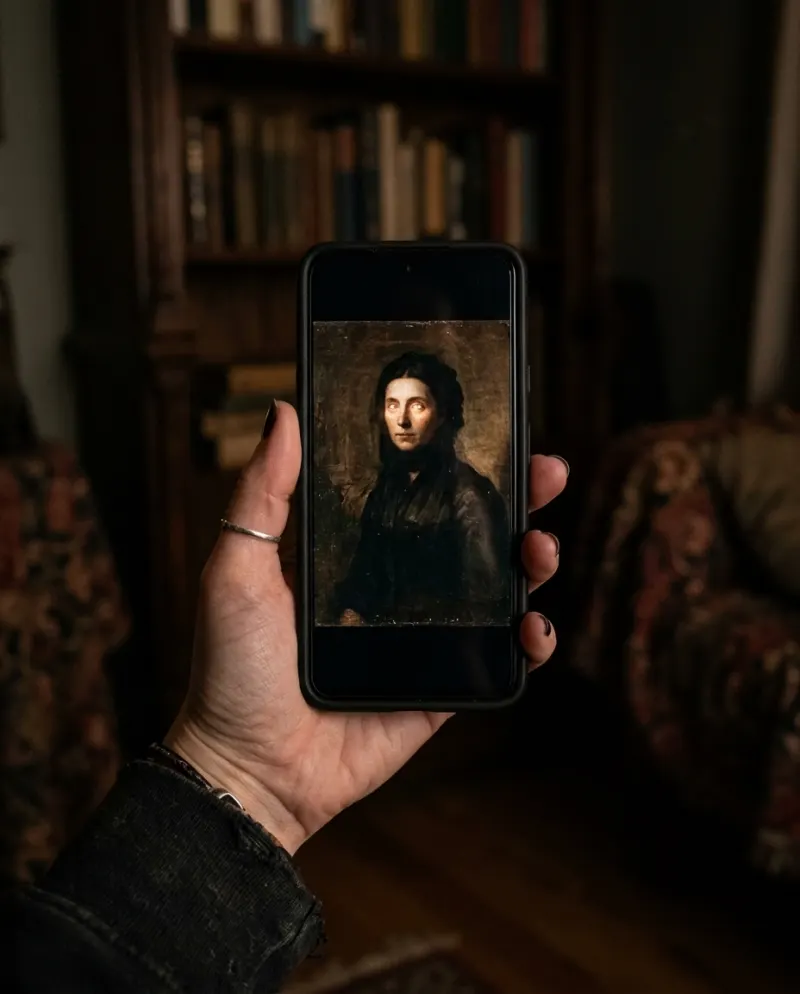
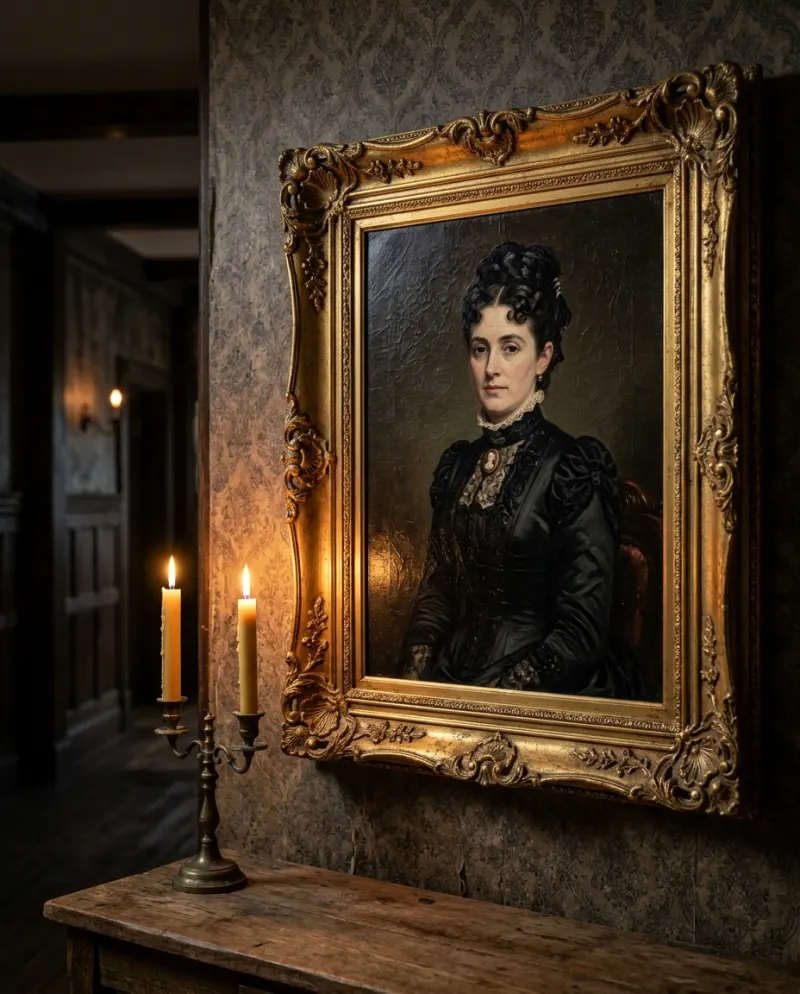
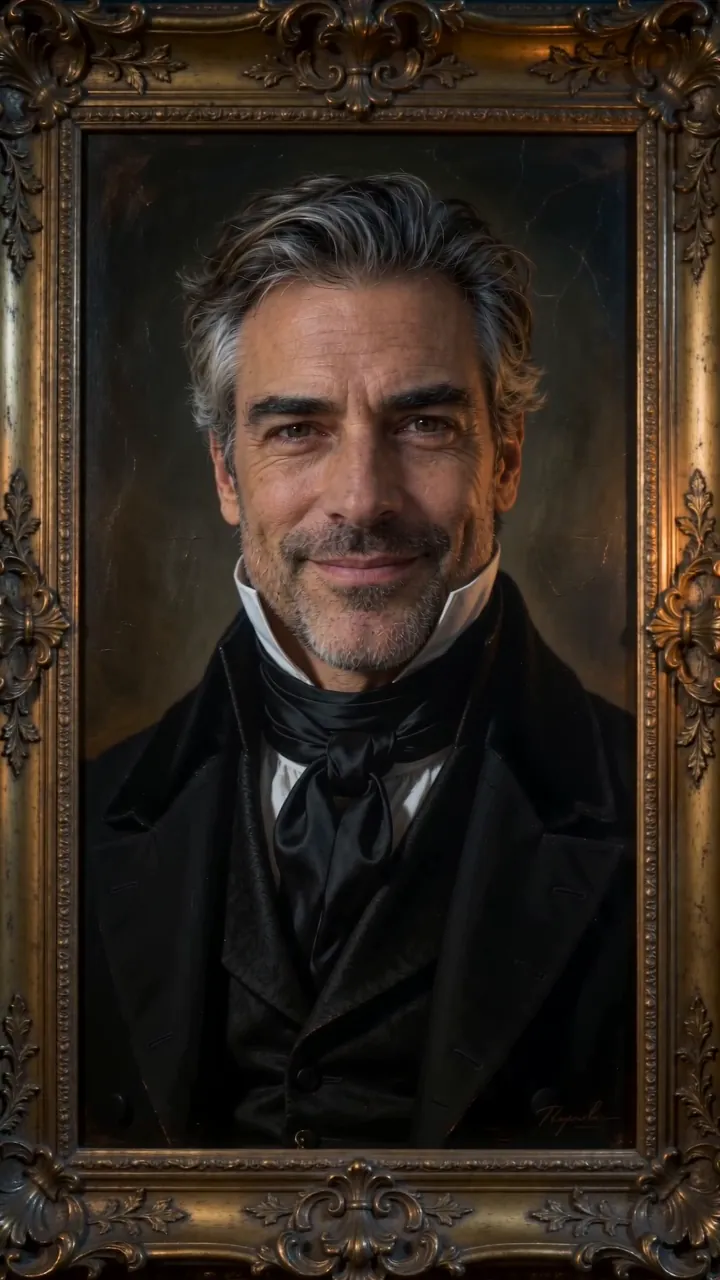
Add a calm, front-facing photo to Haunted Portrait AI (or one photo each for a pair) and press make. You get an 8-second vertical clip of an old oil painting of you in a gilded frame, in a candlelit hallway: still, until the painted eyes turn to the viewer, glow faintly, and a slow smile appears. 80 credits.
It borrows the oldest haunted-house trick there is, the portrait whose eyes follow you down the hall. Here the portrait is you, painted in Victorian dress with thick, cracked brushstrokes, and the moment the eyes move is the whole video.
Why the stillness matters
For most of the clip nothing happens. The candles flicker, the camera drifts toward the frame, and the painting looks like any heirloom in a dim corridor. Then the eyes shift. Because viewers had decided it was a still, the turn lands harder than any jump scare would, and people replay it to catch the exact frame.
A photo with a steady gaze
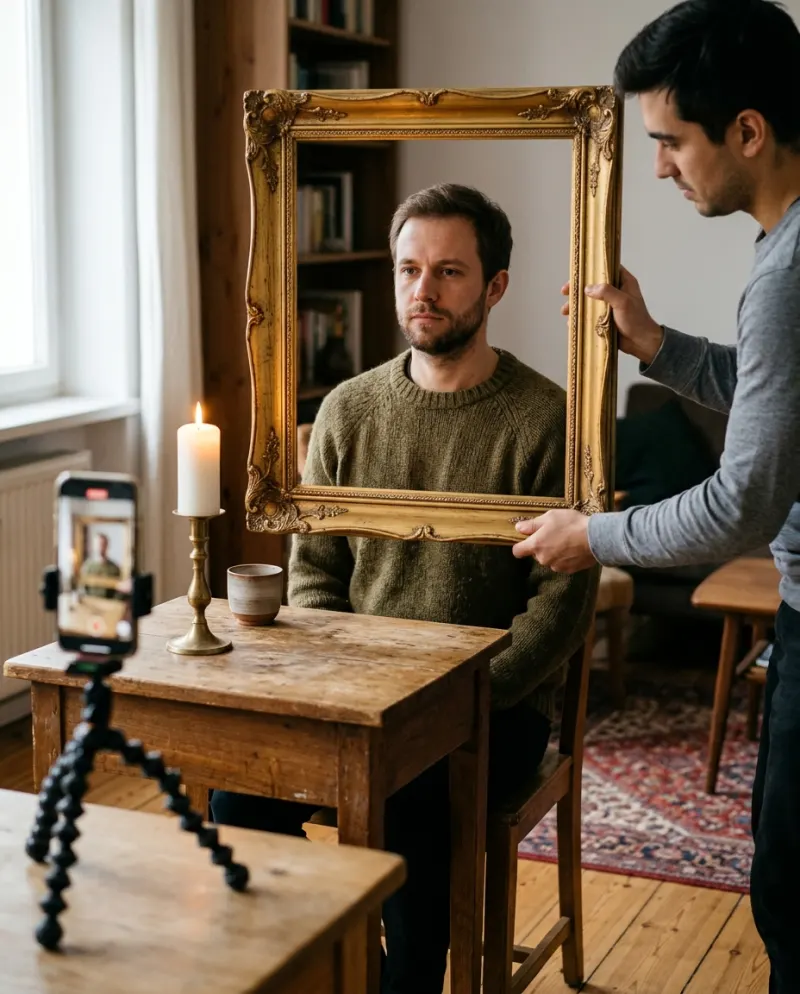
Sitters in old portraits rarely grinned, and the clip’s payoff is a slow smile, so a neutral face works best. Look straight into the lens with your eyes fully open.
Good
Eyes open and looking ahead, a calm mouth, soft and even light on the face.
Not so good
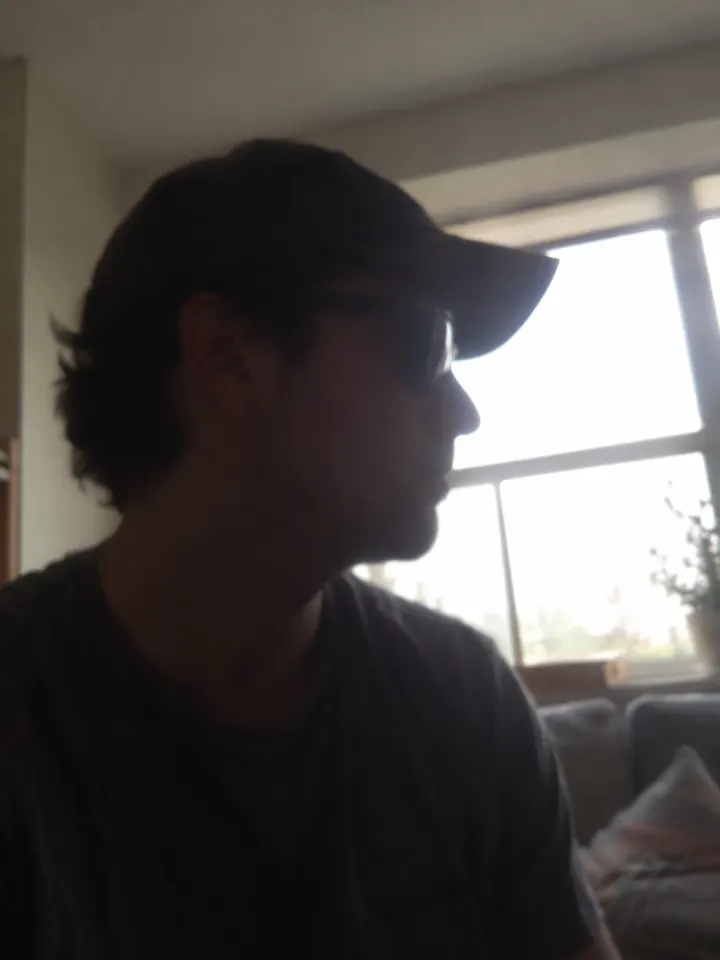
Sunglasses or tinted lenses, a big laugh, a face turned to the side.
Your own clothes don’t carry over: the painting dresses you in Victorian clothes. Face, skin tone and hair come from the photo.
One sitter or two
Add a second photo and you share one gilded frame, like a stiff married couple from another century who are definitely watching the room. Each person needs their own photo, and anyone other than you should be an adult who agreed.
Step by step on Reelfie
- 1Open Haunted Portrait AI on Reelfie and choose a single portrait or a pair.
- 2Add a calm, front-facing photo, eyes open and looking ahead; for a pair, one photo of each person.
- 3The cost is on the button before you start: 80 credits for an 8-second 9:16 video.
- 4Press make. The video is ready in a few minutes, the page can be closed meanwhile, and a run that fails is refunded.
- 5Download the MP4 from Assets and post it to TikTok or Instagram; the sound is already on it.
Posting it so people rewatch
- Don’t trim the dull opening. The eyes only work because people think nothing is going to happen.
- Caption it like a house tour (“the painting at the top of my stairs”) and let viewers find the eyes themselves.
- Leave it short enough to loop; a second watch is when most people catch the turn.
Tag it #hauntedportrait and use TikTok’s AI-generated label. For export settings, see how to post an AI video to TikTok.
Common problems
The portrait smiles from the start
That usually comes from a smiling photo. Use one with a closed, relaxed mouth.
The eyes don’t look like mine
Pick a sharp photo with both eyes open and nothing reflecting in glasses. Tinted lenses hide the part that moves.
The two faces in a pair look mismatched
Use photos taken in similar light, both front-on, with the faces at a similar size.
FAQ
Do I keep my own clothes in the portrait?
No. The painting puts you in Victorian dress to match the antique look; your face, hair and skin tone come from your photo.
Is it a jump scare?
No. It’s a quiet build: the eyes turn and glow faintly, then a knowing smile. Eerie, not shocking.
How much is the haunted portrait video?
80 credits, which comes to about $4.95 on the smallest pack (up to 2 videos for $9.90). Failed runs cost nothing.
Can it be a couple portrait?
Yes. Add one photo of each person and you appear together in one frame.
Make your first one
Haunted Portrait AI: A portrait that watches back.
Try Haunted Portrait AIYour photos are deleted 7 days after upload and never used to train AI.