Quick answer
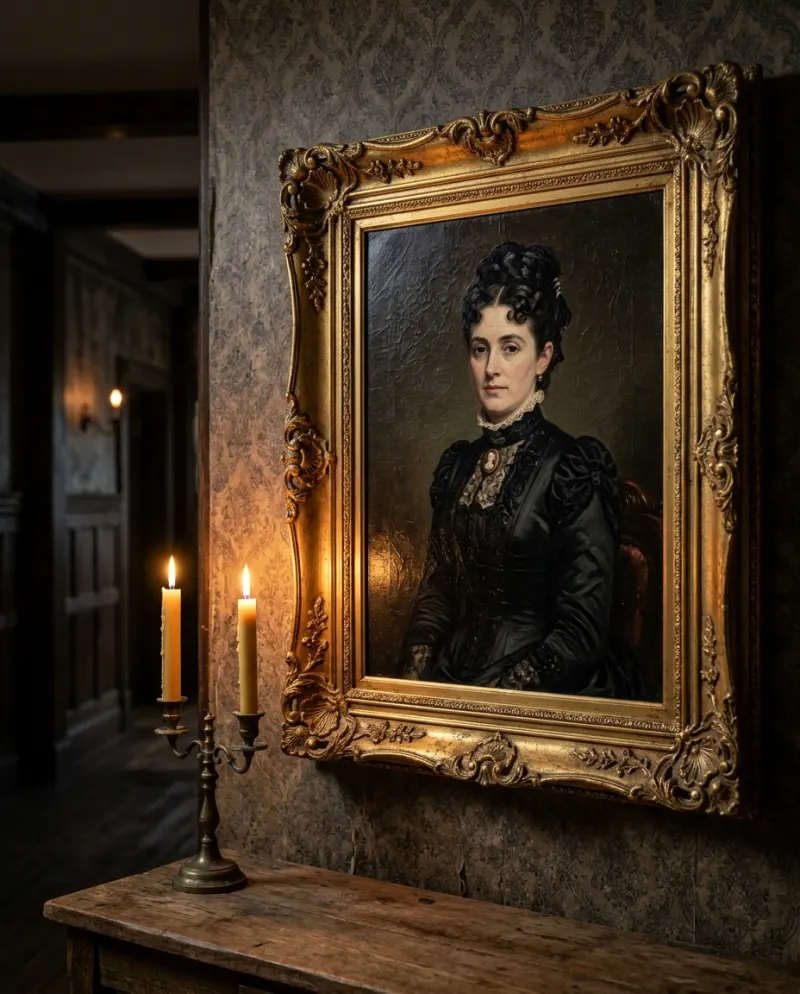
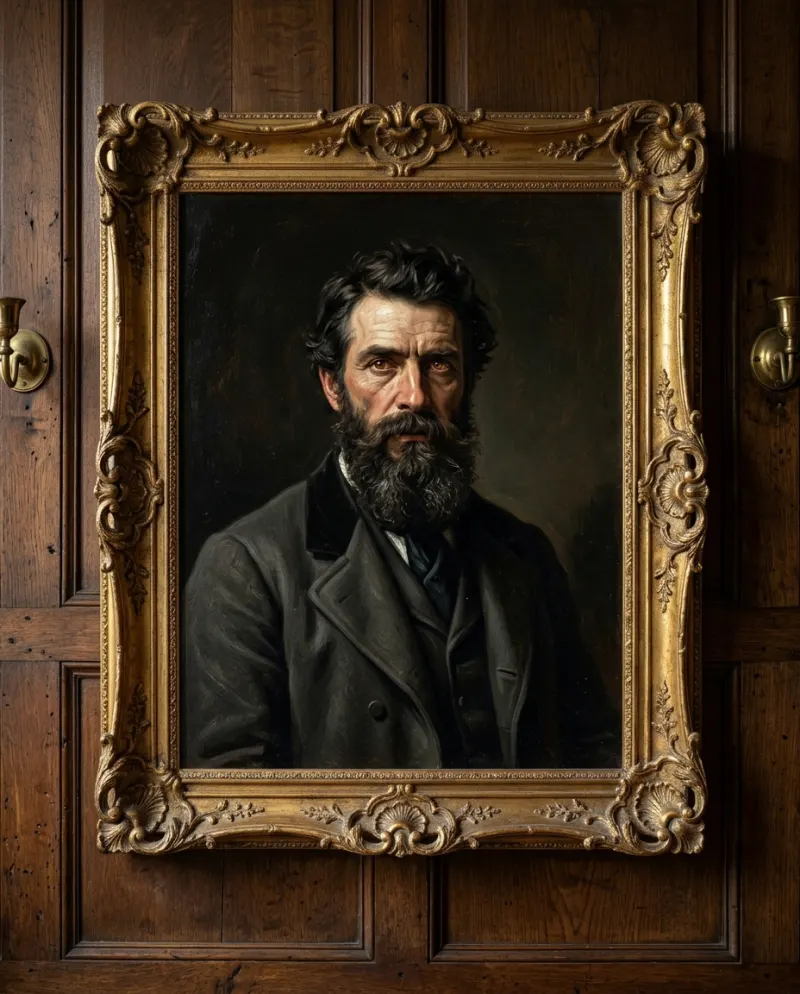
CapCut makes a portrait feel haunted: a slow zoom, film grain, a candle flicker and an unsettling sound. It can’t make the painted eyes turn, because that is new motion. For the eyes, use an AI video: Haunted Portrait AI makes it from one photo, or two, for 80 credits.
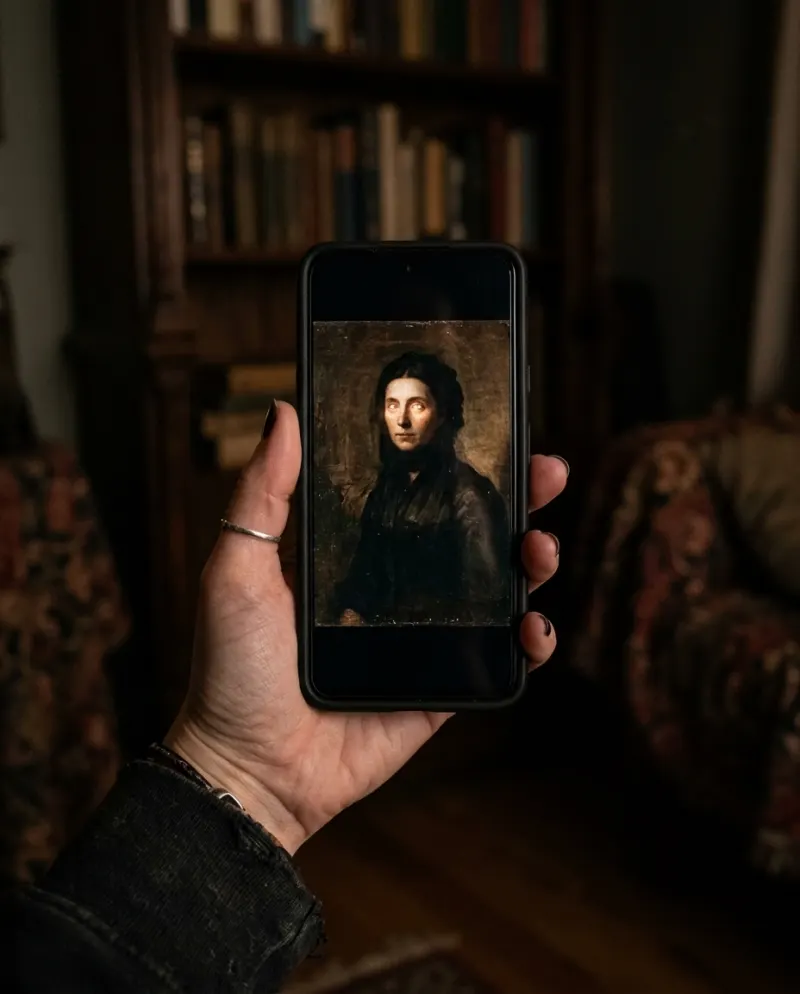
The “haunted side of TikTok” runs on creepy objects: dolls, mirrors, and paintings that seem to move. A portrait clip fits right in. You can build the mood in an editor; the movement in the painting itself has to be generated.
What an edit can and can’t fake
- Can: a slow push toward the frame, using keyframes on a still or a filmed painting.
- Can: grain, a vignette, a warm flicker that looks like candlelight.
- Can: a single glitch frame or a sudden cut to black for unease.
- Can’t: eyes that turn, a mouth that smiles, anything painted that moves.
A CapCut haunted edit
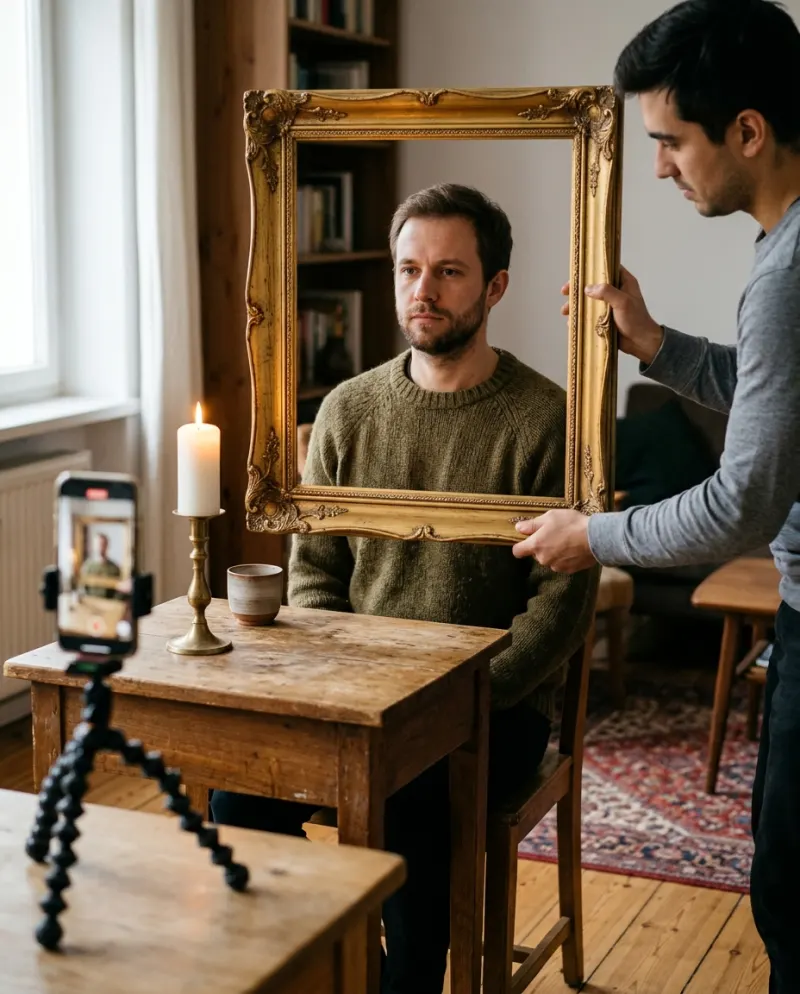
- 1Start from a portrait: one you filmed hanging on a wall, or an AI painting saved as an image.
- 2Add two keyframes, normal at the start and zoomed in near the end, so the camera creeps toward the face.
- 3Lay on grain and a vignette, and lower the brightness a little in pulses for a candle flicker.
- 4Drop in one frame of something wrong near the end, such as the face flipped or a darker copy, then cut.
- 5Add a low drone or the sound from a haunted clip you liked, and export at full resolution.
Effects and templates in CapCut change with the season and the region. If a template asks for one photo and promises a moving portrait, preview it: most only zoom and shake.
Getting the eyes to move
A general video tool can do it with the haunted portrait video prompt and a few retries. On Reelfie the hallway, the candles and the eye turn are built in:
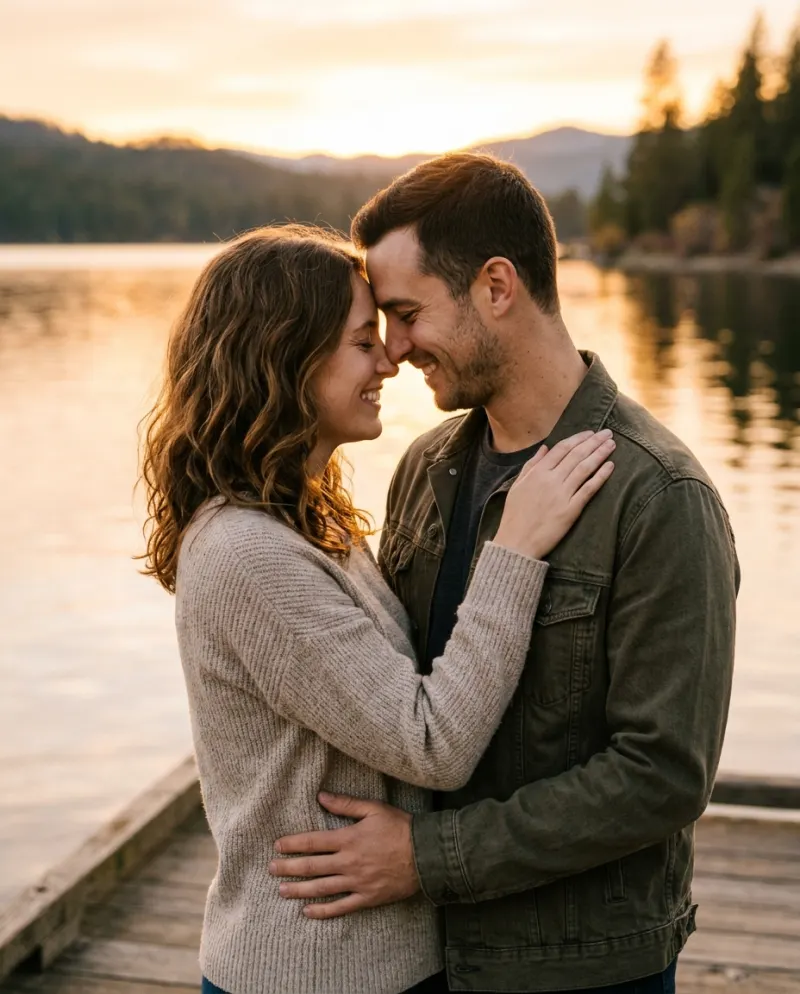
- 1Open Haunted Portrait AI and pick one sitter or two.
- 2Add a calm, front-on photo for each.
- 3Make it for 80 credits; the MP4 waits in Assets.
Telling it as a story
Haunted posts land best as a little narrative: three shots of your hallway filmed on your phone, then the AI clip as the “painting” at the end of it, cut together in CapCut. Keep the AI label on. Presenting a generated clip as real paranormal footage misleads people and breaks platform rules on AI content.
Common problems
My zoom looks jerky
Use only two keyframes, far apart, and set the curve to ease in and out.
The AI clip and my hallway footage don’t match
Film the hallway with the lights low and warm, and add the same grain to every clip.
The template only shakes my photo
That’s motion on a still, not a moving face. For the eyes, use an AI video.
FAQ
How do I make a haunted TikTok with a portrait?
Build mood in CapCut with a slow zoom, grain and flicker, and if you want the painted eyes to move, make that part with AI.
Can CapCut make a painting’s eyes move?
Not on its own. It moves and filters the whole image; turning eyes inside a painting is new motion that a generator has to make.
Can I edit the Reelfie clip in CapCut?
Yes. Download the MP4 and import it. Paid videos carry no watermark.
How much does the moving portrait cost?
80 credits on Reelfie, about $4.95 at the smallest pack’s rate.
Make your first one
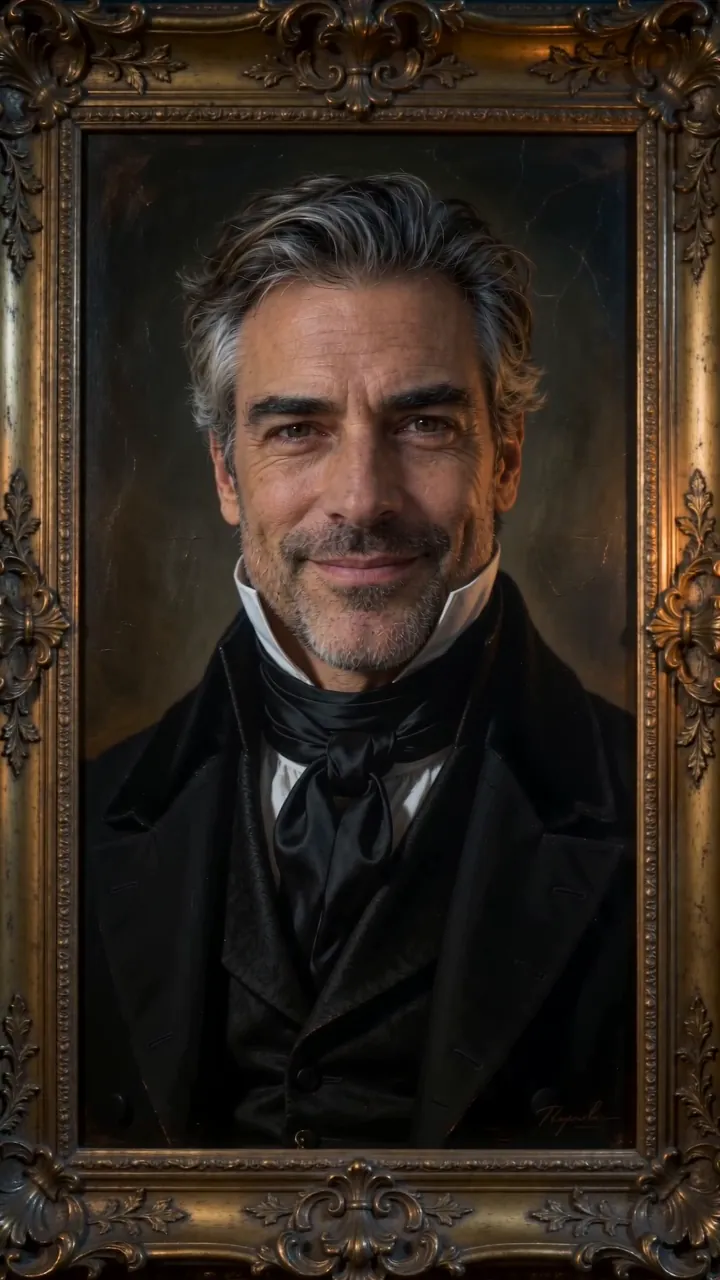
Haunted Portrait AI: A portrait that watches back.
Try Haunted Portrait AIYour photos are deleted 7 days after upload and never used to train AI.