Quick answer
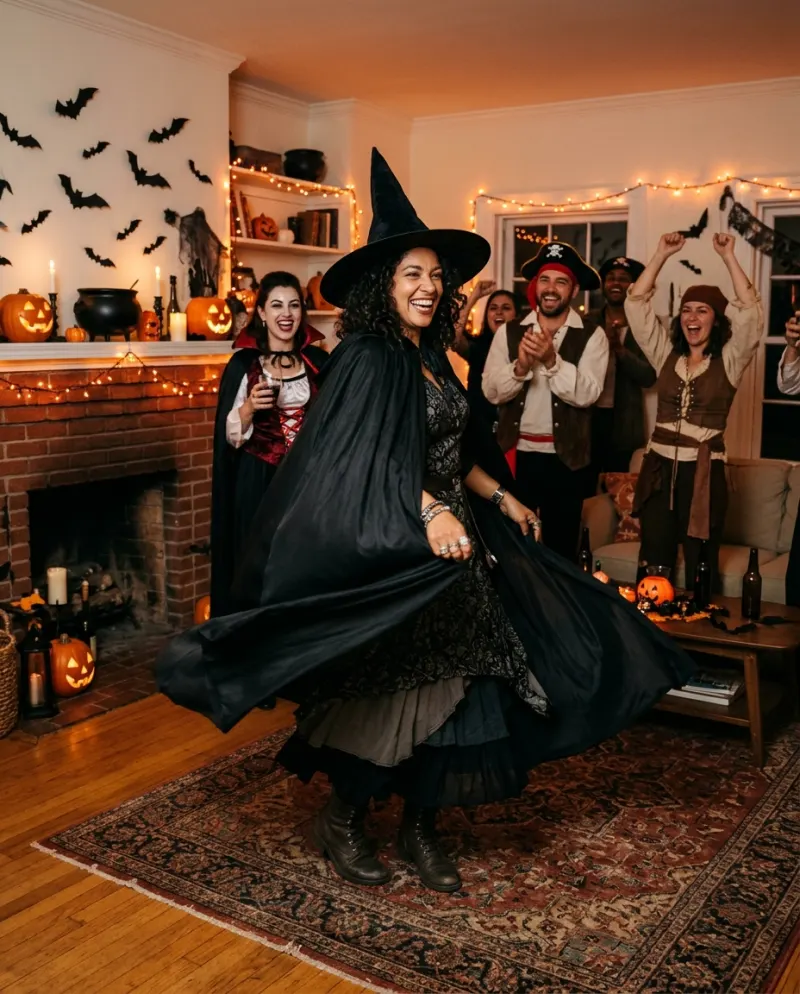
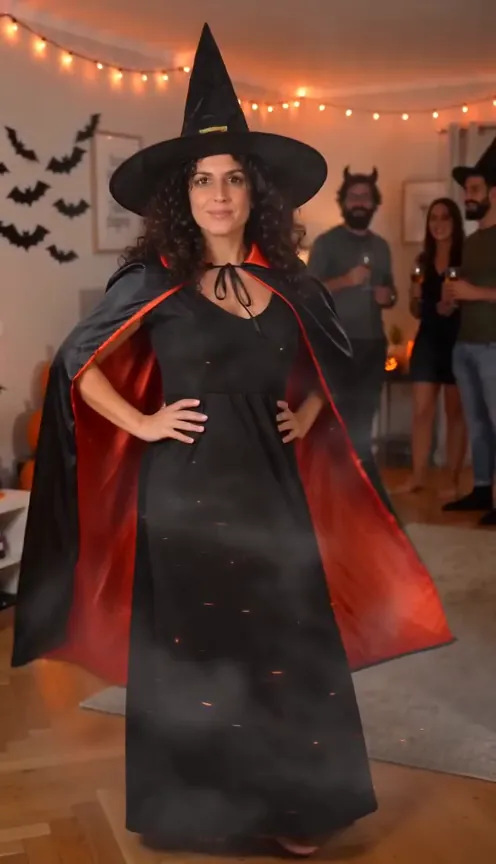
Open Halloween Costume Video, add a head-to-toe photo of you in everyday clothes and press make. You get a 10-second vertical clip at a Halloween house party: a wave, a finger snap, two spins in orange sparks, then you in a full witch costume while your friends cheer. It has party sound but no music, and costs 100 credits.
The costume reveal is October’s most reliable TikTok format: plain clothes, a spin or a jump, and the outfit lands on the beat. It usually takes two takes, a costume and a careful edit. This version needs one photo and no costume at all.
That makes it a good answer to the costume-party problem: nothing to wear, a party coming, and a group chat asking what you’re going as. Post the spin and let it stand in.
How the reveal plays out
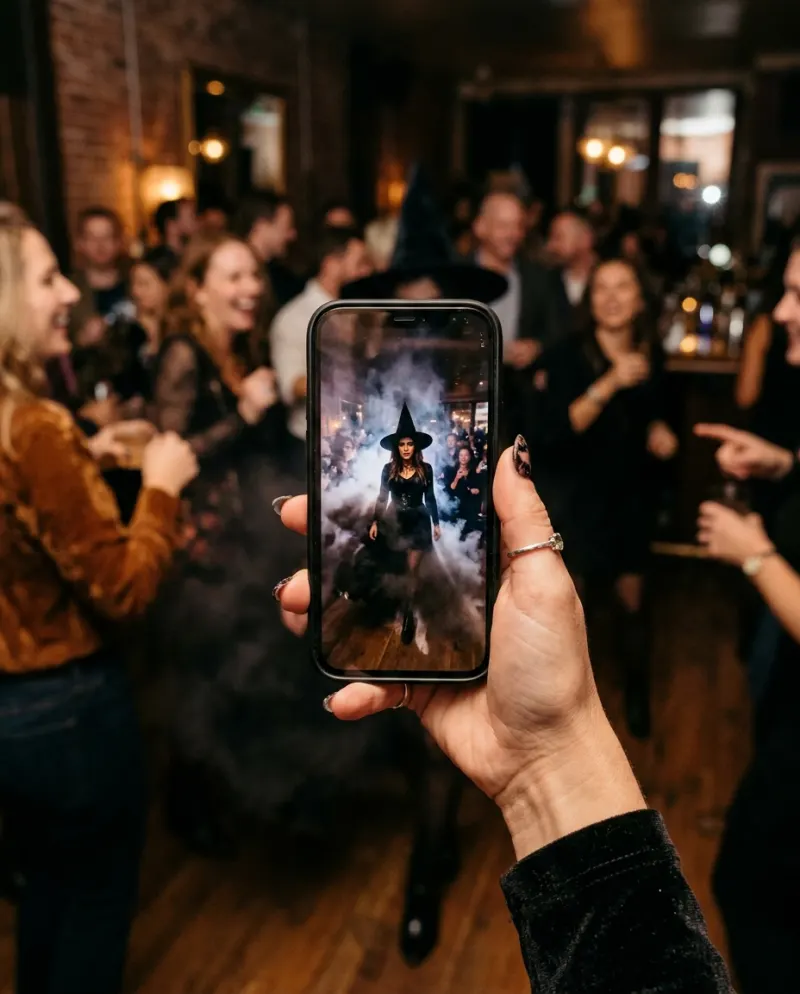
- 1You’re in the middle of a cozy party: orange fairy lights, paper bats, a table of lit jack-o’-lanterns, friends in homemade costumes behind you. A shy wave to the camera.
- 2A snap of the fingers, and you start turning.
- 3Two quick spins inside a ribbon of orange sparks, rising from the feet, then a puff of smoke.
- 4You step out as a witch: tall pointed hat, long black dress, cape and boots. Hands on hips, a flick of the cape, a laugh, and the room cheers.
It’s 9:16, so it fills the screen on TikTok and Reels without cropping.
Always a witch, on purpose
Every run lands on the same classic witch, a generic one rather than any film or cartoon character. That keeps the reveal reliable: a costume named in advance comes out cleanly where a random one often wouldn’t.
Want something else? Halloween Costume AI gives you still pictures of you in other costume looks, and the costume video prompts let you name any costume in a general video tool.
The plainer the “before”, the better
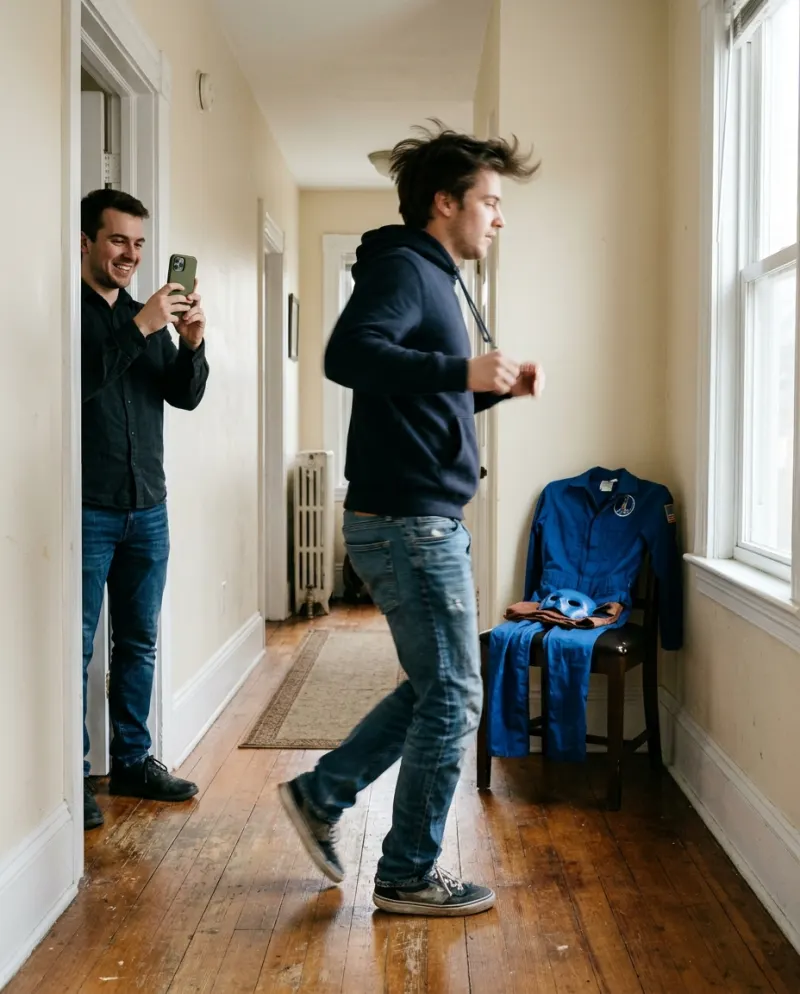
A reveal needs contrast. Jeans and a hoodie make the witch look like a transformation; an all-black outfit makes it look like you added a hat.
Strong before
Light, everyday clothes, the whole of you in frame, face clear and lit, nobody else in shot.
Weak before
Already in costume, a hat or mask, a group photo, or cropped at the waist so the dress and boots have nothing to replace.
Which photos work best with AI compares good and weak photos side by side.
Step by step
- 1Open the Halloween Costume Video page. It stars one person: you.
- 2Add a head-to-toe photo of just you in normal clothes, not a costume. That’s the “before”.
- 3The button shows the price before the run starts: 100 credits for a 10-second vertical video.
- 4Press make. Expect a few minutes; you can leave the page, and a run that fails puts the credits back.
- 5Save the MP4 from Assets and post it. It already has party sound (chatter, the snap, a whoosh, a cheer) and no music, so it can go up as it is.
Posting it
The clip’s own audio (chatter, the snap, the whoosh on the spin, the cheer) does a lot of the work, so try posting it untouched first. If you want a song, add it in TikTok at low volume underneath rather than replacing the party sound.
- Use the cape flick as your cover frame; the wave looks like nothing yet.
- Name the costume in the caption, so people hunting for costume ideas find it.
- Making a costume compilation with friends? Each person makes their own from their own photo, with their OK, and you post them back to back.
- Tag #halloweentransition or #halloweencostume and turn on the AI-generated label.
Common problems
I’m already dressed up in my photo
The spin needs a plain “before”. Use a photo in normal clothes, or the change barely shows.
My hat or glasses ended up in the reveal
Pick a photo without accessories on your head or face; the witch hat needs a clear head to sit on.
It looks like a filter, not a party
Keep the clip’s own sound up. The cheer at the end is what sells it.
FAQ
Can I choose a different costume?
Not in this template: it always ends on a classic witch. For other looks, try Halloween Costume AI for pictures, or a general tool with a prompt.
Does the video have sound?
Yes, party sound: friends chatting, the snap, a magical whoosh and a cheer. No music, so you can add a song if you like.
Can my friends be in it?
The friends in the background are generated. The template stars one person, so each friend makes their own from their own photo.
How much does it cost?
100 credits, roughly $6.19 on the starter pack (up to 2 videos for $9.90). If the run fails, you aren’t charged.
Make your first one
Halloween Costume Video: Spin into your costume.
Try Halloween Costume VideoYour photos are deleted 7 days after upload and never used to train AI.