Quick answer
If you own the costume, the transition is free: film a spin in everyday clothes, change, film the end of the spin from the same spot, and cut where you’re a blur. Any phone editor that can split a clip will do. The AI version, with the party, sparks and a witch costume you don’t own, is 100 credits on Halloween Costume Video.
Most costume reveals you scroll past on TikTok are two clips and one cut. The trick is invisible because the cut happens mid-spin, when the camera only sees motion. Done carefully it looks like magic and costs nothing.
Two takes, one cut
- 1Set the phone vertical on a stand or a shelf at chest height. It must not move between takes.
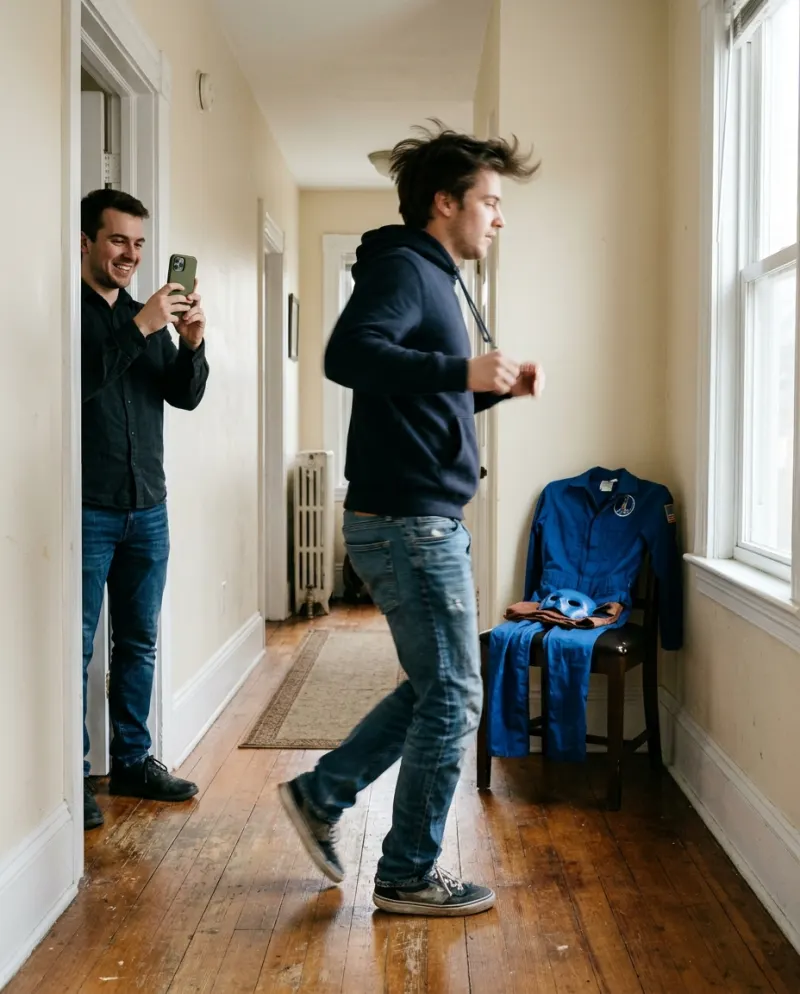
- 2Take 1, everyday clothes: look at the camera, wave, snap your fingers and spin. Keep spinning past the halfway point.
- 3Change into the costume. Don’t touch the phone.
- 4Take 2, in costume: start already turning, finish the spin, land on a pose and hold it.
- 5In your editor, cut take 1 when your back is to the camera and start take 2 at the same point of the turn.
What hides the cut
- A tape mark on the floor, so you spin from exactly the same spot both times.
- The same direction of spin in both takes. Clockwise into anticlockwise is the most common giveaway.
- The same light. Film both takes within a few minutes, before daylight shifts.
- Speed. Spin fast; motion blur covers small mismatches.
- A cover effect right on the cut: a flash, a sparkle, a puff. Most editors have one built in.
Filming alone? Use the camera timer or voice-start, and leave a few seconds at the beginning of each take to walk into place.
No costume yet? Plan it free
New Reelfie accounts get one photo trend free (2 images), no card. Halloween Costume AI uses it to show you in costume looks, a cheap way to decide what to wear before you buy or make anything. Chat assistants with image tools can do something similar within their daily limits.
The paid version · No costume, no party
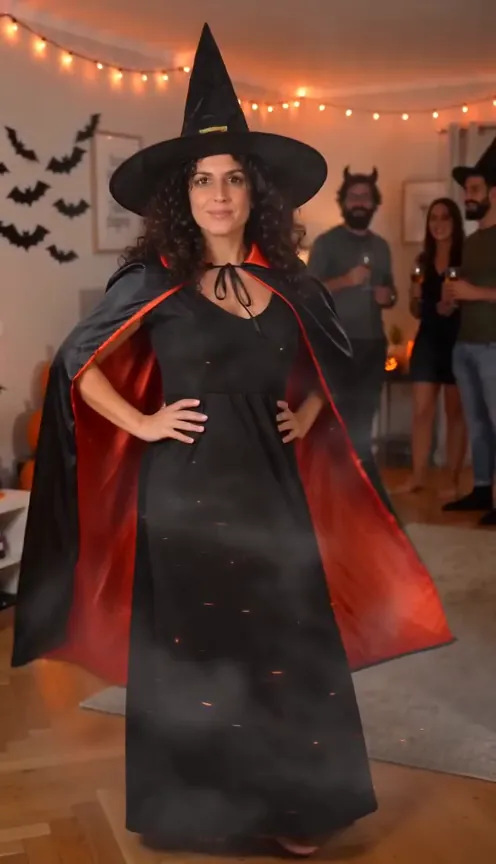
If you don’t own the outfit or there’s no party to film at, Halloween Costume Video makes the whole thing from one everyday photo: the decorated room, friends cheering, sparks, and a witch costume. 100 credits; the smallest pack is up to 2 videos for $9.90. Free AI video tiers can try with a costume video prompt, usually with a watermark.
- 1Open Halloween Costume Video and add a full-length photo in normal clothes.
- 2Check the button: 100 credits.
- 3Press make and save the MP4 from Assets.
Common problems
You can see the jump at the cut
Move the cut a few frames later, to the blurriest frame, and add a flash on it.
The background shifted between takes
Something bumped the phone. Refilm take 2 with the phone taped down, or crop both clips slightly so the edges match.
The costume pose looks stiff
Finish moving: a cape flick, a hair toss or a jump into the pose reads better than standing still.
FAQ
How do you do the Halloween costume transition?
Film a spin in normal clothes, change without moving the phone, film the end of the spin in costume, and cut the two together mid-turn.
Do I need a special app?
No. Any editor that can split clips works, including the editors built into TikTok and Instagram. CapCut adds more transition effects.
Is the Halloween Costume Video free on Reelfie?
No, it’s 100 credits. The free photo trend for new accounts can be Halloween Costume AI, which gives costume pictures rather than this video.
Can I do it without a friend?
Yes. Prop the phone, use the timer, and give yourself a tape mark to spin on.
Make your first one
Halloween Costume Video: Spin into your costume.
Try Halloween Costume VideoYour photos are deleted 7 days after upload and never used to train AI.