Quick answer
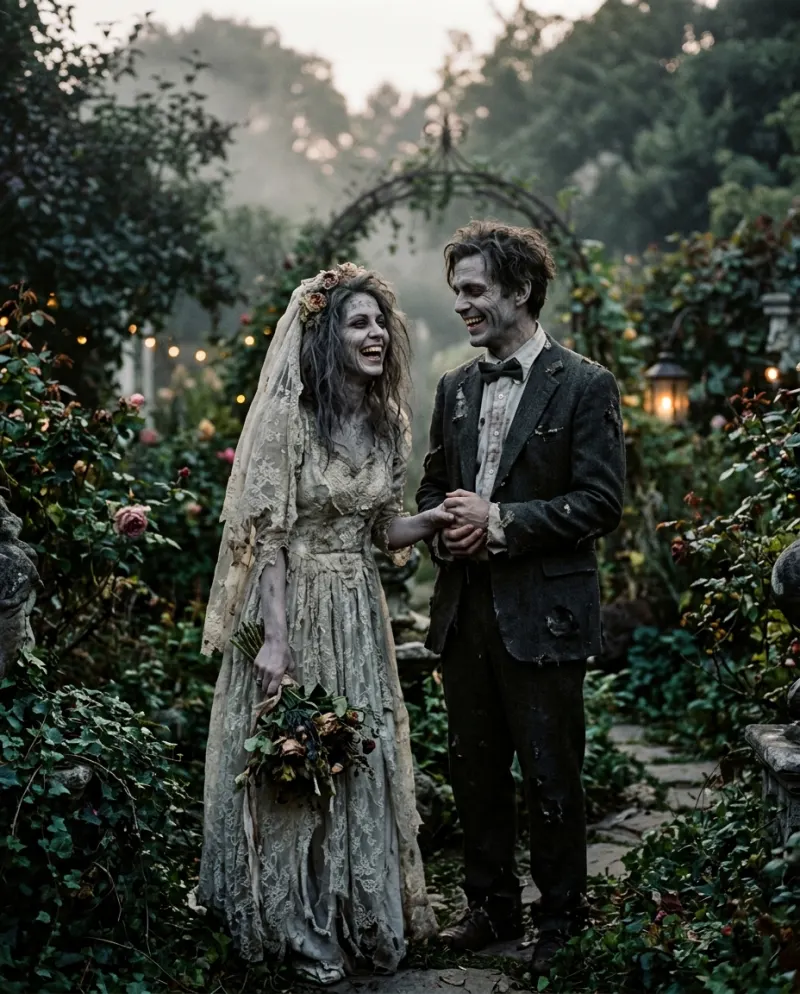
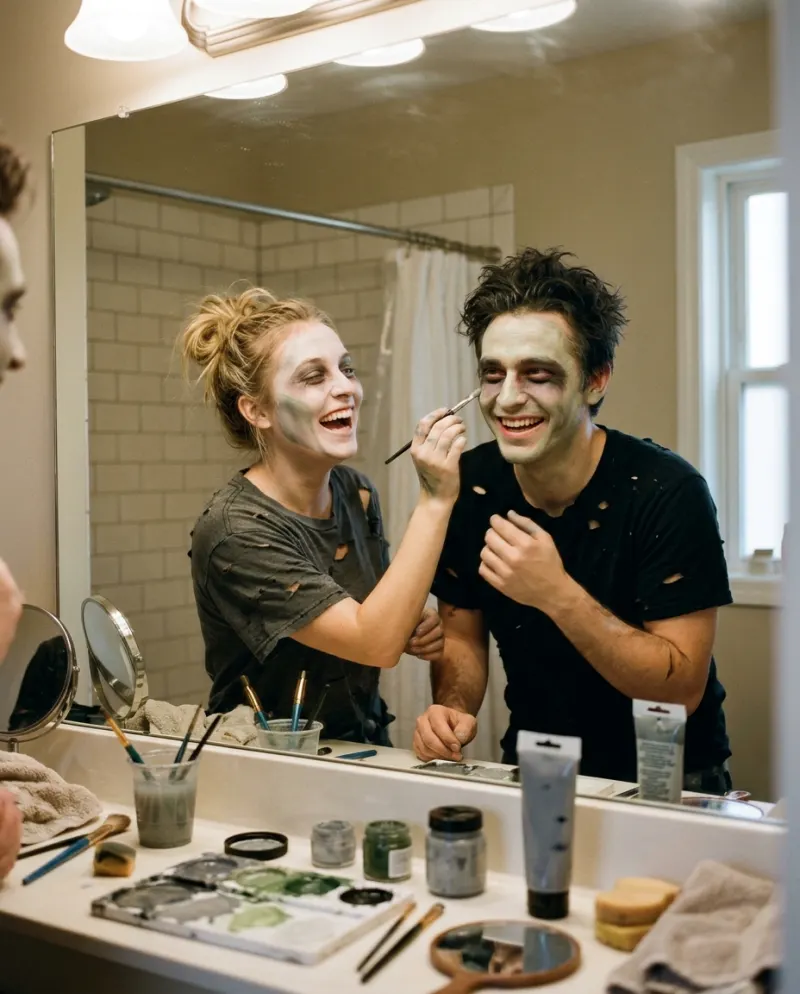
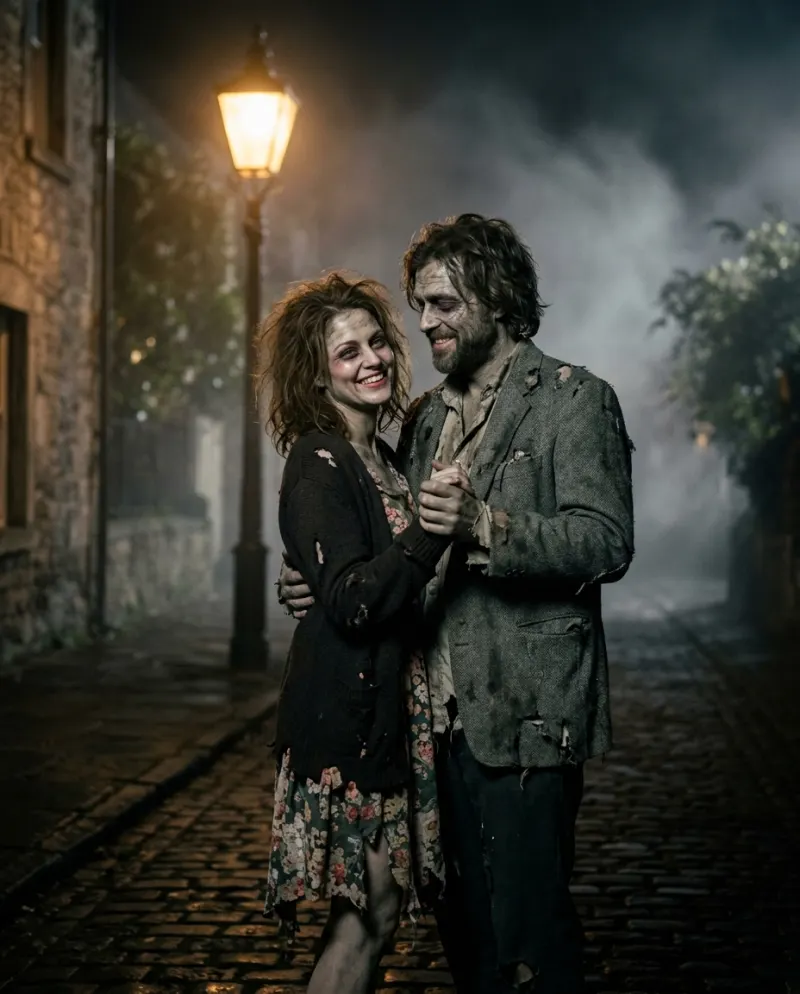
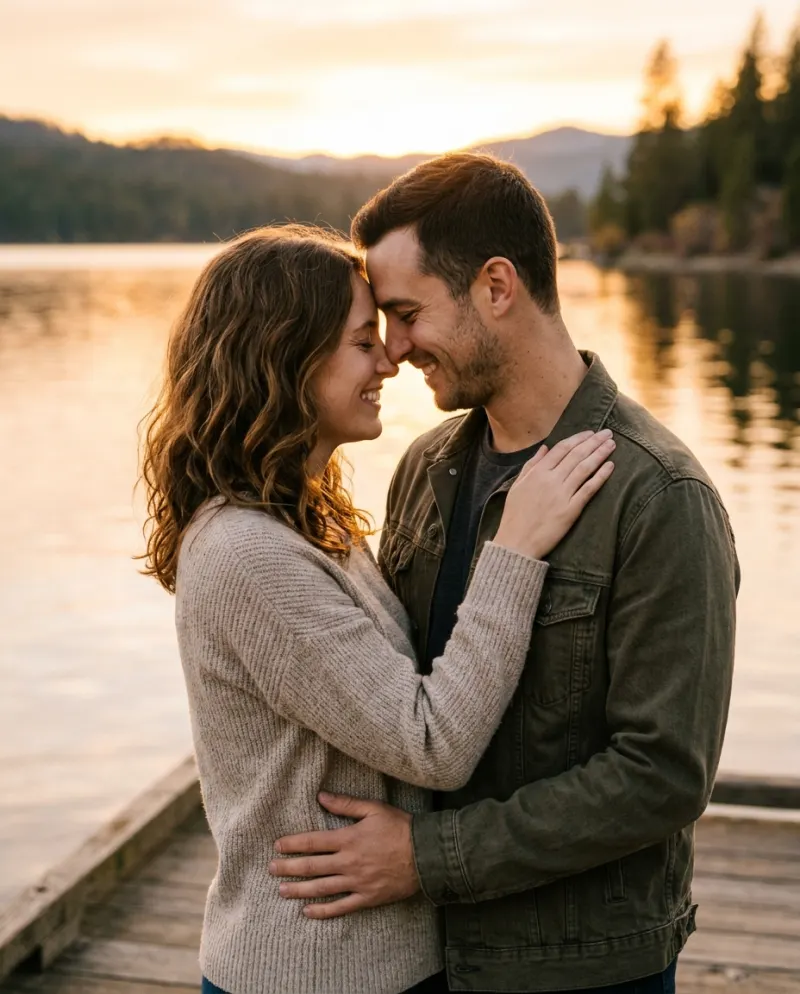
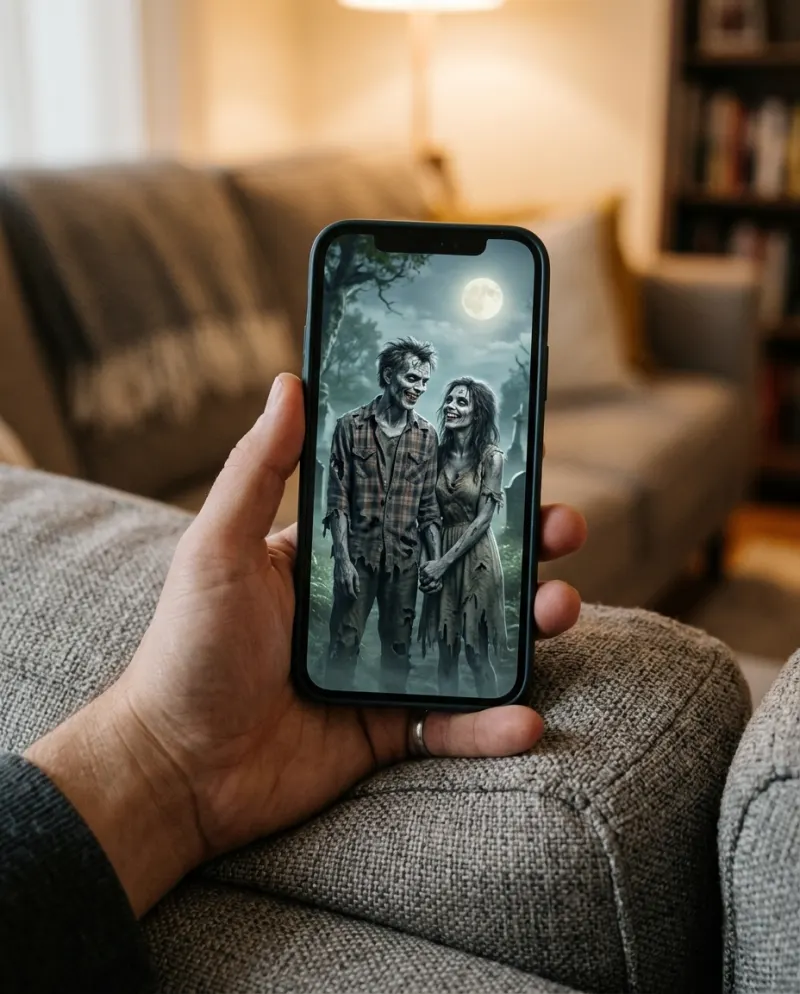
A zombie CapCut template adds effects and music to clips you already have; it doesn’t turn two photos into zombies dancing. For that you need AI: AI Zombie Love Story on Reelfie makes an 8-second clip from a photo of each of you, for 80 credits. Then bring it into CapCut for the sound and caption.
People asking for “the zombie AI trend CapCut template”, “the song” or “the original video” usually saw a clip they want to copy exactly. Here is what can be copied, what has to be made, and how to find the bits nobody labels.
What a zombie template does
Halloween edit templates arrange your photos or clips with a sound, transitions and sometimes a filter. A filter can tint your skin grey; it can’t make two still photos walk, hold hands and dance. If the template preview shows that, it was made from footage, or from an AI clip someone made first.
Finding the song and the original
We can’t point to one confirmed original video or song for this trend; different posts use different sounds. The reliable way to get the one you heard:
- 1Open the post you liked.
- 2Tap the sound name at the bottom to see the track and other videos using it.
- 3Save it, or tap “use this sound” when you post your own.
The AI route for a couple
- 1Open AI Zombie Love Story and add one photo of each of you; a friend works as the second person.
- 2Press make for 80 credits and wait a few minutes.
- 3Download the MP4 from Assets.
Photo advice and what the clip shows are in the step-by-step guide.
Finishing it in CapCut
- Add the sound you saved, so the post links to the trend.
- Line the moment they take hands up with a beat.
- A one-line caption with a story (“till death… and after”) beats a hashtag wall.
- Turn on the AI-generated label when you post.
Common problems
The template wants video clips I don’t have
Make the zombie clip first and put it in the template’s slot.
I can’t find the sound
Some sounds are removed or region-locked. Pick another slow, romantic track; the trend doesn’t depend on one.
Can I use a pet?
Not in the template. The pet zombie prompt works in general tools.
FAQ
Is there a CapCut template for the zombie AI trend?
There are Halloween and zombie edit templates. They edit clips you have; they don’t make the zombie couple from photos.
What song is used in the zombie trend?
Posts use different sounds. Tap the sound name on the video you saw to find its track.
Can I edit the Reelfie clip in CapCut?
Yes. Download the MP4; paid clips come without a watermark.
Does the AI clip have sound already?
It has its own audio. Turn that down in CapCut if you add the trend’s sound.

Make your first one
AI Zombie Love Story: Undead, and still holding hands.
Try AI Zombie Love StoryYour photos are deleted 7 days after upload and never used to train AI.