Remove Background from Image
Cut out people, pets and products in one click. Get a transparent PNG with clean edges, even around hair.
Not charged if it fails.
By adding a photo you confirm everyone in it is 18+ and agreed to have their face used for this. We use faces only to make what you ask for. How we handle faces


Samples are illustrations. Your result depends on your photo.
Cut out portraits with curly hair
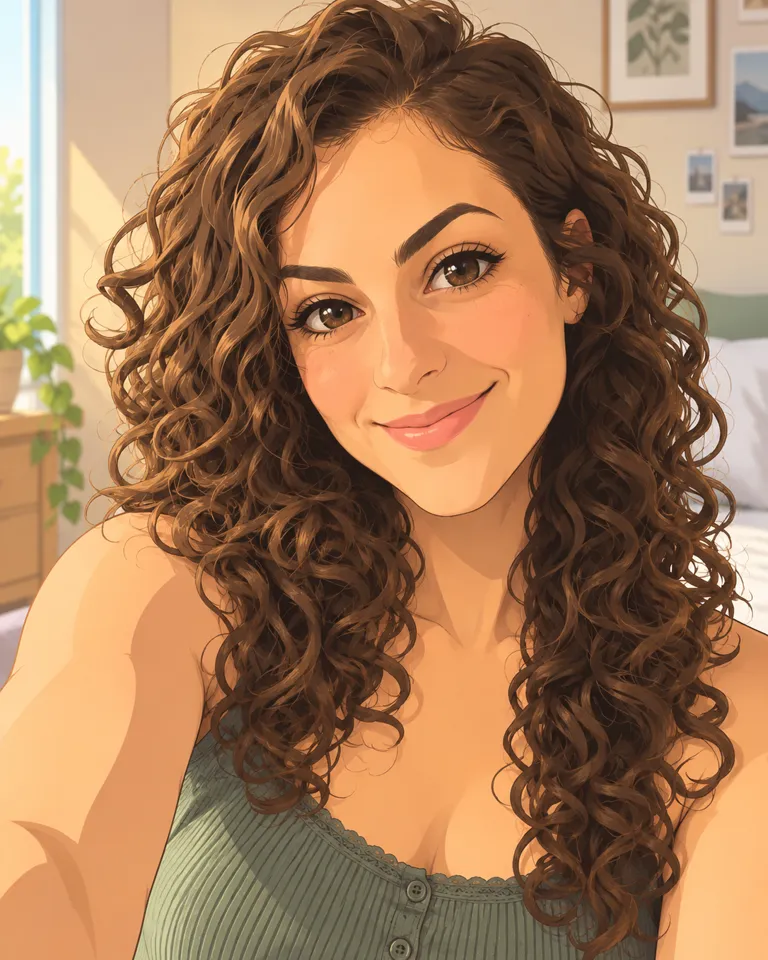
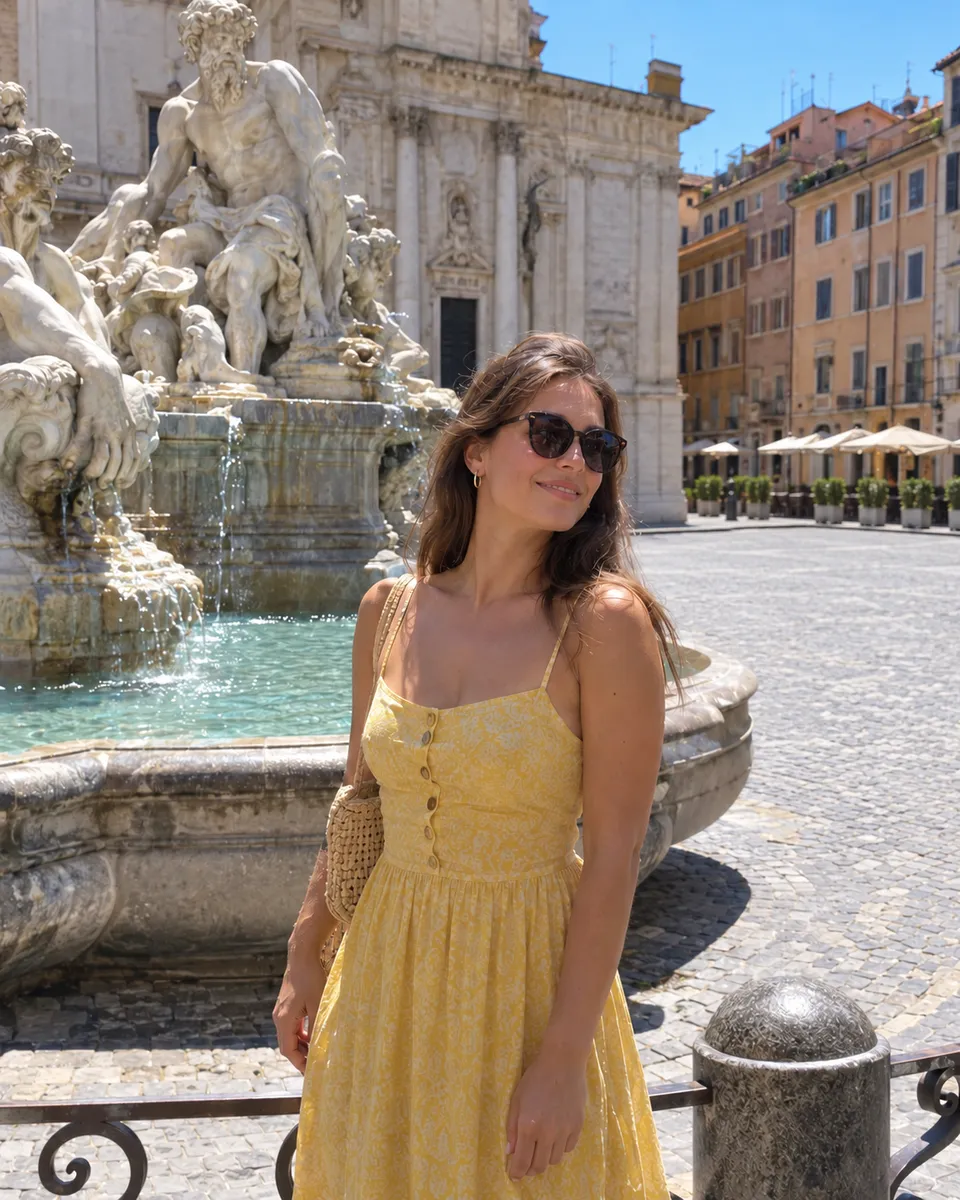
Hair is where most cut-outs go wrong. Curls, flyaways and loose strands get chopped into a hard outline, and the person looks pasted on. The background remover keeps each curl and the soft edge around it, even with a busy café behind them. It does well when the person is in focus and stands apart from what’s behind them. Very fine strands against a background of the same color can come out a little soft, so zoom in on the hairline before you put the PNG on a dark backdrop. Small photo? Upscale it first for a crisper edge.

Clean product cut-outs for listings
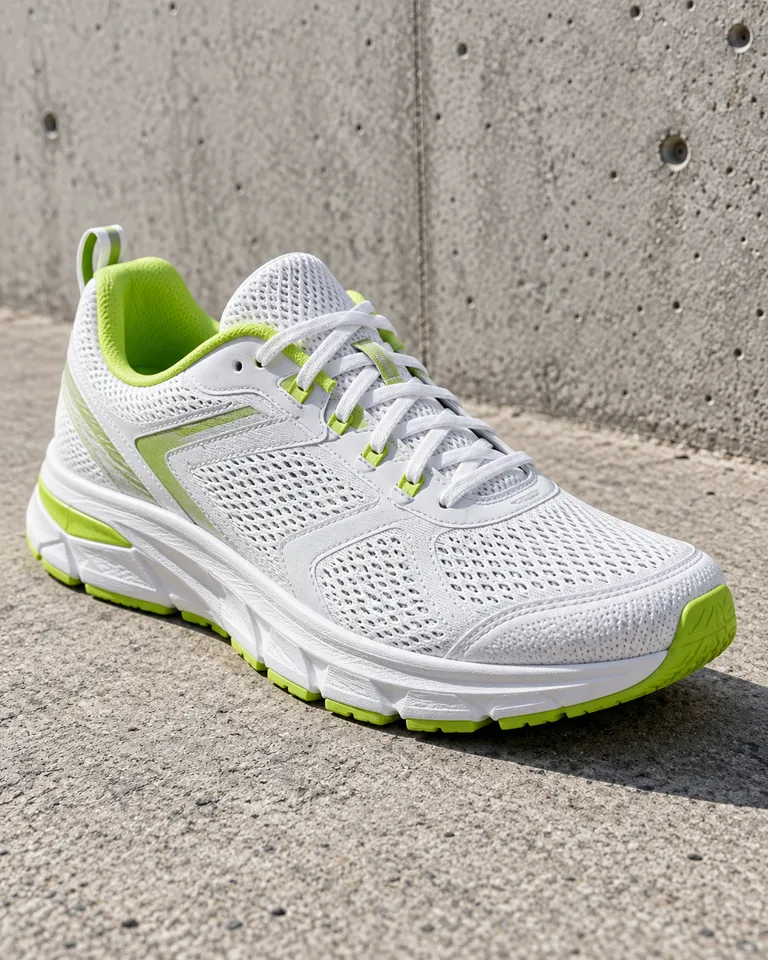
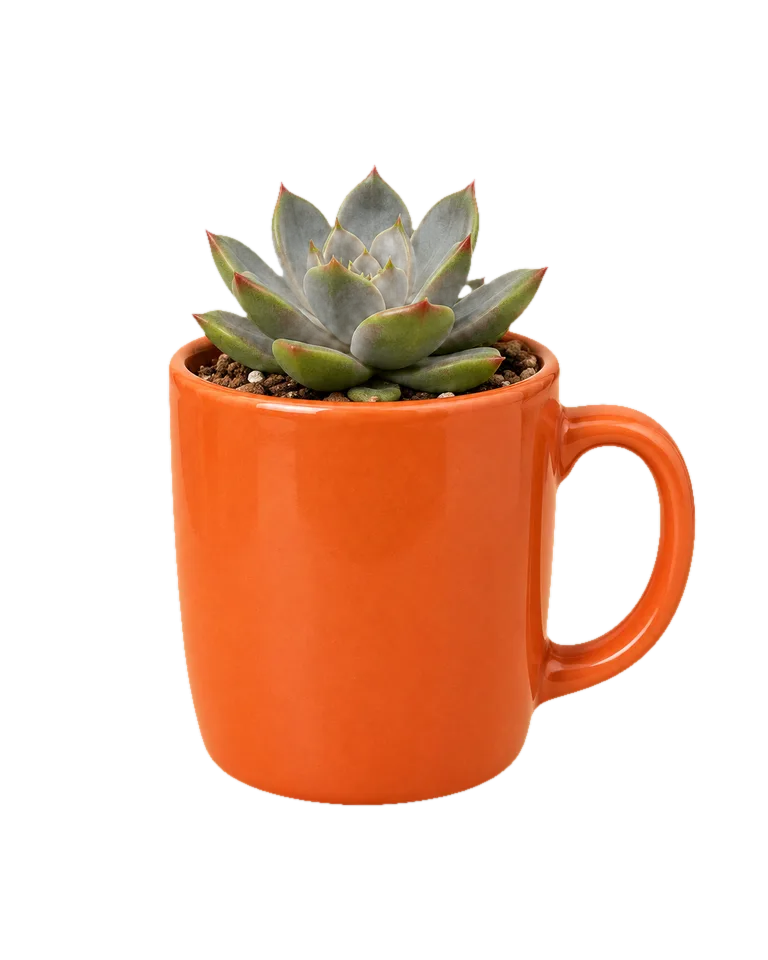
Marketplaces and online shops often want products on a plain background. Shoot the item wherever it is, like a mug on a messy kitchen counter, and remove everything around it. You get a transparent PNG the same size as your photo, or you can put it on white, black or a color before you download, for free. Shiny and see-through objects are the hardest: glass, clear plastic and reflections may keep a little of the old background. A plain, well-lit spot gives the cleanest edge. Want a styled scene behind it instead? Describe one in the AI photo editor.
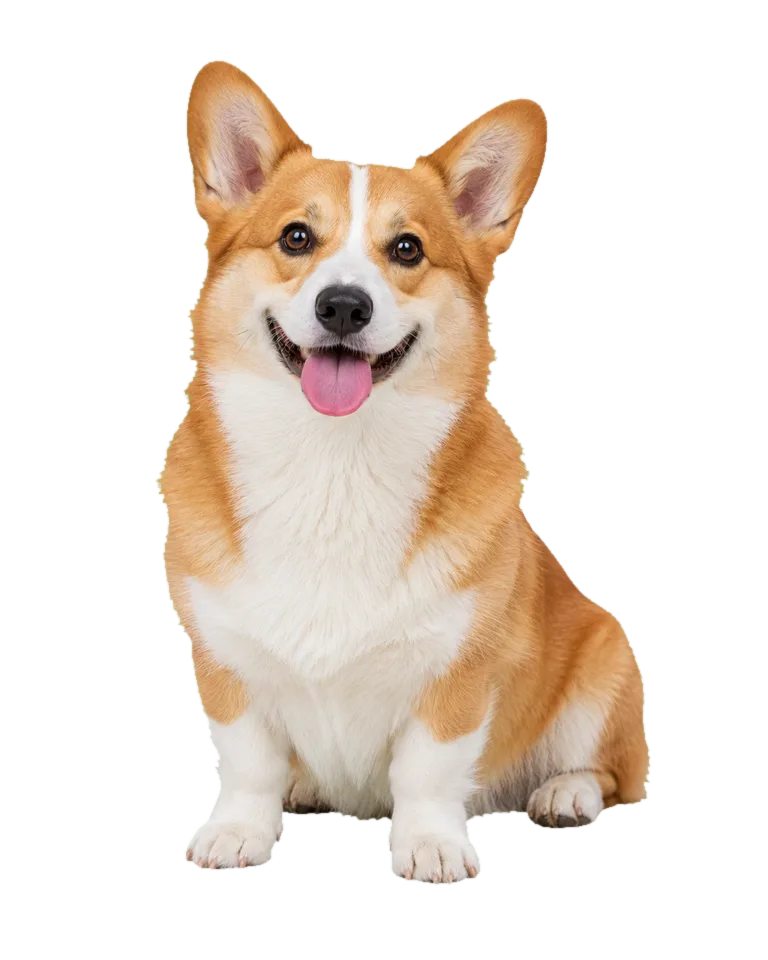
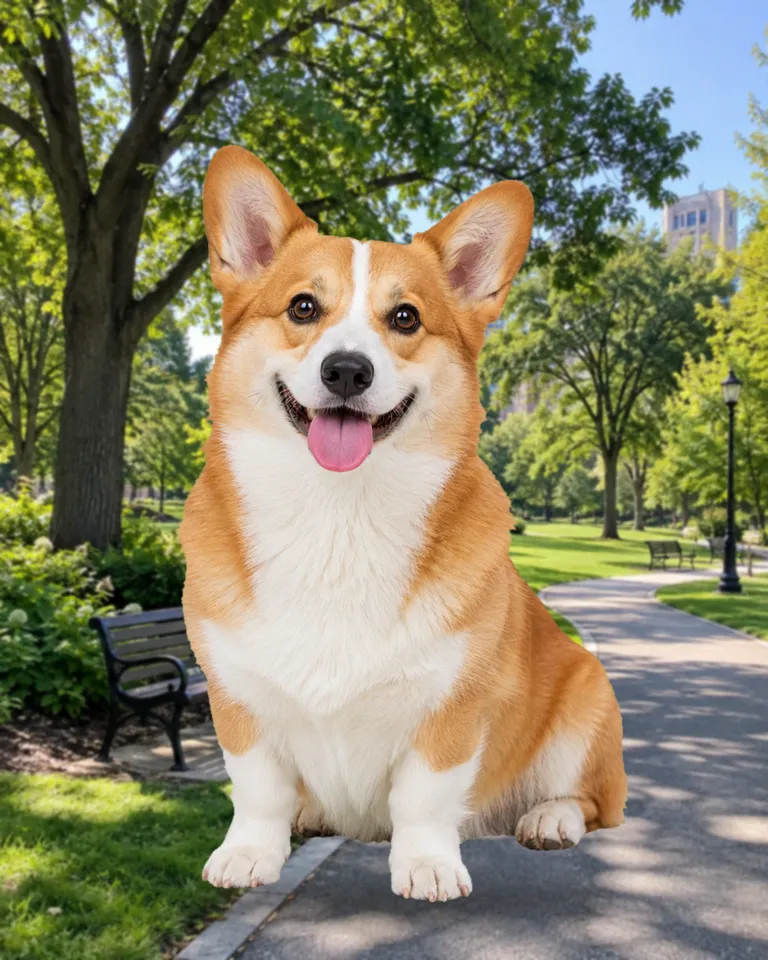
Remove the background from pet photos
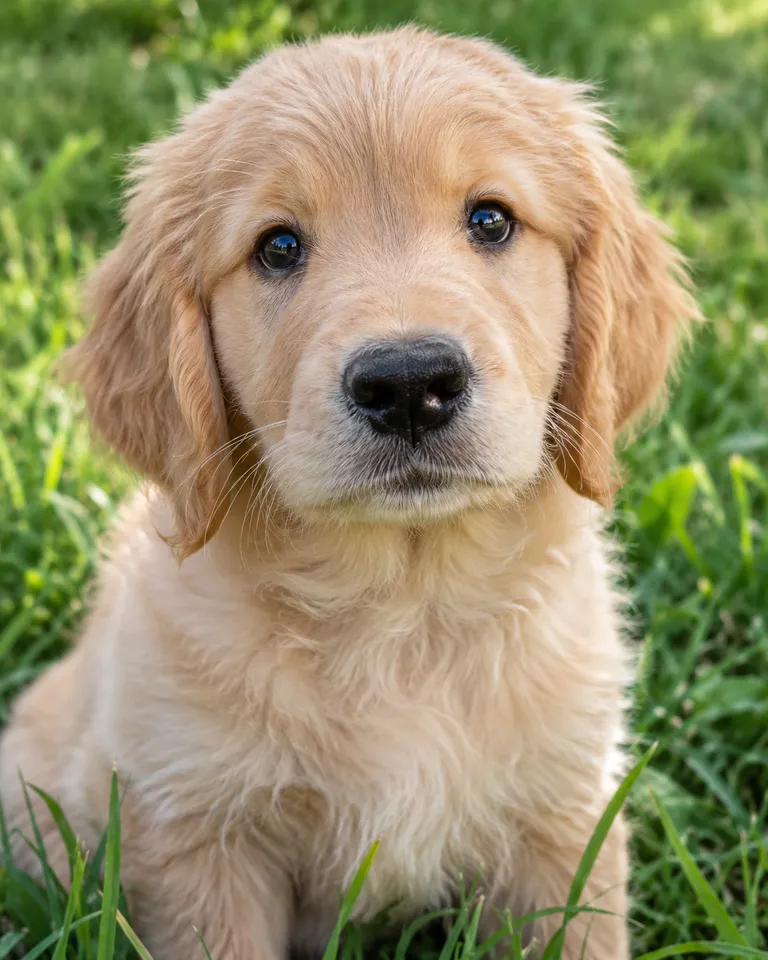
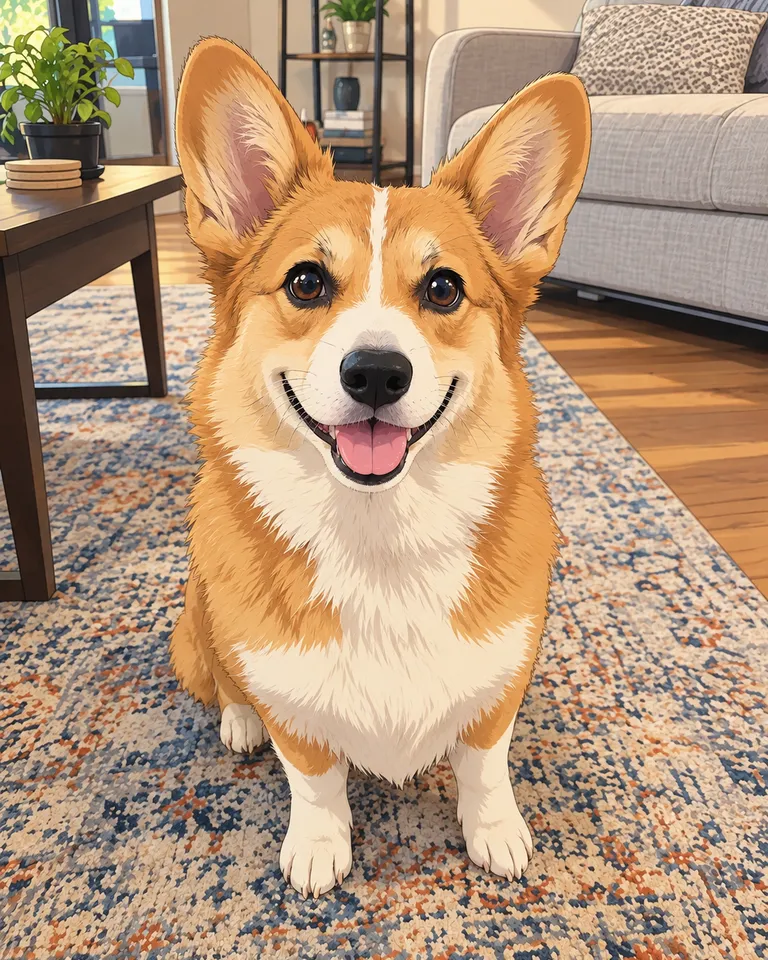
A dog in the park or a cat on the sofa makes a good sticker, card or meme once the background is gone. The remover finds the pet on its own and keeps the fur edge soft and natural instead of cutting a smooth outline. Pets that blend into the background, like a black dog on a dark rug, are harder to separate. If a leash or a hand is in the shot, it may be kept as part of the subject, so crop it out first if you don’t want it. Or skip the cut-out and put your pet in a pet trend video.
Remove backgrounds down to hair and fur
How to remove a background from an image
- Choose photo1
Add a photo
Drop it in, paste it, or pick a sample. JPG, PNG, WEBP or HEIC, up to 20 MB.
- Remove background2
Remove background
One tap. Hair and edges are traced for you.
- PNGShare link3
Pick a backdrop and download
Keep it transparent or choose a color, then save the PNG.
What people cut out backgrounds for
- 01Product listingsMarketplaces want a plain background. Get one without a photo studio.
- 02Profile picturesPut yourself on a clean color that matches your brand.
- 03Stickers and memesCut out a face or a pet and drop it into anything.
- 04Slides and designsTransparent PNGs sit on top of any layout.
Tips for a clean cut-out
A background remover works out which part of the photo is the subject and which part is everything else, then keeps only the subject. The hard parts are edges: hair, fur, glass and anything that’s the same color as what’s behind it.
You’ll get the cleanest edges when the subject is in focus and stands out from the background. A person in a dark coat against a dark wall is harder than the same coat against a window. If there are several people, they’re kept together as one cut-out.
Need it bigger as well? Run the Image Upscaler first, then remove the background, so the edges are cut at full size.
Background Remover FAQ
Something else? Visit the help center.
Is the background remover free?
Free to try: every new account gets one photo trend free. After that, each run shows its cost before you start. Pick a monthly or yearly plan, or top up with a credit pack. You can cancel a plan any time, and the price is on the button before you start.
What do I get?
A PNG with a transparent background, the same size as your photo. You can switch the backdrop to white, black or a color before you download, for free.
Does it work on hair and fur?
Yes. It keeps curls, flyaways and fur. Very fine strands against a busy background can come out a little soft.
Can it keep more than one person?
Yes. Everyone in the foreground is kept together as one cut-out.
What files can I upload?
JPG, PNG, WEBP or HEIC, up to 20 MB. One photo at a time.
What happens to my photo?
Your photos are deleted 7 days after upload and never used to train AI. The cut-out stays in Assets until you delete it.
What if it fails?
You get the credits back automatically. You don’t need to ask.
How do I remove a background from a photo for free?
Each cut-out costs 2 credits, so the smallest pack covers dozens of photos. Add a photo, tap Remove background, then download the transparent PNG. A cut-out that fails costs nothing.
Can I use the cut-out commercially?
Yes, for photos you own the rights to. Product shots, listings, ads, slides and designs are all fine. Don’t cut people out of someone else’s photos, and don’t use a person’s image without their permission.
What if the edges of my cut-out are wrong?
Try a photo where the subject stands out more. Edges go wrong when the subject and background share a color, when the photo is blurred, or when something touches the subject, like a hand or a chair. Upscaling a small photo first also helps, because the edge is then cut at a higher resolution.