Quick answer
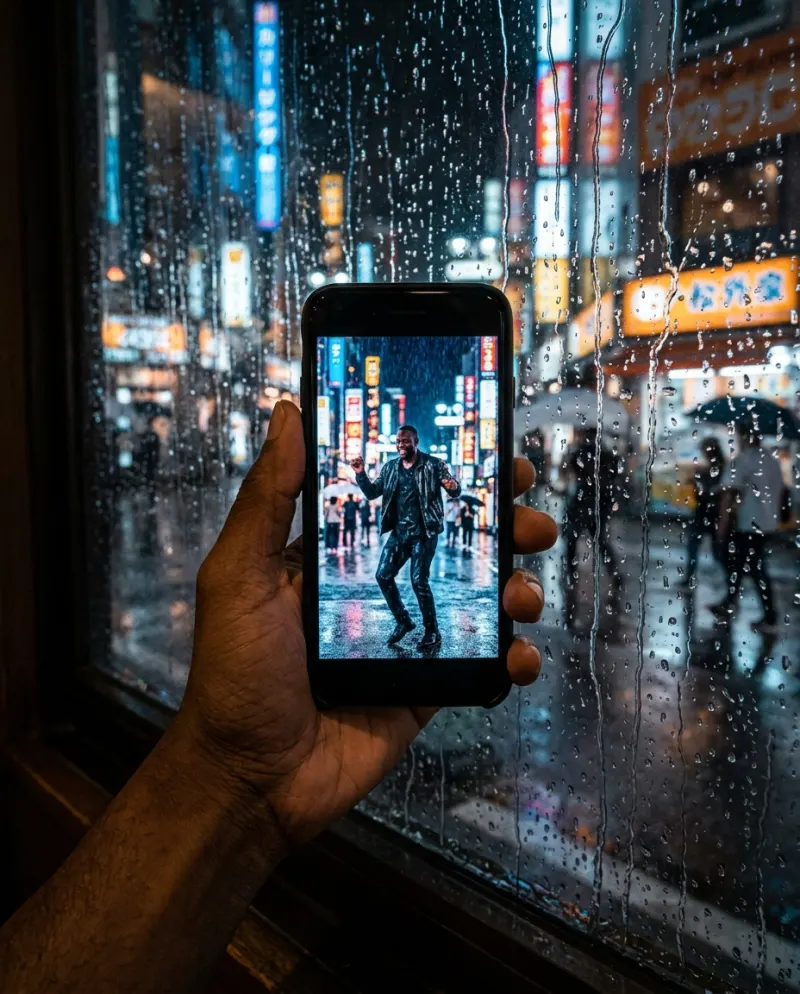
If you filmed yourself dancing, CapCut is the right tool: cut it to the bridge, slow it down, add a rain effect. If you want to be in a downpour on a neon street without one, that’s AI: Raindance AI makes it from a photo for 80 credits. Meme edits and the pier parody sit in between.
“Raindance trend CapCut”, “raindance ai trend template” and “raindance meme trend capcut” sound like one search but aren’t. Some people have dance footage to cut, some want a ready-made meme edit, and some want to appear in the rain. Sort out which you are first.
Which Raindance video are you making?
- Your own dance to the bridge: CapCut, or TikTok’s built-in editor.
- A meme edit with the song over a funny clip: a CapCut template.
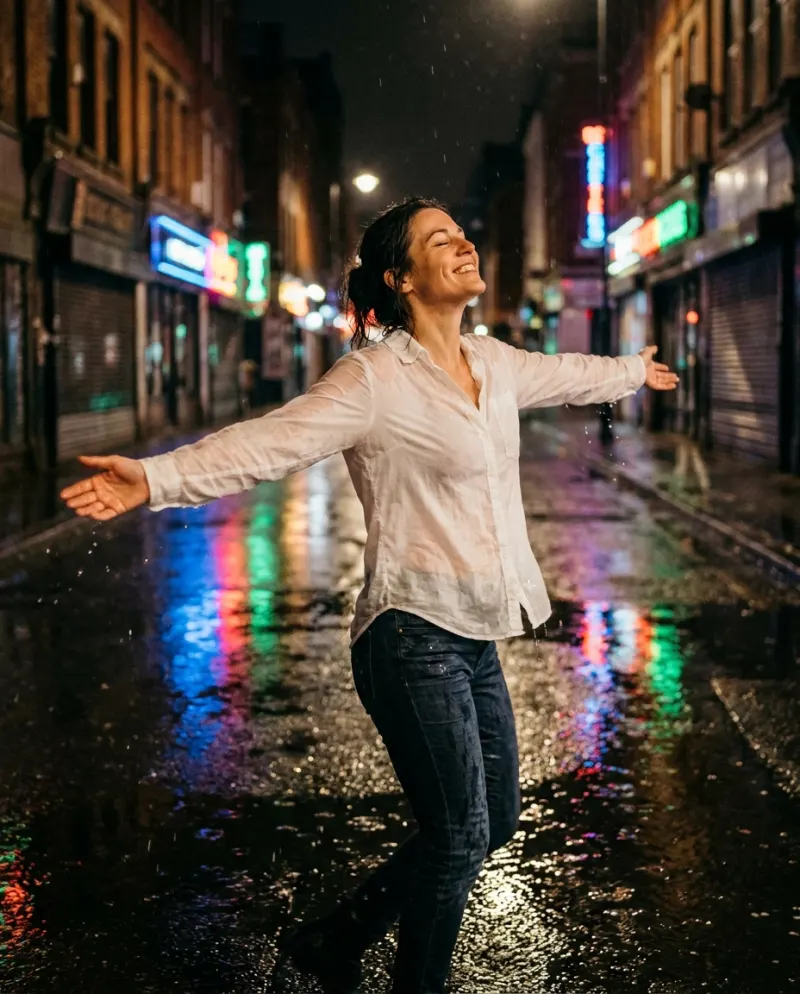
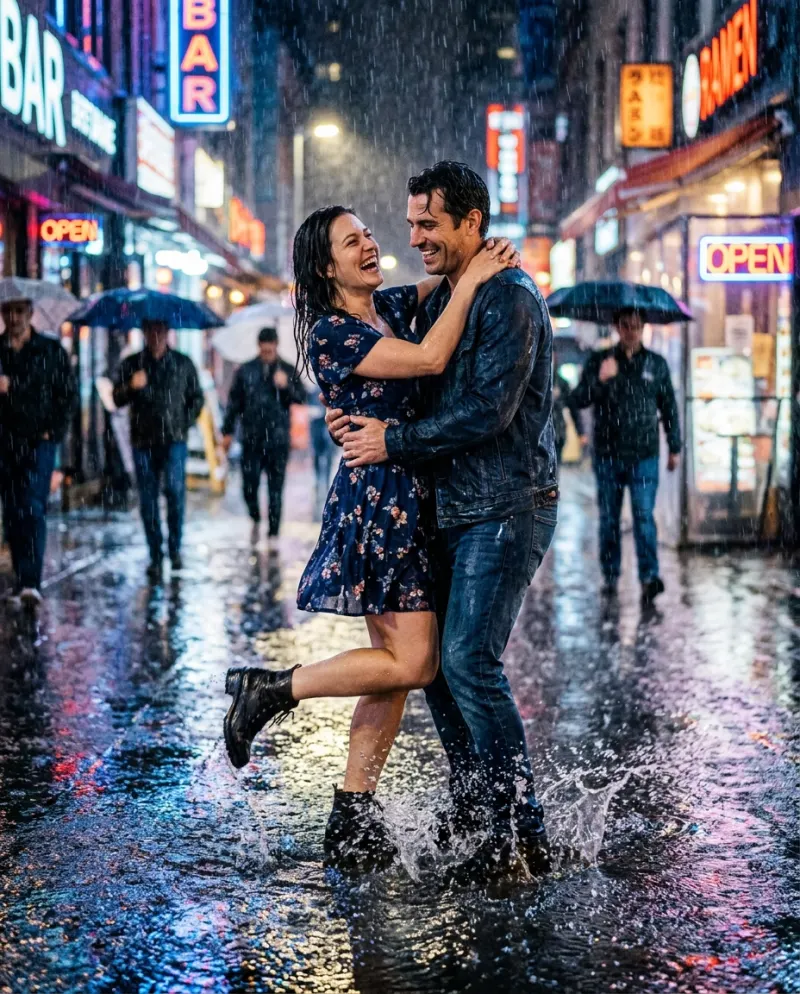
- You dancing in heavy rain at night, from a photo: AI.
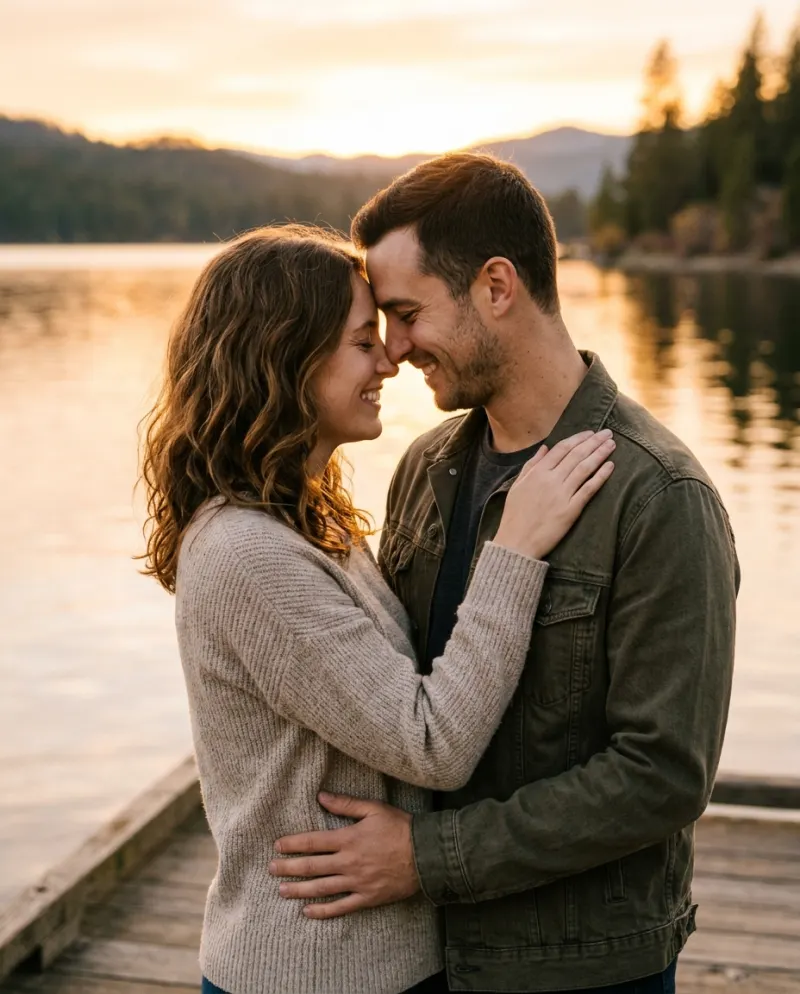
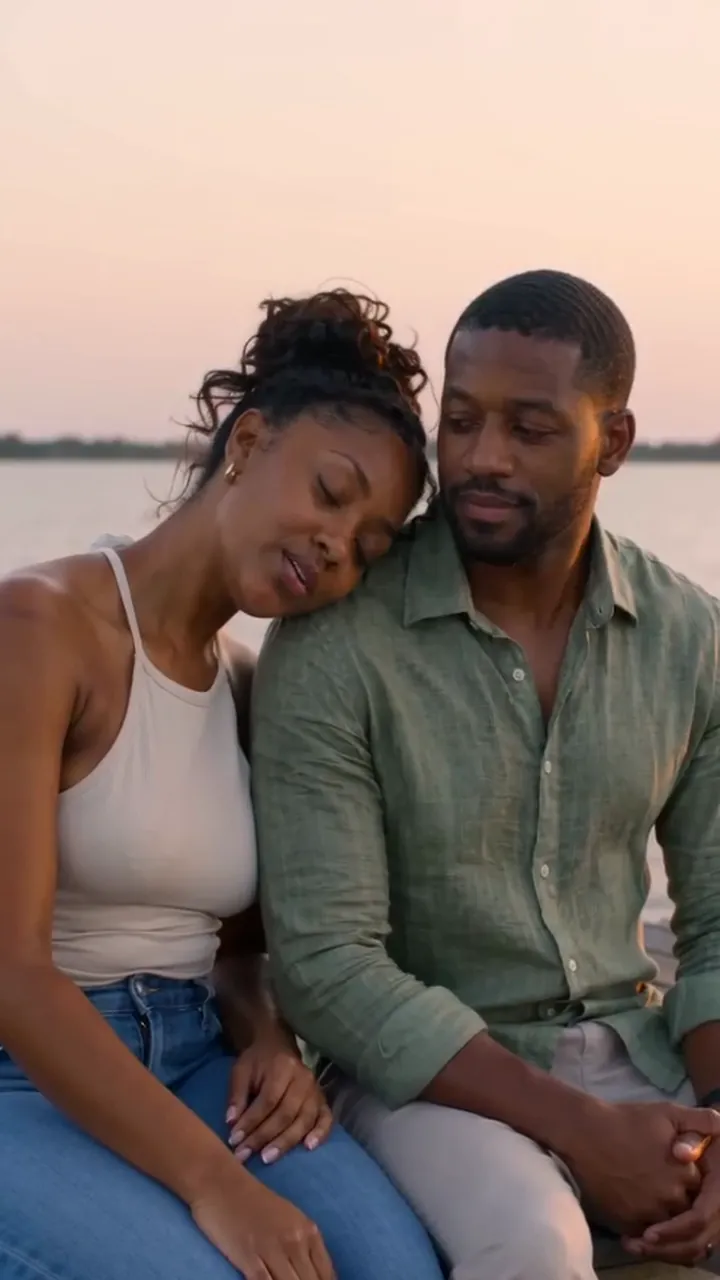
- Two people recast in the music video’s pier scene: a general AI tool with the pier prompt.
The CapCut route
- 1Film the dance vertically, the whole bridge in one take.
- 2Import it into CapCut and add the song. Use the beat markers to find where the bridge starts.
- 3Trim so your first move lands on the first beat of the bridge.
- 4Slow one moment down, say a turn, and look through the effects for a rain overlay; what’s on offer varies.
- 5Export at the resolution you filmed and post with the song.
Raindance meme templates come and go and differ by region. Most expect clips you already have, which is fine for a joke edit and no help if you want to be in the rain.
Why a rain overlay isn’t the same
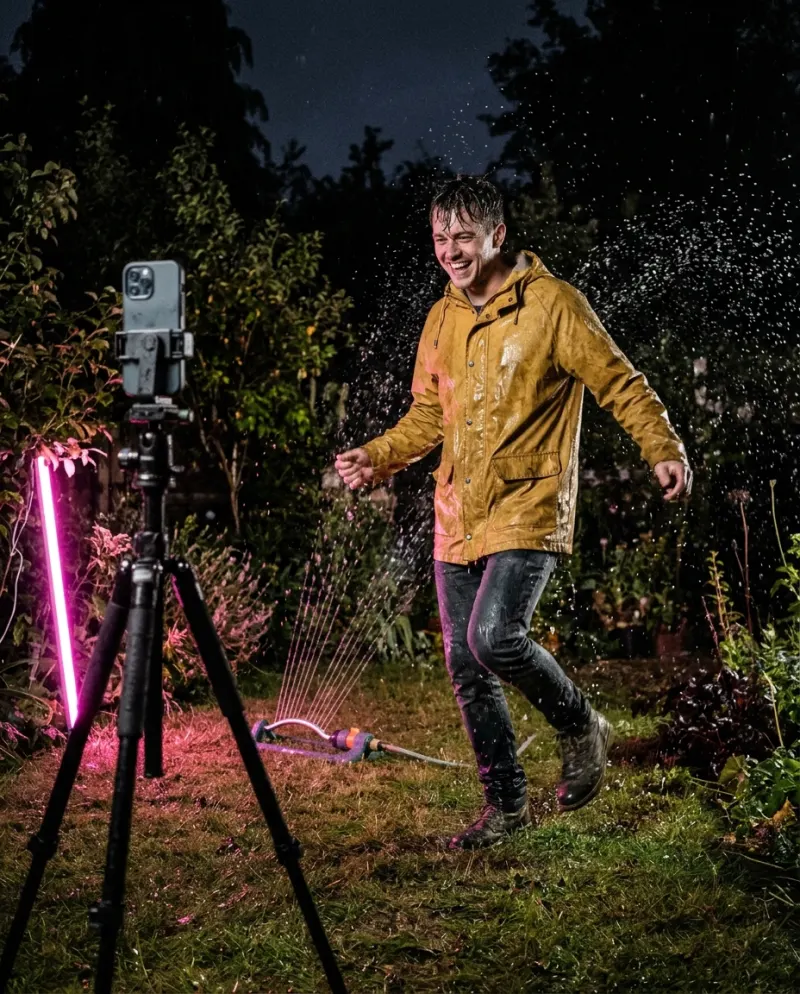
An overlay lays streaks on top of your footage. Your hair stays dry, nothing splashes and the light doesn’t change, which is fine for a joke and obvious in a mood post. For the soaked, neon look the scene has to be generated, or really filmed with water and light: the free guide shows the hose method.
The AI route
- 1Open Raindance AI and pick solo or couple.
- 2Add a clear photo per person, outfit in view.
- 3Make it for 80 credits and download the MP4 from Assets.
Then finish it in CapCut
Drop the downloaded clip into CapCut, line the first spin up with a beat in the bridge, and add a short caption. Export at or above the clip’s own size so the rain doesn’t turn to mush.
Common problems
The template asks for clips I don’t have
It’s an edit template. Film the dance first, or make the rain clip with AI and use that as your footage.
The overlay rain looks fake
Lower its opacity and darken the clip so the streaks have something to show against. Or generate the scene.
The spin and the song are out of step
Slide the clip in CapCut until the spin sits on a beat; a few frames is usually enough.
FAQ
Is there a CapCut template for the Raindance trend?
Creators publish them, mostly meme and dance edits that re-cut your own clips. They don’t put you in the rain from a photo.
What song is the Raindance trend?
Raindance by Dave featuring Tems. The dance challenge uses its bridge.
Can I edit the Reelfie clip in CapCut?
Yes. Download the MP4 and open it in CapCut. Paid videos have no watermark.
How much is the AI version?
80 credits on Reelfie, about $4.95 at the smallest pack’s rate (up to 2 videos for $9.90). A run that fails costs nothing.
Make your first one
Raindance AI: Dance in the rain under neon.
Try Raindance AIYour photos are deleted 7 days after upload and never used to train AI.