Quick answer
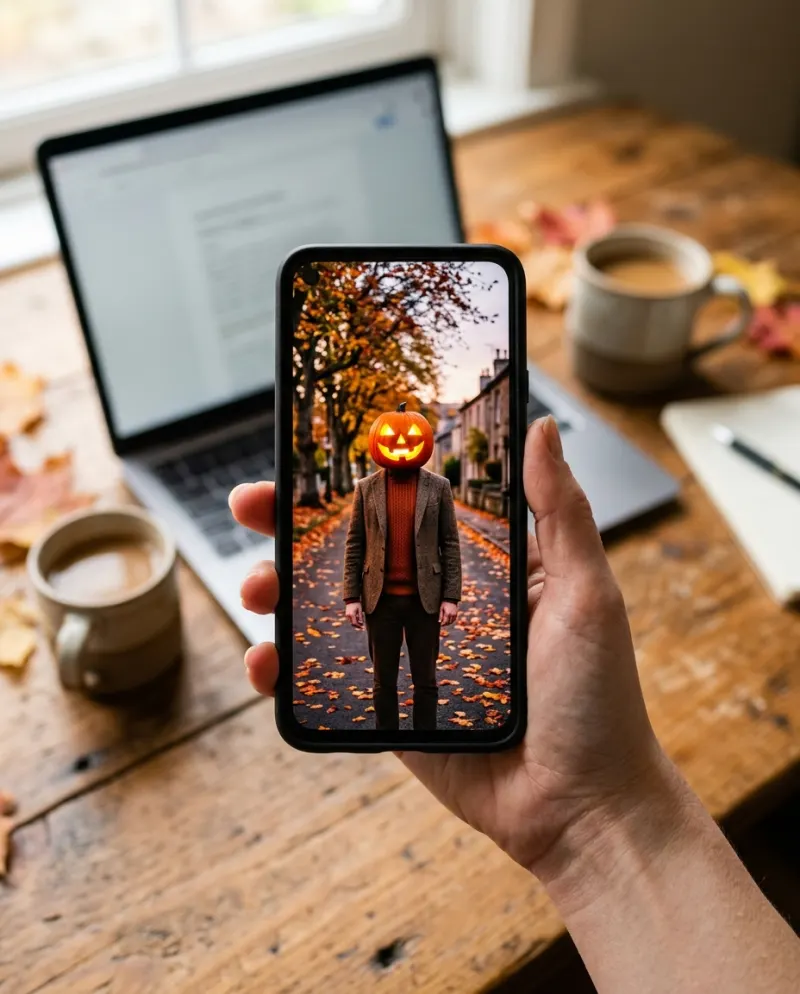
If you have the pumpkin photos or clips, CapCut is enough: a template or a quick edit sets them to the sound with a flash cut. If you want the moment your own head turns into the lantern, without wearing one, that is an AI video: Pumpkin Head AI makes it from one photo for 80 credits.
Two things get posted as the Pumpkin Head trend. One is a slideshow or a two-take cut of people wearing real pumpkins, which is editing work and suits CapCut. The other is a single shot where a face becomes a jack-o’-lantern, which no editor can do from a photo. Which you need depends on what is in your camera roll.
What each one does
CapCut
Cuts your pumpkin photos or takes to the beat, adds flash, zoom and grain. It needs you to have worn the pumpkin.
Best for the photoshoot
AI video
Draws the change itself: an 8-second shot where your head becomes a glowing carved pumpkin and your body stays still.
Best from one selfie
The CapCut way
- 1Shoot two takes from the same spot, phone on a stand: yourself, then with the pumpkin on. Or take five or six stills of the family shoot.
- 2In CapCut, search Templates for “pumpkin head”. Pick one whose clip count matches what you shot, or start a blank project.
- 3For a blank project, put the cut from take one to take two on the first strong beat, add a white flash transition, and warm the colors a touch.
- 4Export at the same resolution you filmed and post with the sound you heard on the trend.
Templates for seasonal trends appear and vanish, and what you see depends on your region. A template that asks for one photo and promises a “pumpkin head effect” usually zooms or overlays a pumpkin sticker, which is a different look from the real thing.
The AI way
General video tools can do it with a Pumpkin Head video prompt and a few retries. On Reelfie the porch, the dusk light and the timing are already set:
- 1Open Pumpkin Head AI and choose solo, a couple or a pet.
- 2Add a front-on photo where your shoulders show, so the body has something to keep.
- 3Make it for 80 credits and download the MP4 from Assets.
Using both
The AI clip is 8 seconds and arrives without the song, so CapCut is still useful afterwards: open the MP4, put the head change on the beat, add your caption, export at 1080p. Start from the downloaded file, not a screen recording.
Common problems
The CapCut template only puts a sticker on my face
That’s an overlay, not the trend. Wear a real pumpkin for the edit, or use AI for the transformation.
The cut doesn’t land on the beat
In CapCut, tap the audio, use Beats to mark them, then drag the cut to the first mark after the build-up.
The AI clip looks soft once posted
Post the MP4 itself and keep the export resolution at or above the clip’s.
FAQ
Is there a CapCut template for the Pumpkin Head trend?
Creators publish them every October. Most expect clips or photos you already shot with a pumpkin on; they don’t turn a selfie into one.
What song is the Pumpkin Head trend?
Different sounds are used, and they change through the season. Tap the sound on a recent post you like and use that one, so your video is listed under it.
Can I edit the Reelfie video in CapCut?
Yes. Download the MP4 and open it in CapCut. Paid videos have no watermark.
How much is the AI version?
80 credits for an 8-second video on Reelfie, about $4.95 at the smallest pack’s rate. A failed run costs nothing.

Make your first one
Pumpkin Head AI: Your head becomes a glowing jack-o’-lantern.
Try Pumpkin Head AIYour photos are deleted 7 days after upload and never used to train AI.