Quick answer
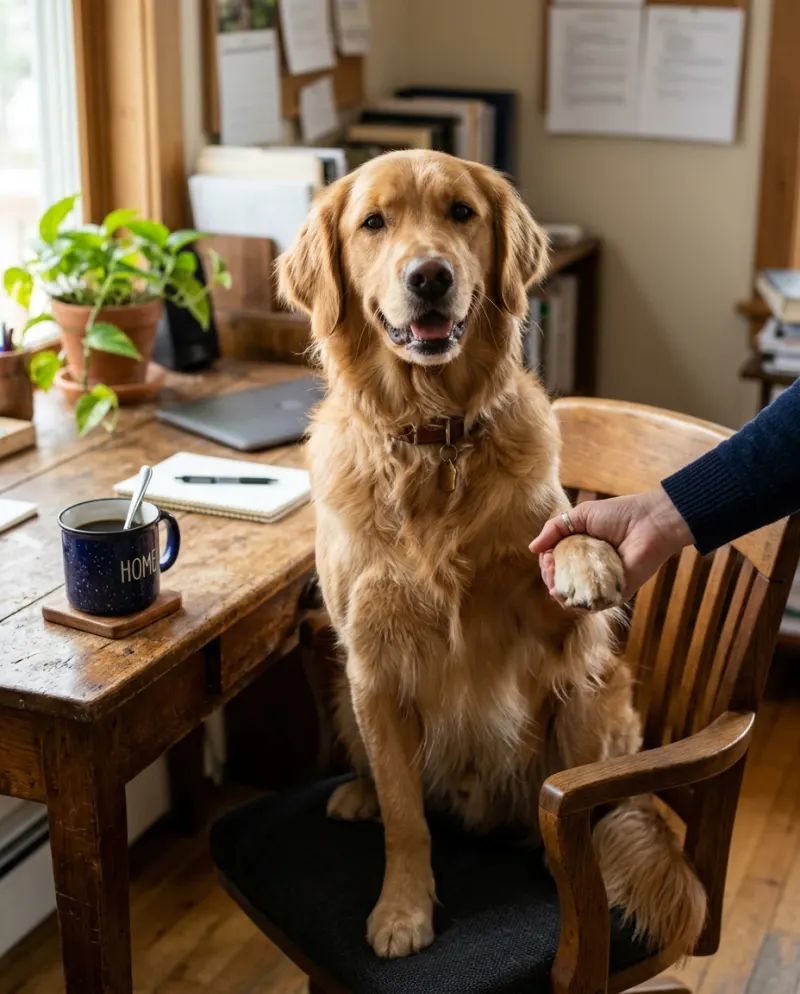
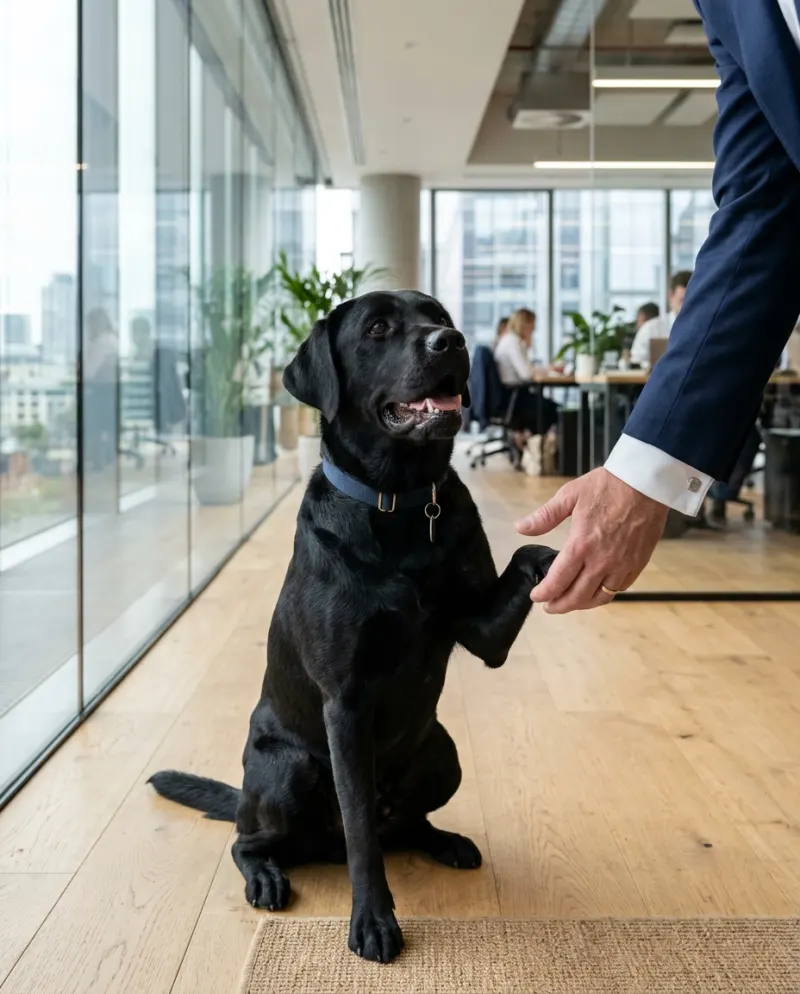
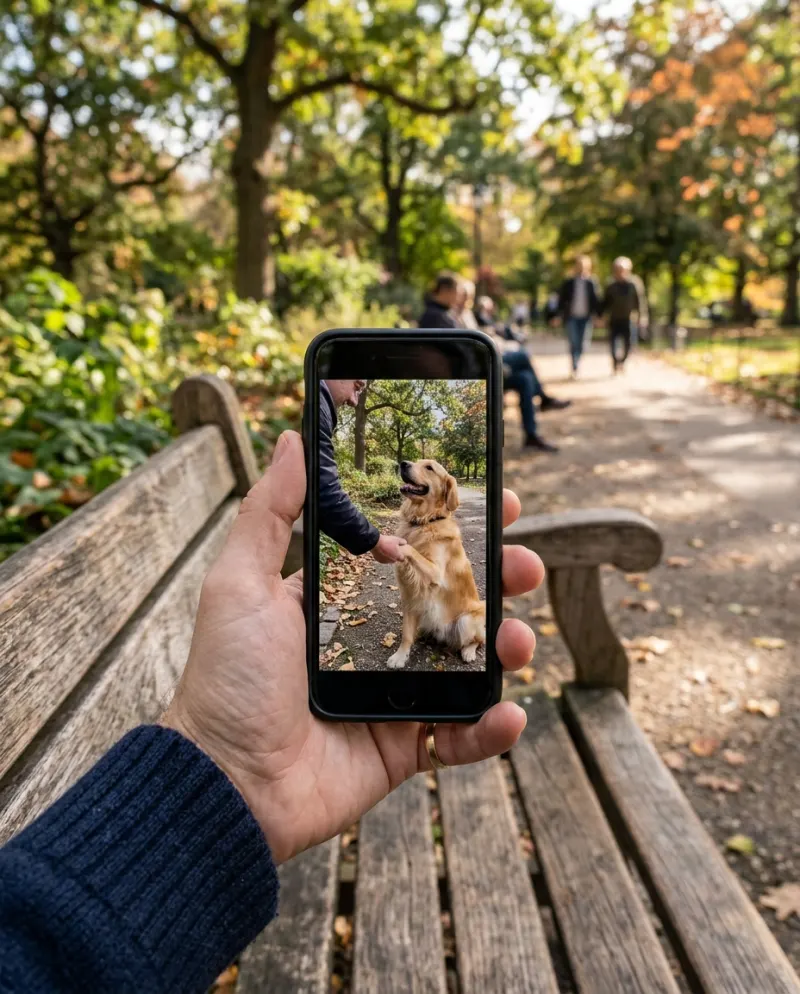
If your dog already shakes, film it and finish it in CapCut: slow-motion on the paw, a zoom on the serious face, a caption on top. If it doesn’t, an editor has nothing to work with, and the AI video makes the handshake from one photo. On Reelfie that’s Dog Handshake AI, 80 credits.
The funny dog handshake memes come two ways: real footage that someone edited, and AI clips made from a photo. Which one you can make depends on one thing, your dog.
Start with your dog
Knows shake
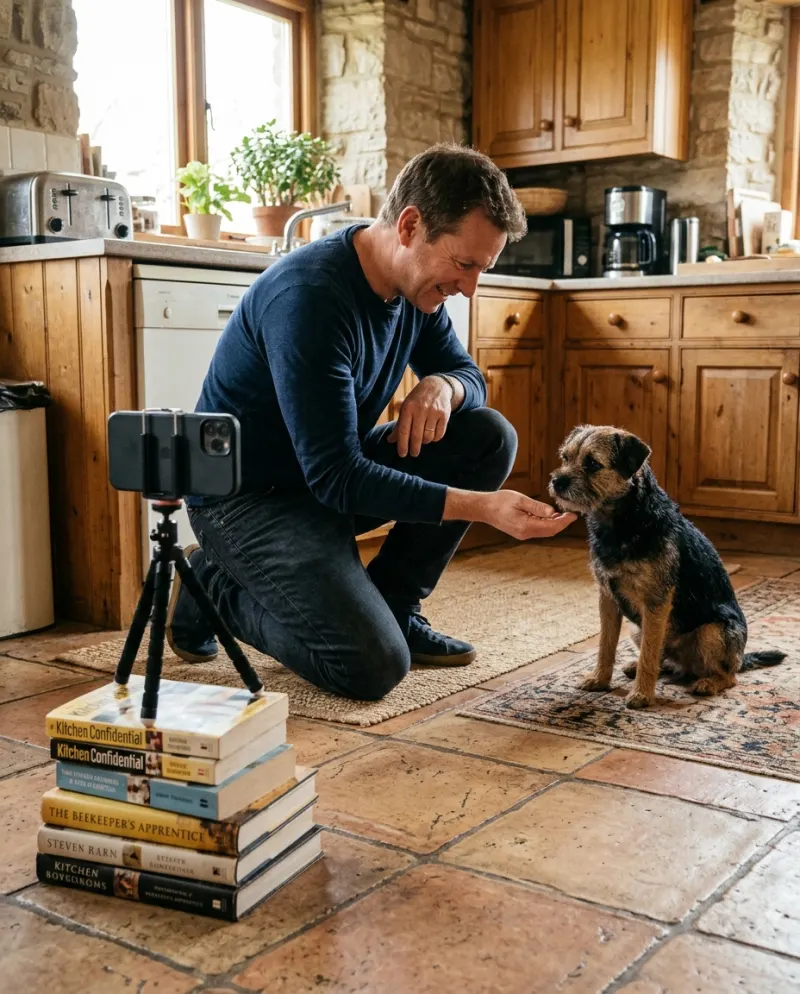
Film it and edit in CapCut. Free, real, and you control the timing.
Editor
Doesn’t (yet)
Use AI: an 8-second clip from one photo, hand included.
AI
Want the real thing? How to teach and film the shake.
Editing a real shake in CapCut
- 1Import the clip and trim to the second before the paw lifts.
- 2Slow the handshake itself to around half speed; it makes the moment feel formal.
- 3Keyframe a slow zoom onto the dog’s face for the nod.
- 4Put a one-line caption at the top, then a deal-closing sound effect or a dramatic sting.
- 5Export vertical at 1080p.
Exact menu names in CapCut change between versions, so look for speed, keyframe and text tools rather than a specific button.
Making it with AI
Use any image-to-video tool with a handshake prompt, or the template:
- 1Open Dog Handshake AI and upload one photo of your dog.
- 2Make it for 80 credits.
- 3Download the MP4 from Assets; it comes with sound and no watermark.
Using both
Bring the AI clip into CapCut for the finishing: a caption, a freeze frame on the paw, a zoom on the nod. The clip has its own sound; turn it down if you add a track.
Common problems
The real clip has my whole body in it
Crop to the dog in CapCut, leaving only your arm entering from the side.
Slow motion looks choppy
Film at a higher frame rate if your phone allows it, or slow it less.
The AI clip looks soft after editing
Import the downloaded MP4, not a screen recording, and export at 1080p.
FAQ
Can CapCut make my dog shake hands?
Not from a still photo. An editor can only rearrange footage you have. AI generates the movement.
Which one is funnier?
Real footage feels more personal; the AI version can be more deadpan. Either works if the caption lands.
Can I edit the AI clip in CapCut?
Yes. Download the MP4 and import it. Paid clips have no watermark.
How much is the AI version?
80 credits on Reelfie, about $4.95 at the smallest pack’s rate; a failed run is refunded.

Make your first one
Dog Handshake AI: Your dog closes the deal.
Try Dog Handshake AIYour photos are deleted 7 days after upload and never used to train AI.