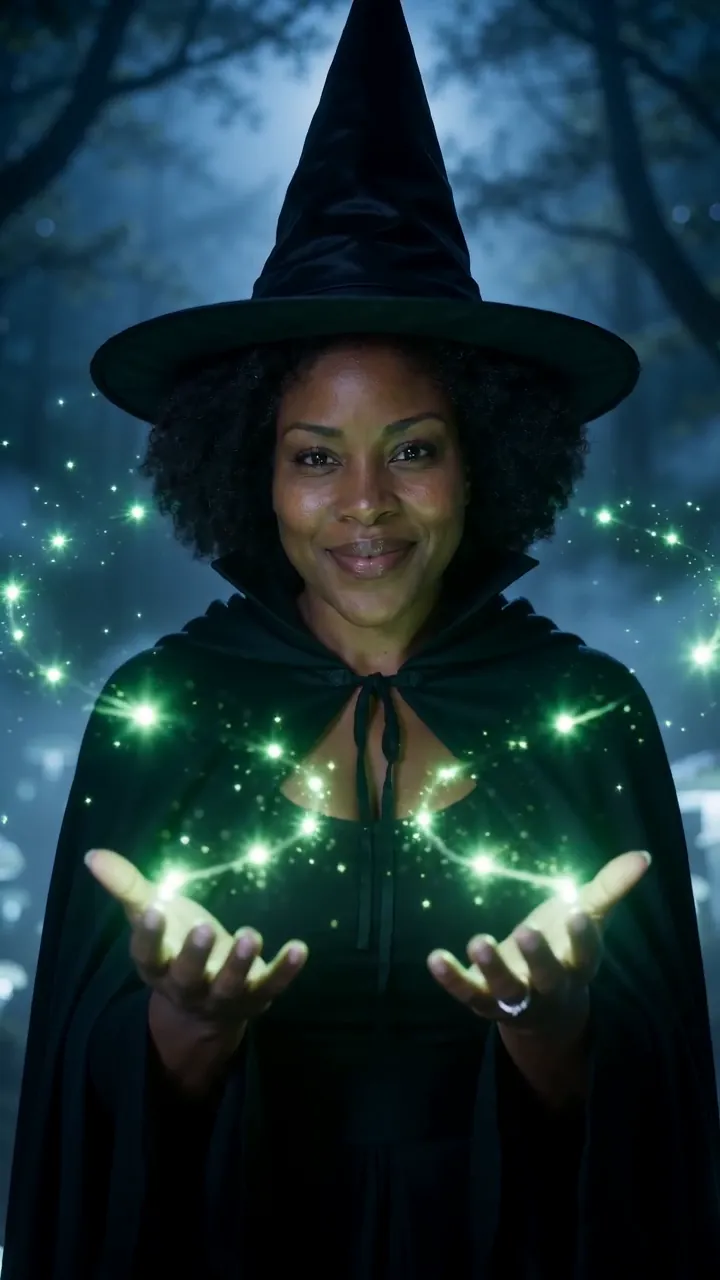
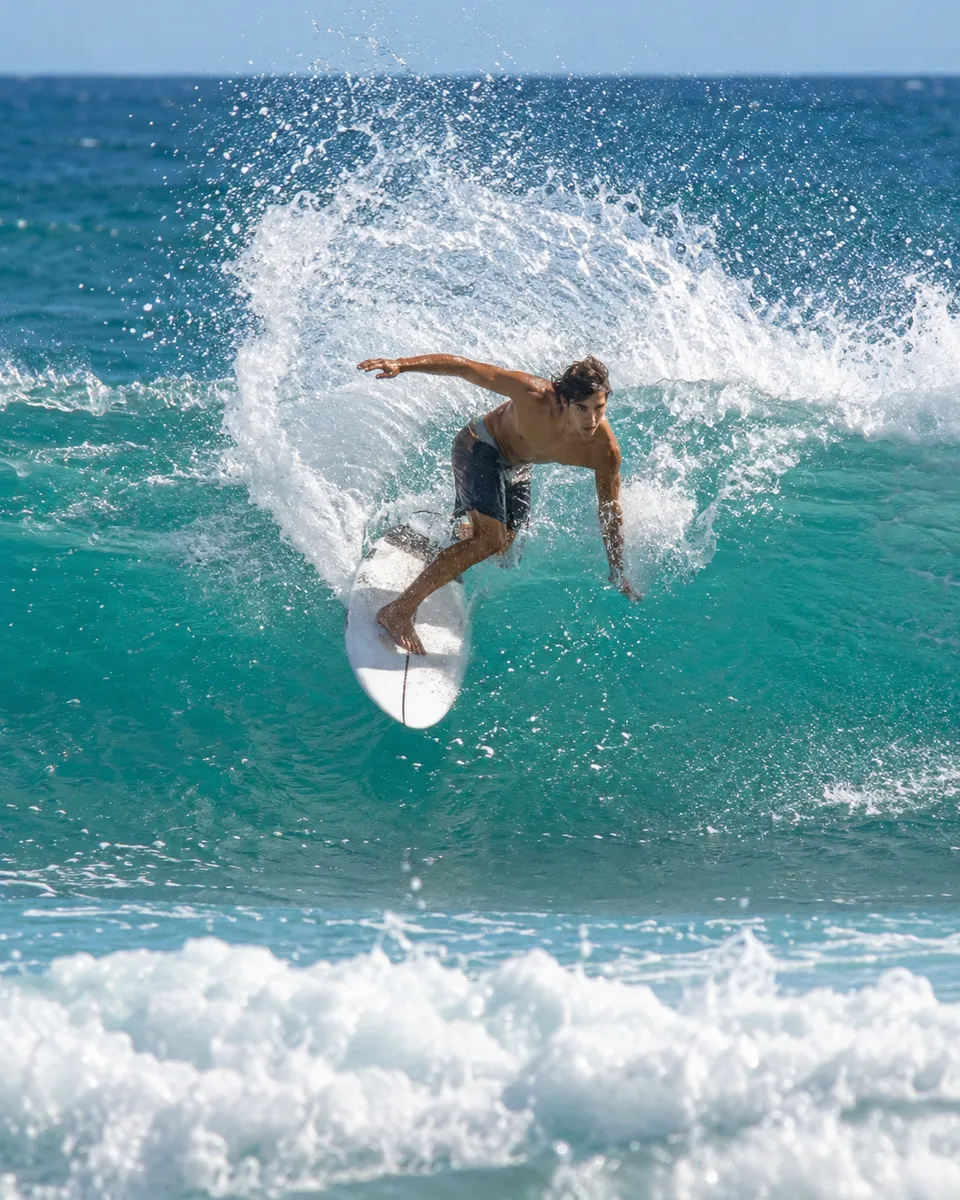
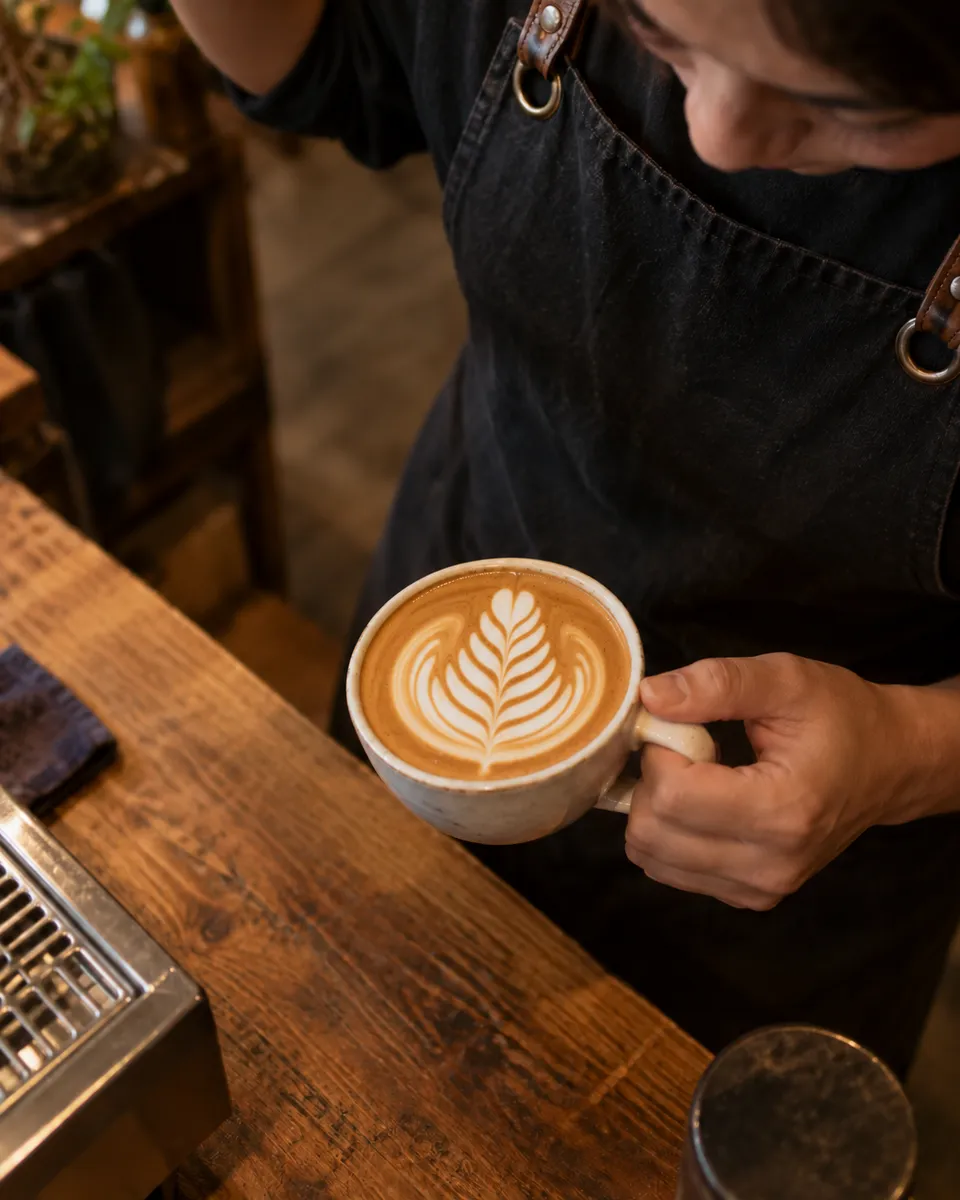
AI video generator
Write a scene or start from a photo, and get a short video ready for Reels, TikTok or YouTube.
All results are AI-generated and labeled.
0 / 1500
Add a start frame.
By adding a photo you confirm everyone in it is 18+ and agreed to have their face used for this. We use faces only to make what you ask for. How we handle faces
Your videos
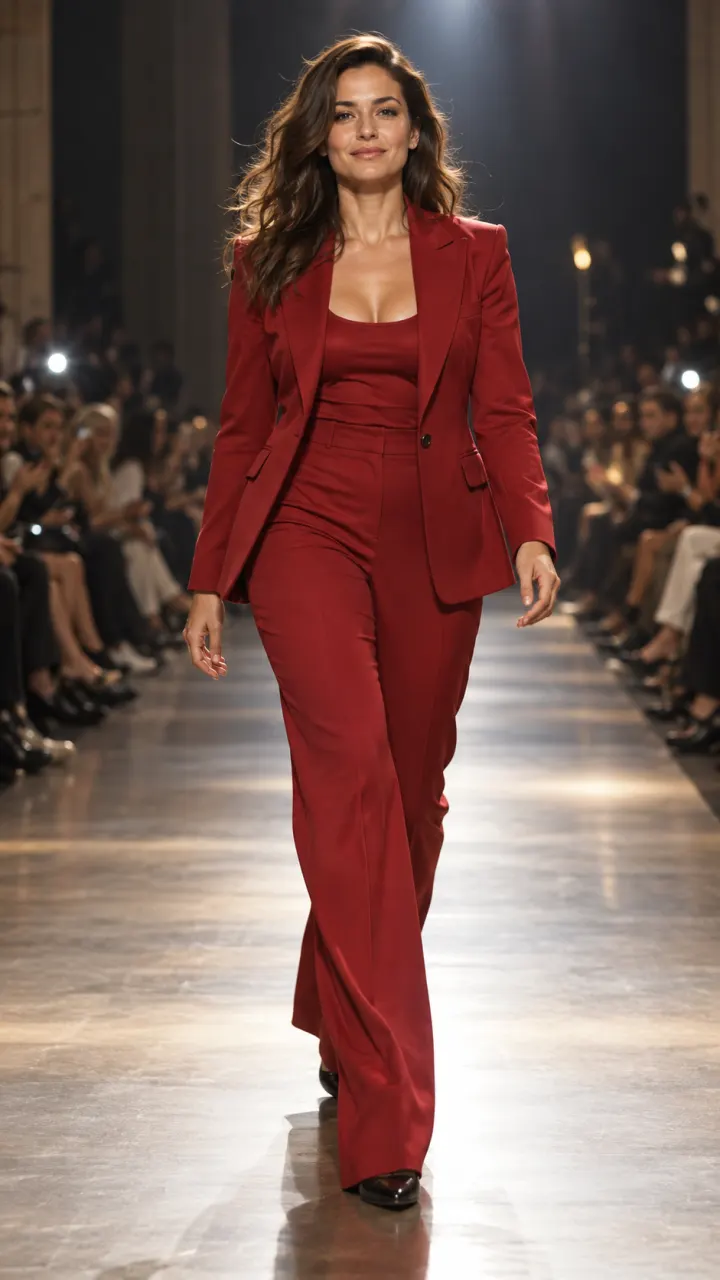
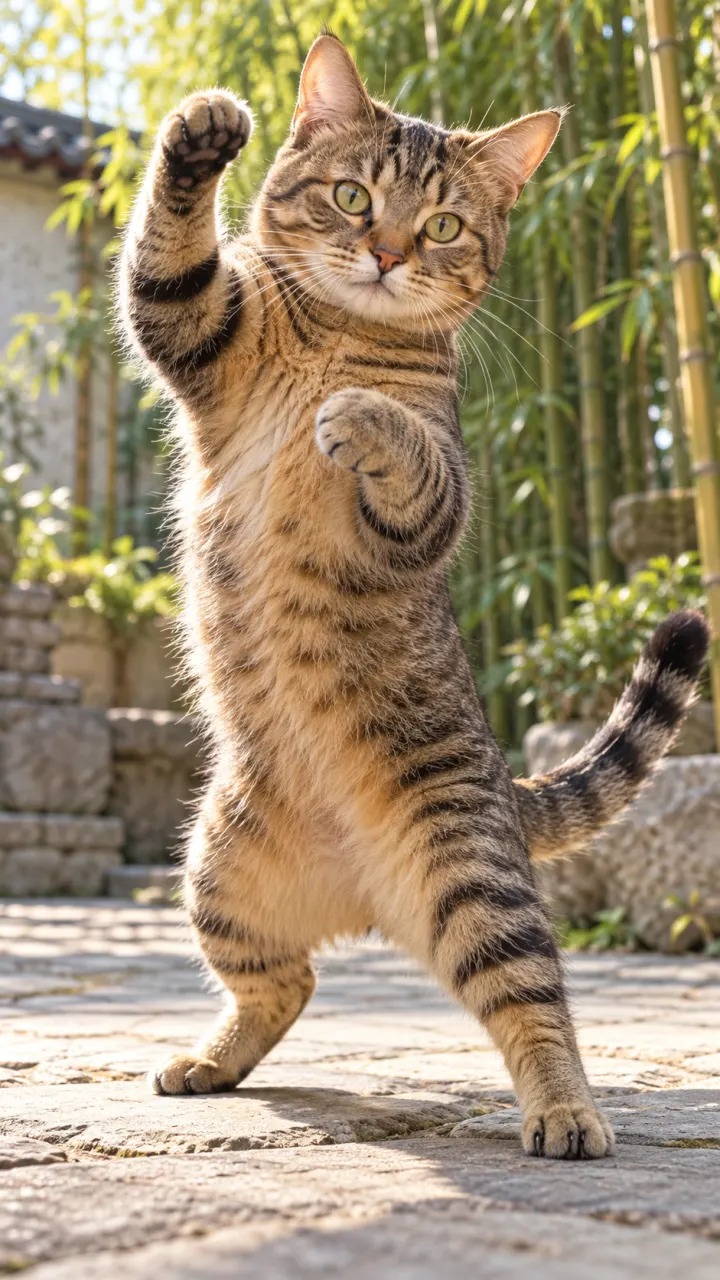
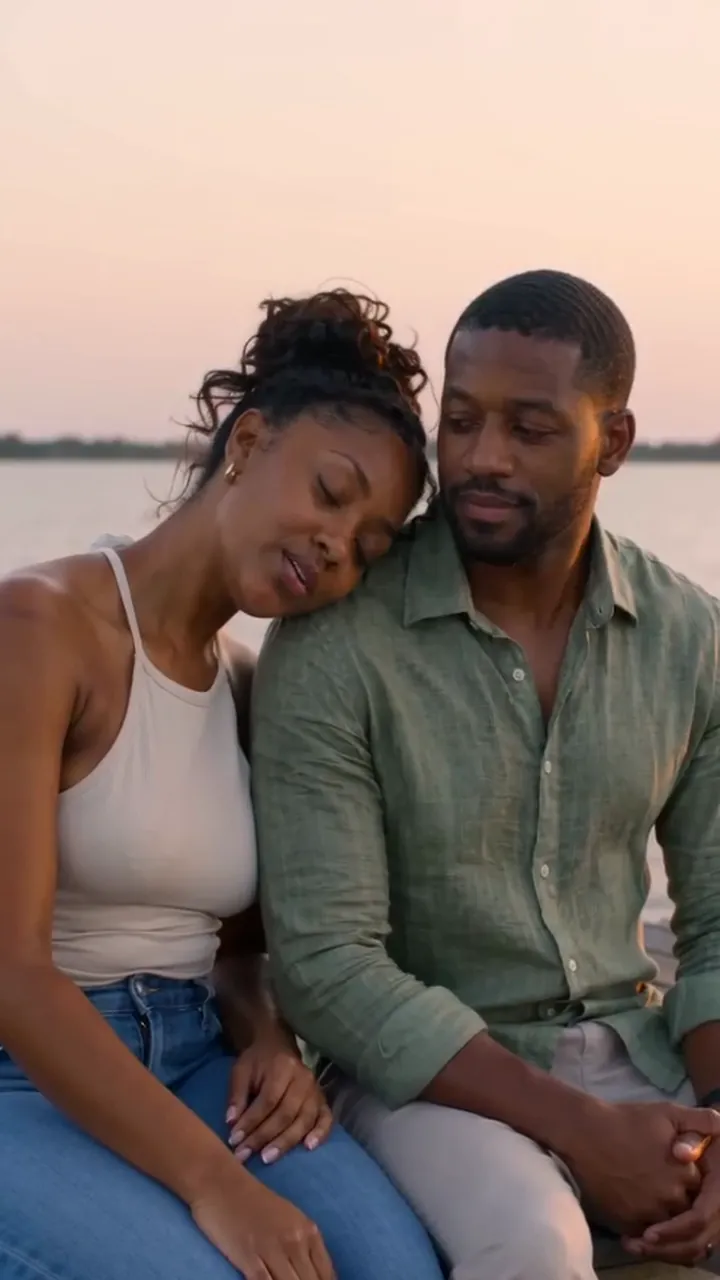 Example · Rain dance
Examples show what each idea aims for. They are illustrations, not output from a particular model.
Or start from a trend
The prompt is already written. Add your photo and get the video everyone is posting.
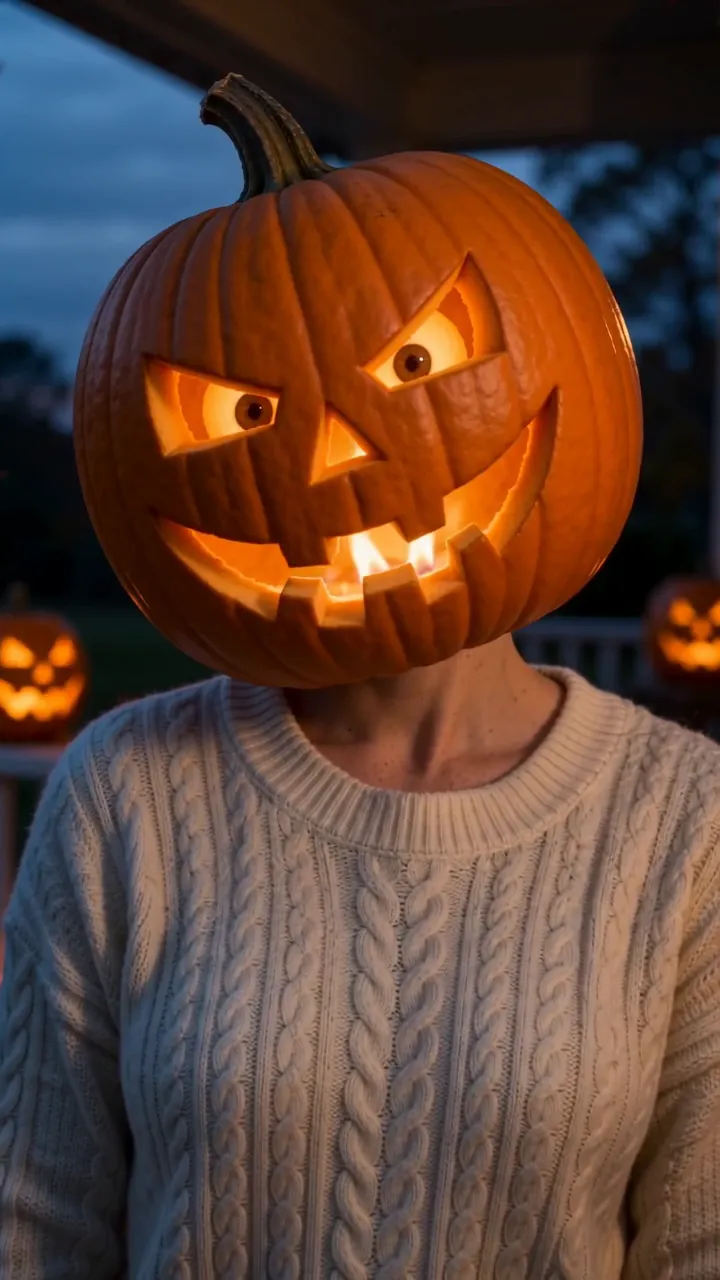
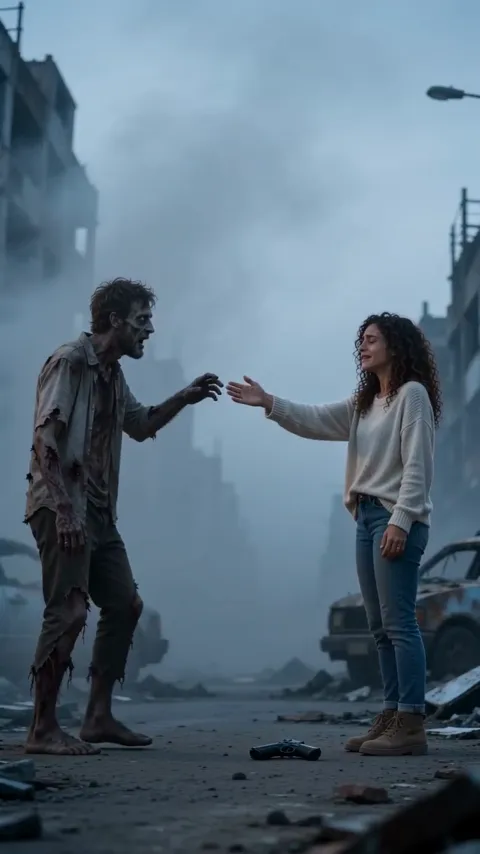
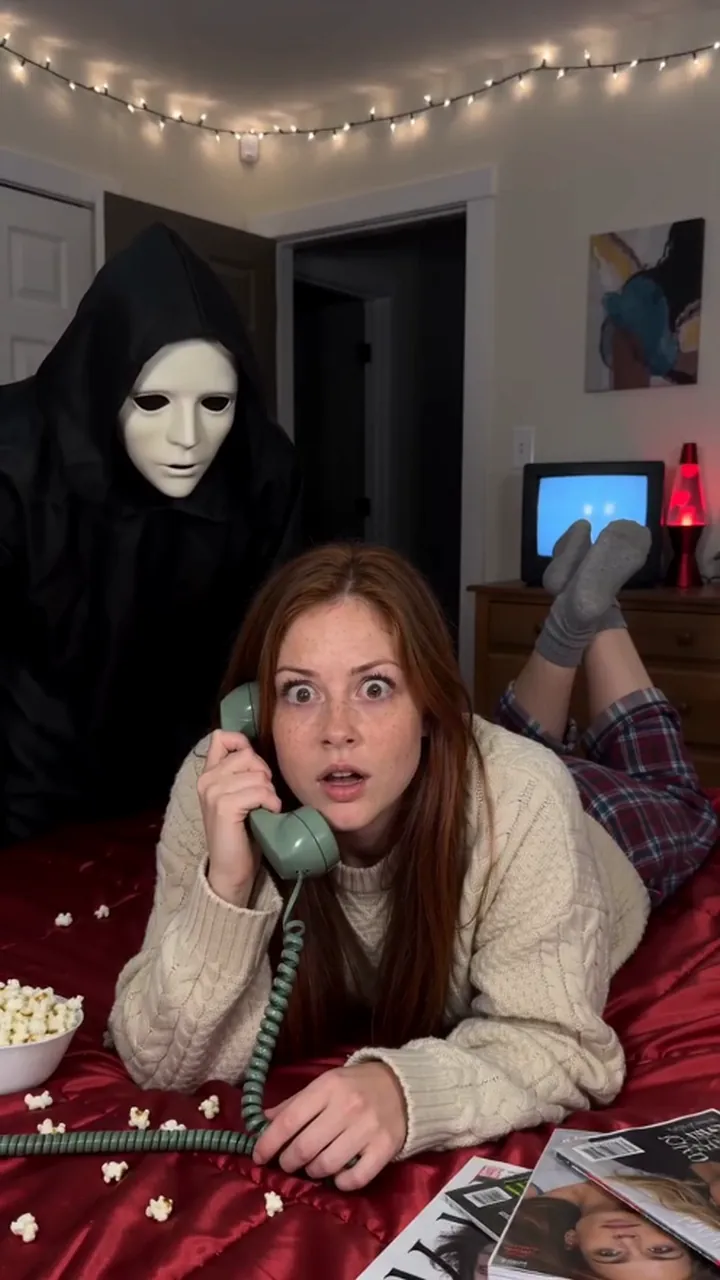
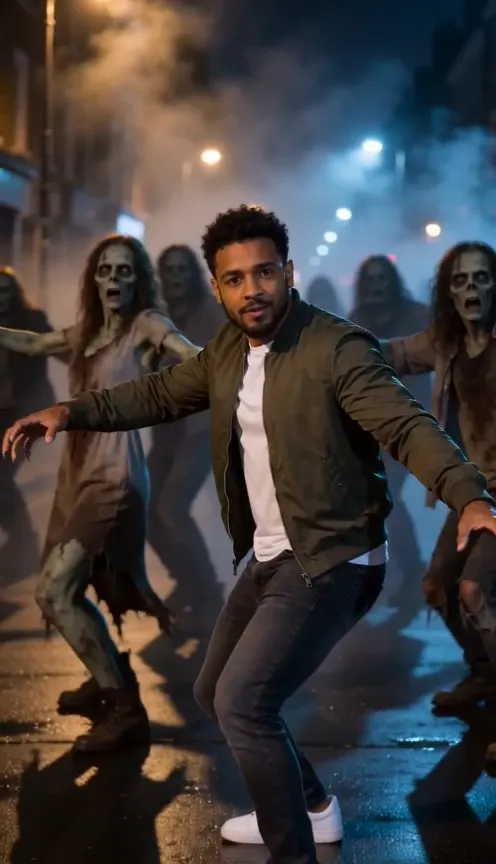
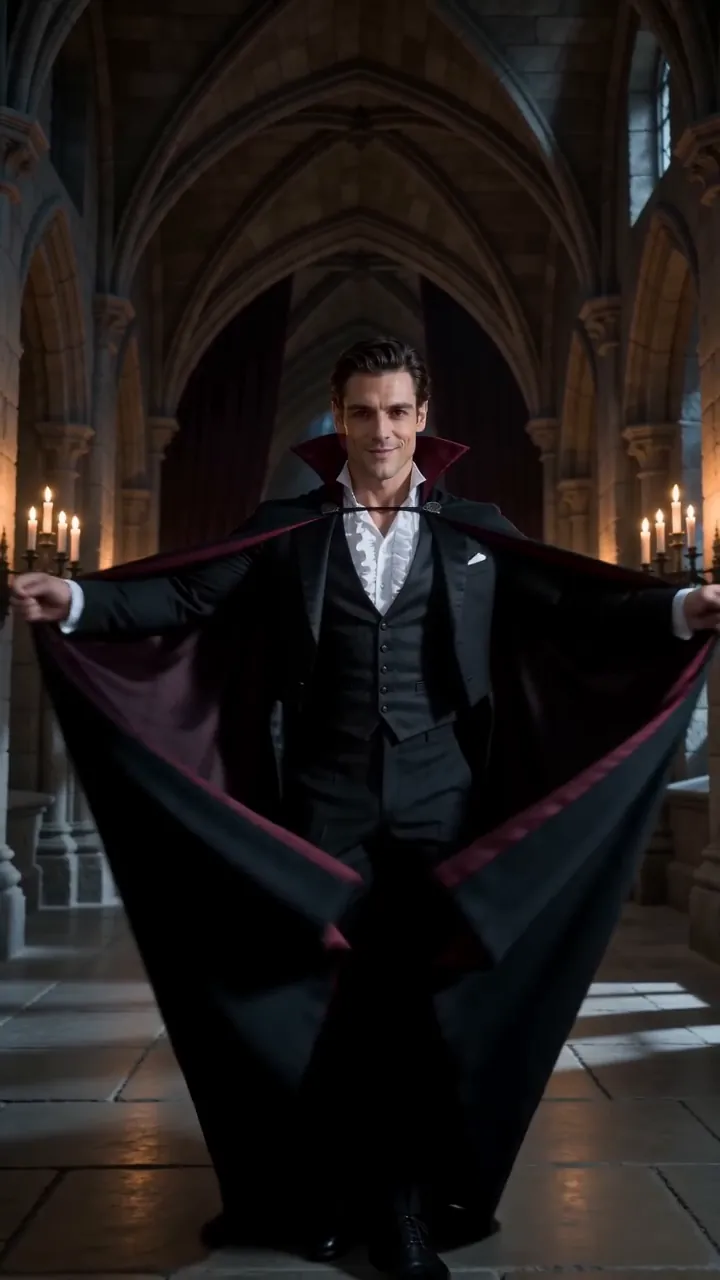
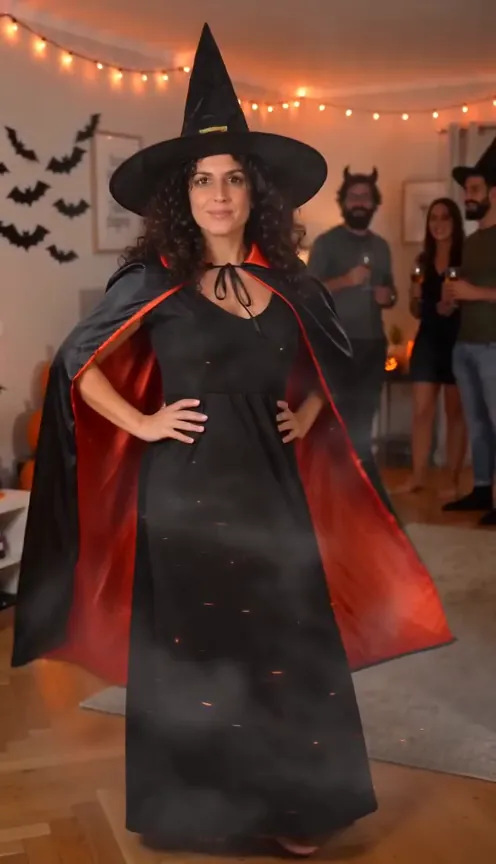
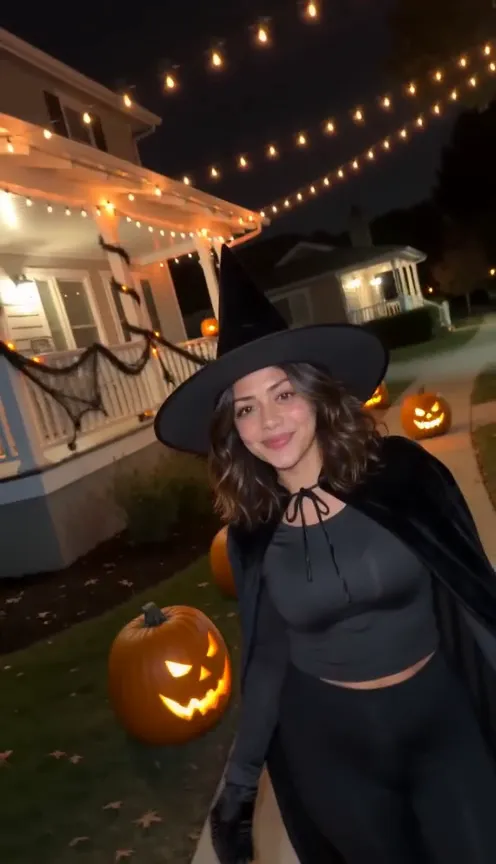
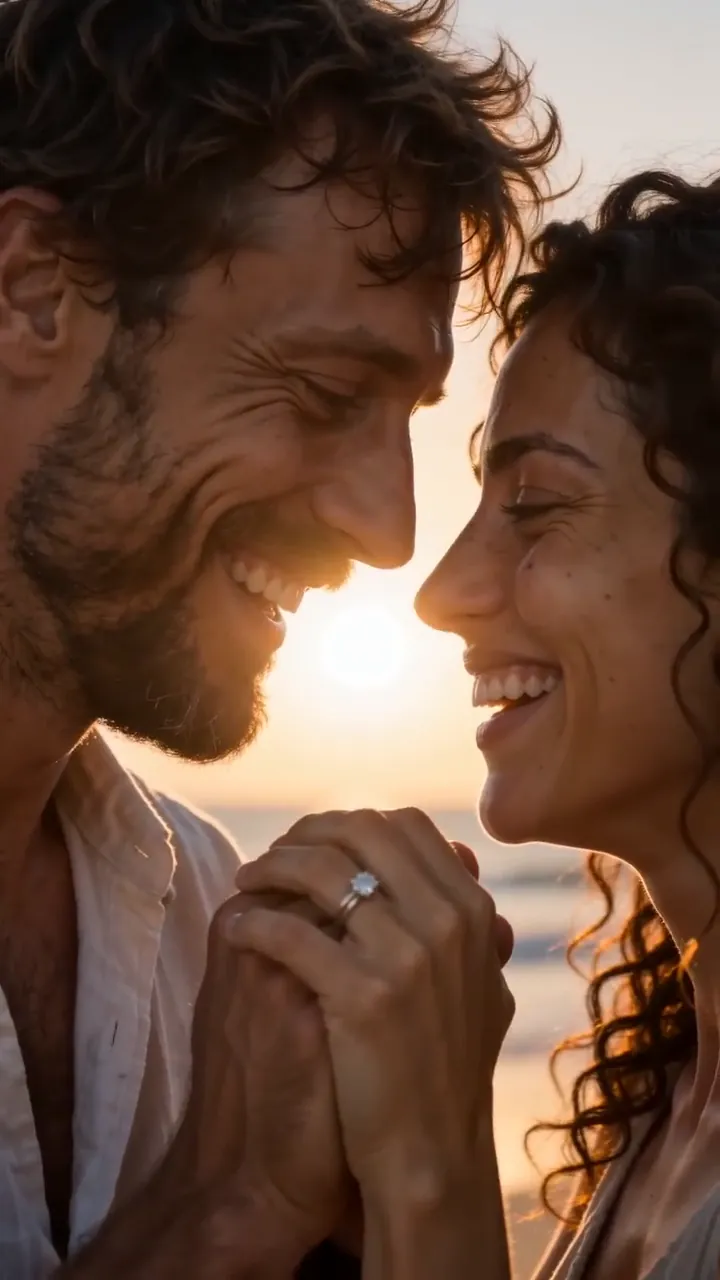
Turn a few words into a video
Write who is in the shot, what they do, where it happens and how the camera moves, the way you would brief a camera operator. Auto reads the prompt and picks the model that suits it, so you don't have to know which one handles crowds or close-ups. Each clip runs up to 15 seconds, in 9:16 for Reels and TikTok or 16:9 for YouTube. Stuck for an idea? Start from one of the tested prompts above, or browse trend templates where the prompt is already written.
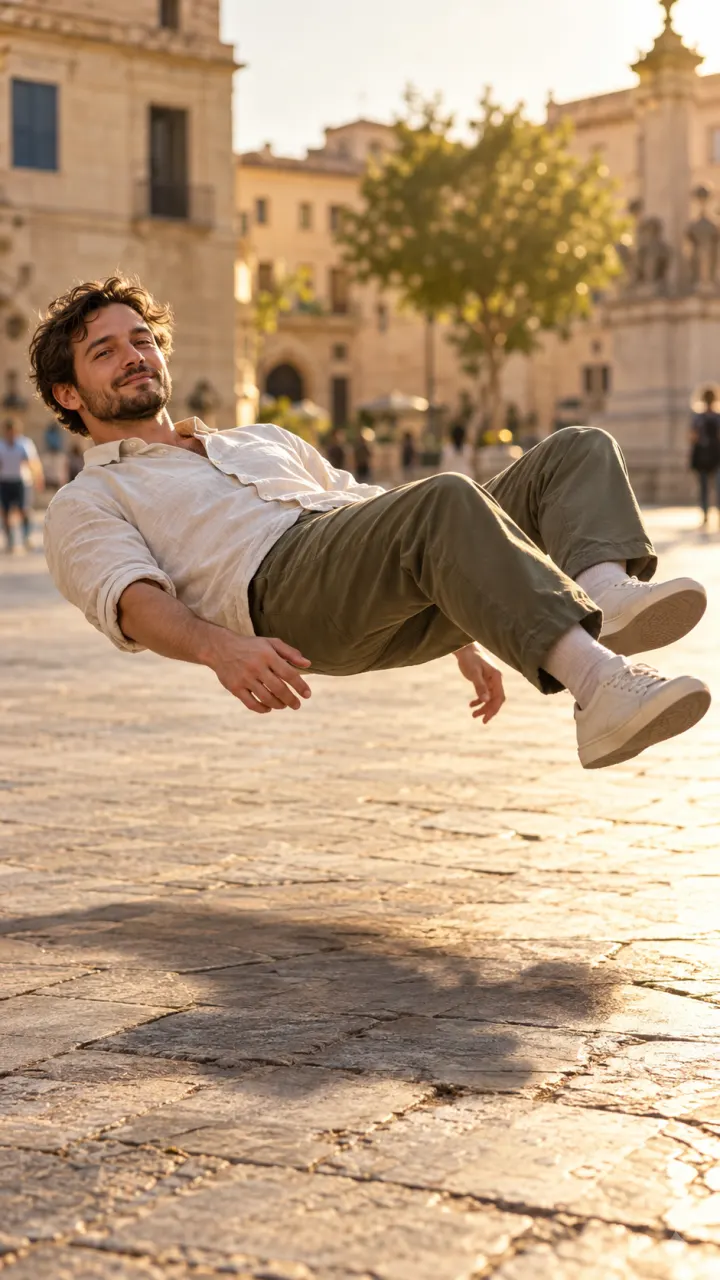
Start the clip from your own photo
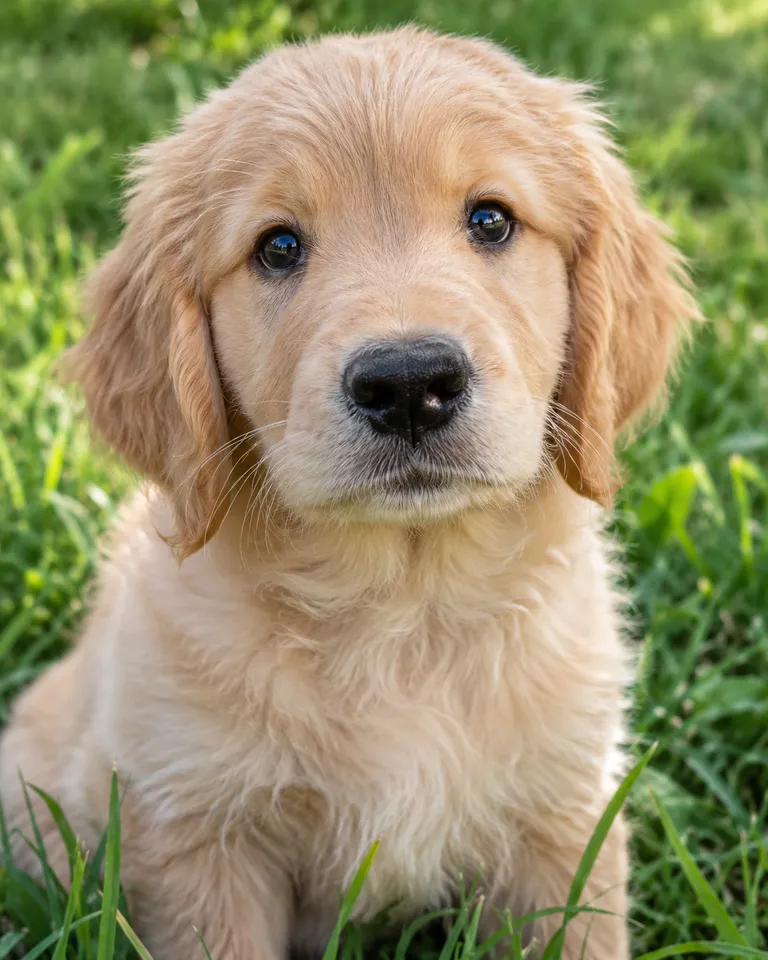
Add a photo as the first frame and say how it should move. The face, the outfit and the room in your picture carry into the clip, so a selfie, a pet portrait or a product shot is the star rather than a stranger the model made up. Use a clear, well-lit photo where the subject fills most of the frame. For more on this, see the image to video page.
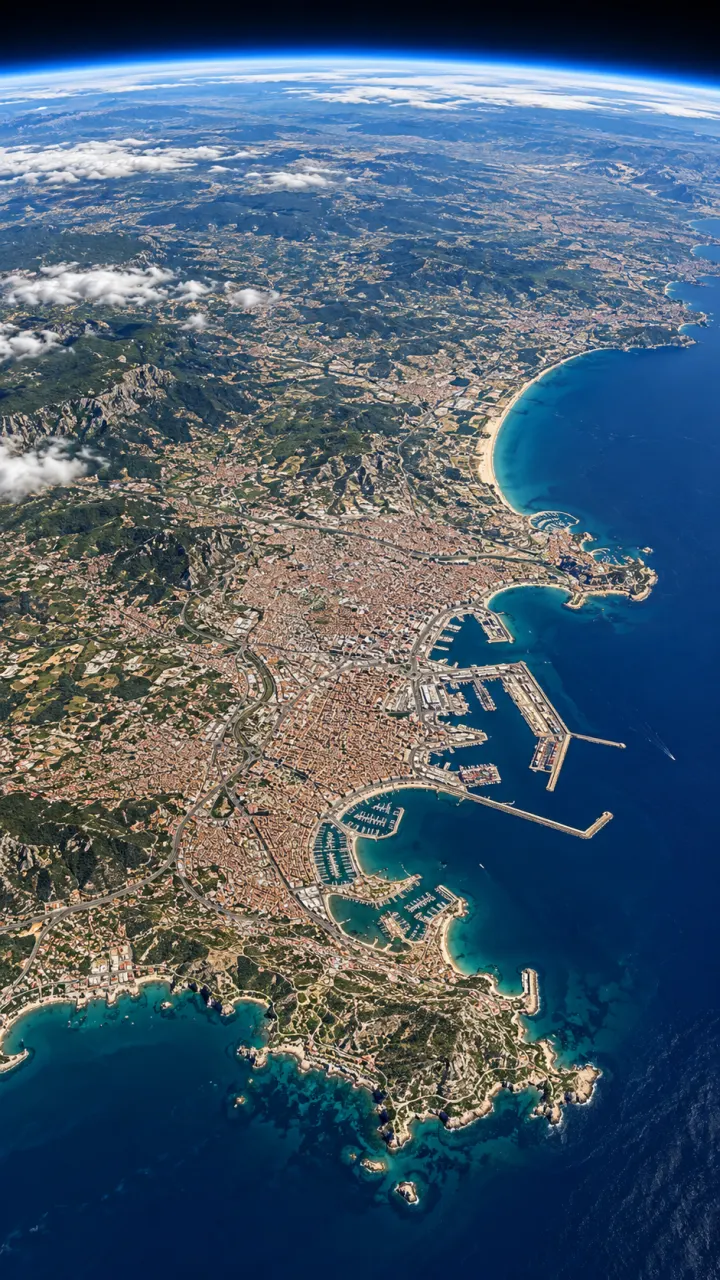
Decide where the shot ends
Give a first frame and a last frame, and the clip fills in the move between them. It is the simplest way to get a reveal, an outfit change or a zoom that lands exactly where you planned, instead of hoping the model guesses. Both frames can be your own photos or images you made a minute ago in the AI image generator.

Make it longer, then sharper
Clip ends too soon? Open it in Assets and extend it from its last frame, so the motion keeps going. Posting to a big screen? Upscale the finished clip to 1080p or 4K from the same place. Both run on any video you made here, and every result stays labeled as AI-generated. Every tool, for photos and videos, is in Studio.
Made for every feed
Tall for Reels and TikTok, wide for YouTube, square for posts. Pick the shape before you make it.
9:16Reels, TikTok, Shorts
16:9YouTube and slides
1:1Feed posts
- 4–15 second clips
- Up to 1080p
- Text or photo in
- Set the last frame
- Sound on many models
- Auto picks from 19 models
How to make an AI video
- Optional
A man in a dark jacket dances down a rain-soaked street at night, arms wide, splashing through puddles, neon reflected on the wet road, slow tracking shot
1Describe the scene
Write who, what happens and where, plus a camera move. Or tap one of the ideas above to start from a tested prompt.
- 9:1616:91:1AutoGenerate2
Add a photo, set the shape
Add a photo as the first frame if you want it to star. Pick 9:16, 16:9 or 1:1, a length up to 15 seconds, and sound.
- MP4Share link3
Generate and download
The clip lands in your feed and in Assets, ready to download as MP4 or share with a link.
AI video generator FAQ
Something else? Visit the help center.
What is the Reelfie AI video generator?
A browser tool that makes short videos from a written prompt, a photo, or both. You describe the scene, Studio renders the clip, and you download it as MP4. Every result is labeled as AI-generated.
Is the AI video generator free?
Free to try: every new account gets one photo trend free. After that, a run starts at 8 credits and shows its cost before you start; the smallest pack is $9.90. A run that fails costs nothing.
How many credits does a video cost?
It depends on the model, the length, the resolution and sound, from 8 credits for a short clip. The composer shows the exact price before you run, and a failed run gives the credits back.
Can I make a video from my own photo?
Yes. Add it as the start frame and describe the motion; some models also take an end frame. JPG, PNG or HEIC up to 20 MB, and everyone in it must be 18 or older and agree.
Which AI model does it use?
Auto picks a video model that fits what you set up (a start frame, an end frame, sound, 1080p) and tells you why. In Studio you can pick one yourself; the models page lists them all with their prices.
How long can a video be, and in what sizes?
Clips run 4 to 15 seconds depending on the model, up to 1080p. Shapes include 9:16 for Reels and TikTok, 16:9 for YouTube and 1:1 for feeds, and many models make sound with the picture.
Can I use the results commercially?
Results made with paid credits can be used commercially, including in ads, as long as everyone in them agreed. Results made with free credits are for personal posts.
What happens to the photo I upload?
Your photos are deleted 7 days after upload and never used to train AI. You can delete a photo sooner from your account.
Do I need a plan?
No. A plan adds credits every month for less per credit, and you can cancel any time. Credit packs are one-time top-ups from $9.90, and pack credits last 12 months. A failed or blocked run refunds its credits automatically.
What can’t I make?
Everyone in a photo must be 18 or older and agree to its use. No photos of children, nothing sexual, no celebrities or film characters, nothing meant to deceive. Every result is labeled as AI-generated.